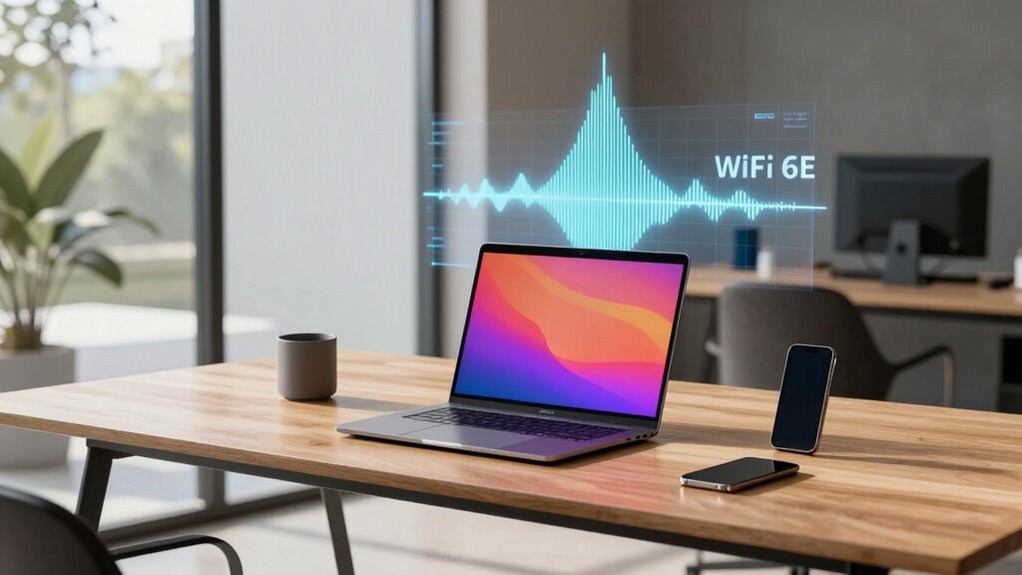

Wi-Fi 6E on the 6GHz band offers faster speeds and lower latency when your devices support it and there’s minimal interference, especially in crowded environments. It helps most when your router is placed in open areas, free from walls and other signals like Bluetooth or microwaves. However, if your gadgets don’t support Wi-Fi 6E or you’re in a space with thick barriers, you’ll see limited benefits. For more details, explore how environmental factors and device compatibility impact Wi-Fi 6E’s performance.

Turn the school run and nap time into listening time
- Thousands of audiobooks, podcasts and originals
- Listen on your phone, tablet or Echo — also offline
- Cancel anytime
Key Takeaways
- Wi-Fi 6E on the 6GHz band boosts speeds and reduces latency in less congested environments with compatible devices.
- Performance benefits diminish when interference from other electronics or obstacles like walls weaken signals.
- The 6GHz band is most effective in open spaces and when devices support Wi-Fi 6E; older devices won’t see these improvements.
- In crowded areas with many devices, spectrum congestion can limit 6GHz advantages despite device compatibility.
- Proper placement of routers and minimizing physical barriers maximize Wi-Fi 6E performance and fully leverage the 6GHz band.
As an affiliate, we earn on qualifying purchases.
What Is Wi-Fi 6E and How It Differs From Wi-Fi 6 and Earlier Standards
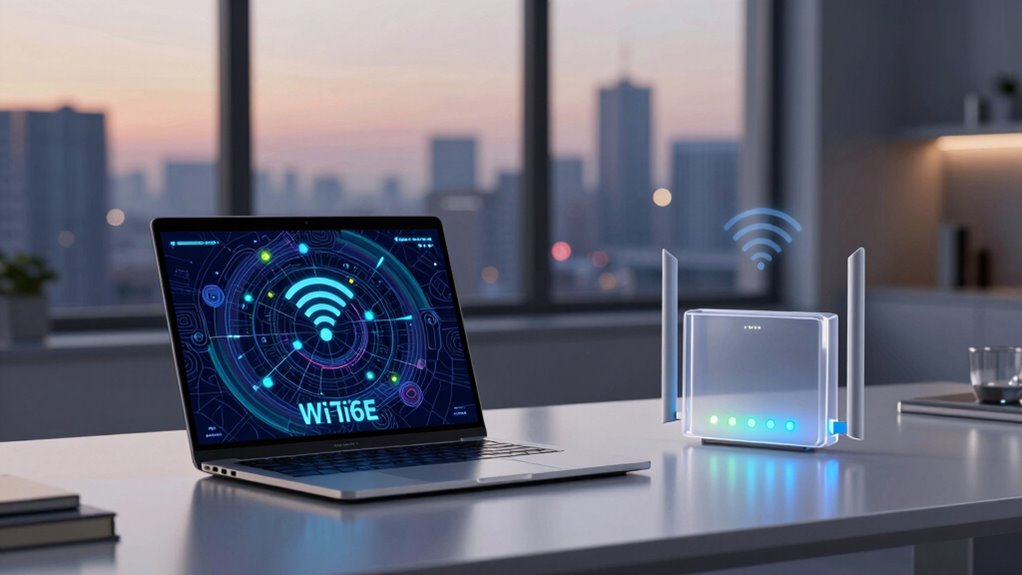
Wi-Fi 6E is an extension of Wi-Fi 6 that operates on the newly available 6GHz band, offering faster speeds and lower latency. This upgrade expands the range of frequency bands your devices can use, providing more channels and reducing congestion. Unlike earlier Wi-Fi standards, Wi-Fi 6E requires compatible devices that support the 6GHz band, which means not all gadgets will automatically benefit from these improvements. Your device’s compatibility is vital because it determines whether you can access the new bandwidth and enjoy enhanced performance. While Wi-Fi 6E delivers significant advantages, you’ll need hardware designed for it to take full advantage of the expanded frequency bands. This ensures smoother streaming, quicker downloads, and more reliable connections across your network. Device compatibility is essential for fully experiencing Wi-Fi 6E’s benefits, especially considering the importance of wireless technology advancements in modern networking.
As an affiliate, we earn on qualifying purchases.
When Wi-Fi 6E Boosts Internet Speed and Connectivity
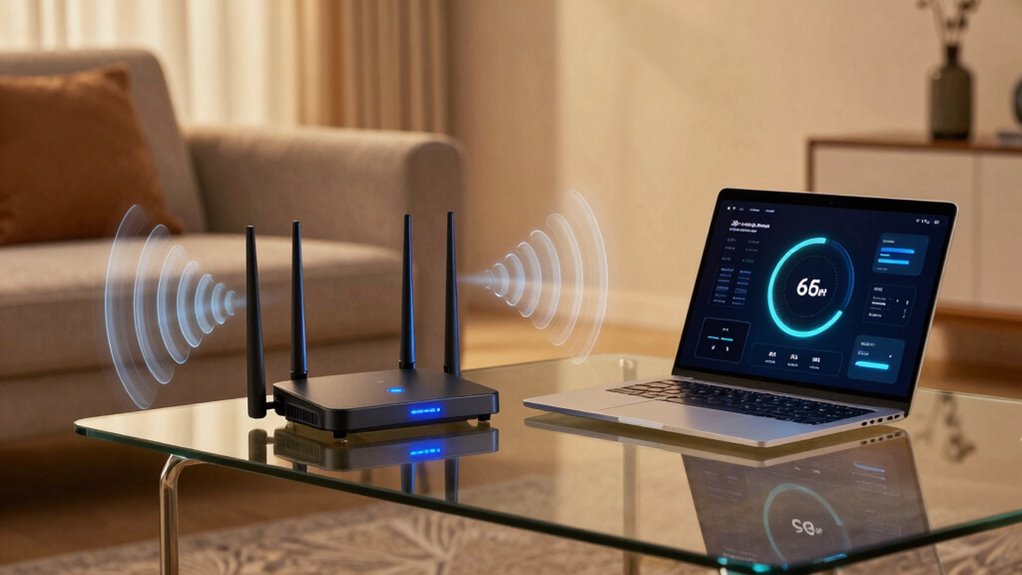
As more devices compete for bandwidth, Wi-Fi 6E markedly boosts your internet speed and connection stability by providing access to the less congested 6GHz band. This allows for faster data transfer rates, reducing lag and buffering, especially in busy environments. Enhanced wireless security features in Wi-Fi 6E protect your network from threats, ensuring your data stays safe as speeds increase. To maximize these benefits, keep your router firmware up to date, which optimizes performance and security. A properly configured router with the latest firmware guarantees the full potential of Wi-Fi 6E, offering you a reliable, high-speed connection that can handle multiple devices seamlessly. Additionally, understanding the fundamentals of wireless security can help you better protect your network from potential threats. This makes streaming, gaming, and working from home much more efficient and secure.
As an affiliate, we earn on qualifying purchases.
Key Factors That Limit Wi-Fi 6E Performance in Your Space
Your Wi-Fi 6E performance can be affected by interference from other devices and network congestion. Obstructions like walls, furniture, or materials such as metal can weaken signals and reduce speed. Understanding these factors helps you optimize your setup for better connectivity. Additionally, signal strength plays a crucial role in maintaining high-speed connections, especially in environments with multiple electronic devices. Environmental factors, such as interference sources, can further degrade Wi-Fi 6E performance, making it important to identify and mitigate such issues. Recognizing the impact of physical obstacles is essential for ensuring optimal Wi-Fi coverage in your space. Being aware of environmental interference sources can help you better troubleshoot connectivity problems and improve overall network reliability.
Interference From Other Devices
Despite the advantages of the 6GHz band, interference from other devices can substantially impact Wi-Fi 6E performance. Device crowding increases the number of signals competing for the same spectrum, leading to frequency congestion. When multiple gadgets—such as Bluetooth devices, microwave ovens, or legacy Wi-Fi networks—operate nearby, they can create noise that disrupts your Wi-Fi connection. This interference causes slower speeds, lag, and dropped connections, especially in densely populated environments like apartments or offices. While Wi-Fi 6E offers more channels and less interference compared to older bands, these benefits can be undermined if your space is saturated with devices transmitting on similar frequencies. Managing device crowding and minimizing sources of interference are key to optimizing your Wi-Fi 6E experience.
Obstructions and Material Barriers
While managing interference from other devices can improve your Wi-Fi 6E experience, physical obstructions and materials in your environment also play a significant role in signal quality. Building materials like concrete, brick, or metal can block or weaken 6GHz signals, reducing coverage and speed. Furniture obstructions such as thick cabinets, metal desks, or dense shelving can also interfere, causing signal degradation or dead zones. These barriers force your Wi-Fi to work harder to transmit data, often resulting in slower connections or dropped signals. To optimize performance, position your router in open areas away from thick walls or heavy furniture. Minimizing obstructions ensures the 6GHz band can deliver its full potential, providing faster, more reliable Wi-Fi throughout your space.
As an affiliate, we earn on qualifying purchases.
Real-World Use Cases Where Wi-Fi 6E Makes a Difference
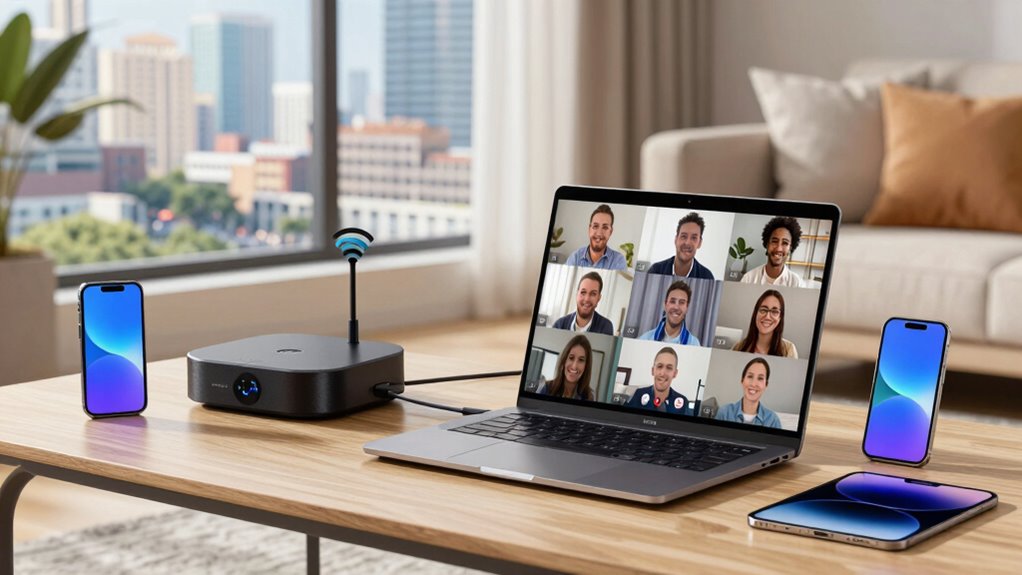
Wi-Fi 6E truly shines in high-density environments where multiple devices compete for bandwidth. It also enhances experiences like 4K streaming and virtual reality, ensuring smoother performance. Plus, it improves smart home connectivity by supporting more devices without lag or interruptions.
High-Density Environments
In high-density environments like stadiums, airports, and conference centers, the demand for reliable, fast Wi-Fi can quickly overwhelm traditional networks. Wi-Fi 6E’s expanded 6GHz band helps manage this traffic by reducing interference and increasing capacity. This means you’ll experience less lag and fewer dropped connections, even with many devices connected simultaneously. A notable advantage of Wi-Fi 6E is its ability to support more simultaneous streams, making it ideal for densely populated venues. The new band also enhances wireless security by supporting advanced encryption protocols, safeguarding sensitive data amid crowded spaces. Additionally, Wi-Fi 6E simplifies device management, allowing network administrators to efficiently prioritize traffic, monitor device activity, and quickly address issues. This results in a more secure, stable, and responsive Wi-Fi experience for users in these high-density settings, ensuring everyone stays connected without sacrificing speed or security. Moreover, the network performance in such environments is notably improved, making Wi-Fi 6E a valuable upgrade for venues handling large crowds.
4K Streaming and VR
Streaming high-definition videos and immersive virtual reality experiences demand fast, reliable connections, and Wi-Fi 6E delivers just that. With the expanded 6GHz band, you’ll experience less network congestion, reducing buffering and lag during your K streaming or VR sessions. This band’s wider channels help mitigate signal interference, which often hampers performance in crowded environments. As more devices connect simultaneously, Wi-Fi 6E maintains strong, stable links, ensuring your high-bandwidth activities aren’t disrupted. You’ll notice smoother streaming and more responsive VR interactions, even in busy households or public spaces. Without interference or congestion slowing down your connection, you can enjoy seamless content delivery and immersive experiences that were difficult to achieve with older Wi-Fi standards. Wi-Fi 6E truly makes a difference for high-demand applications like K streaming and VR, and its ability to maintain consistent performance in congested areas is a key advantage.
Smart Home Connectivity
As your smart home devices multiply, the demand for reliable, high-speed connections grows. Wi-Fi 6E’s 6GHz band offers less congestion and faster speeds, ensuring your devices stay responsive. With multiple smart home gadgets streaming, controlling, and monitoring simultaneously, a stable connection is essential. Wi-Fi 6E reduces lag, making real-time security camera feeds smoother and more dependable. It also enhances wireless security by supporting advanced encryption protocols without slowing down your network. This means your smart locks, sensors, and alarms stay connected securely, reducing vulnerabilities. As you add more devices, Wi-Fi 6E helps prevent interference, ensuring your smart home remains seamless, safe, and responsive. It’s a crucial upgrade for maintaining efficient, secure wireless security and smart home connectivity.
Device Compatibility: Will Your Gadgets Benefit From Wi-Fi 6E?
Wondering if your devices will benefit from Wi-Fi 6E? Device compatibility is key. Most older gadgets don’t support the new 6GHz band, meaning they won’t experience the speed and capacity improvements. To take full advantage of Wi-Fi 6E, your gadgets need to support the latest Wi-Fi standards, specifically Wi-Fi 6 or newer, with updated network adapter hardware. Check your device specifications or consult manufacturer support to confirm gadget support for Wi-Fi 6E. If your devices aren’t compatible yet, you might need to upgrade or add compatible network adapters. Keep in mind that device support varies widely, so not all gadgets will benefit immediately. Ensuring your devices are Wi-Fi 6E-compatible is the first step toward experiencing the full potential of the 6GHz band. Device compatibility is a crucial factor in unlocking the benefits of Wi-Fi 6E. Additionally, newer devices are more likely to incorporate Wi-Fi standards that support the 6GHz band, ensuring better future-proofing and performance. Incorporating smart home technology that leverages Wi-Fi 6E can significantly enhance connectivity and device responsiveness across your modern living space. Moreover, understanding network requirements can help optimize your setup for the best possible experience, especially as wireless technology continues to evolve rapidly.
Tips to Maximize Wi-Fi 6E Speed and Coverage at Home or Work
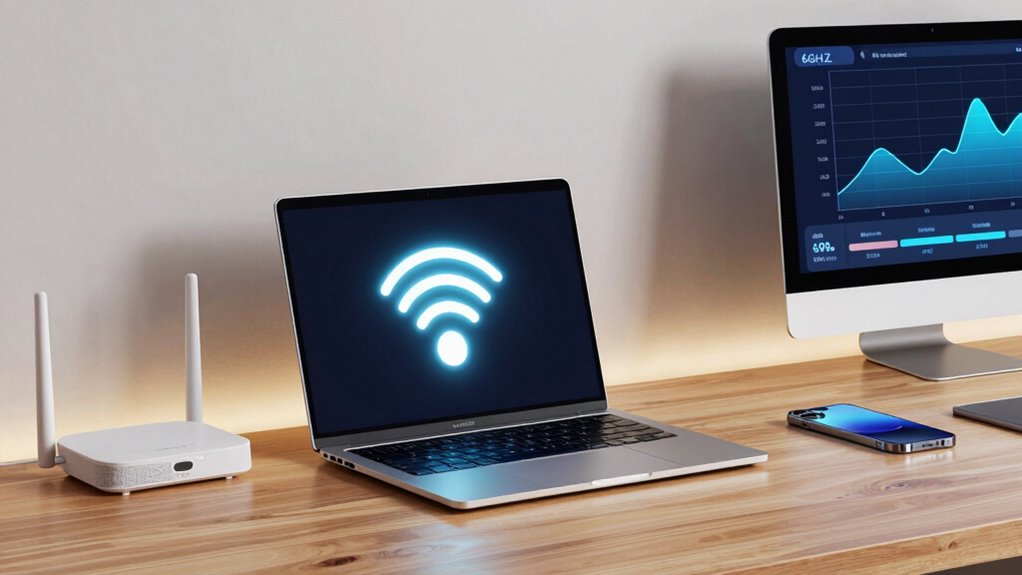
To get the most out of Wi-Fi 6E, optimizing your home or workplace network is essential. Start by ensuring your devices are compatible with the 6GHz band to reveal its full speed and coverage potential. Keep your network secure by updating firmware and using strong, unique passwords, which helps prevent unauthorized access that could slow your connection. Position your Wi-Fi router in a central location, away from interference, to maximize coverage. Use mesh systems if you have a larger area to blanket with Wi-Fi. Regularly check for device compatibility updates and firmware upgrades to maintain ideal performance. Additionally, understanding Wi-Fi 6E technology and how it interacts with your environment can help you make informed decisions about your setup. Being aware of interference sources such as other electronic devices can also enhance your network’s reliability. Recognizing the importance of spectral efficiency in Wi-Fi 6E can guide you in choosing the right equipment for your needs. Paying attention to network interference can prevent signal disruptions and improve performance. By prioritizing device compatibility and network security, you’ll enjoy faster speeds, better coverage, and a safer, more reliable Wi-Fi experience.
Is Upgrading to Wi-Fi 6E Worth It? Factors to Consider Before You Decide
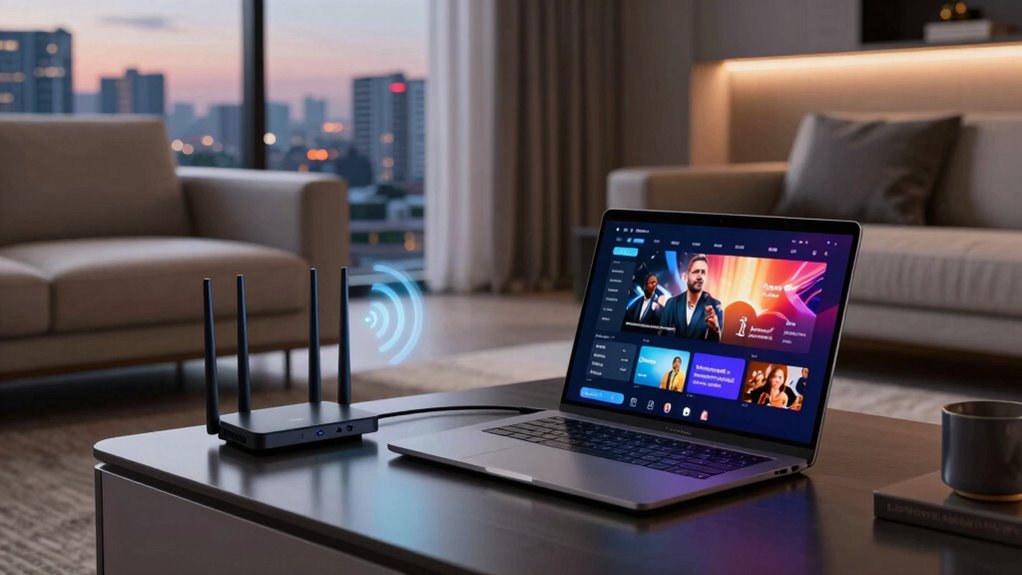
Upgrading to Wi-Fi 6E can offer significant benefits, but whether it’s worth it depends on your specific needs and circumstances. Consider your current network security; Wi-Fi 6E introduces enhanced encryption features that improve data protection, which might be essential if you handle sensitive information. Additionally, hardware upgrades are necessary, as older devices won’t support the 6GHz band, meaning you’ll need new routers and compatible devices. Evaluate if your existing setup can leverage the faster speeds and reduced congestion Wi-Fi 6E provides. If your devices are outdated or your network security needs upgrading, investing in Wi-Fi 6E makes sense. However, if your current network meets your needs, and your hardware is sufficient, upgrading may not be immediately necessary. Understanding industry trends can help you decide if now is the right time to upgrade, especially considering emerging wireless standards and ongoing advancements.
Frequently Asked Questions
How Does Wi-Fi 6E Impact Network Security?
Wi-Fi 6E improves network security by supporting stronger encryption protocols, making it harder for hackers to access your data. However, it also introduces new network vulnerabilities if not properly configured or updated. You should guarantee your devices use the latest security standards and regularly update firmware. This way, you maximize Wi-Fi 6E’s security benefits and protect your network from potential threats.
Can Wi-Fi 6E Reduce Latency for Gaming?
Yes, Wi-Fi 6E can reduce gaming latency by offering faster data transfer and less interference. You’ll notice smoother gameplay because it minimizes network congestion, especially in crowded environments. The 6GHz band provides more room for your devices, decreasing lag and buffering issues. Just make certain your gaming device and router support Wi-Fi 6E to experience these benefits, making your gaming sessions more responsive and enjoyable.
What Are the Costs Associated With Upgrading to Wi-Fi 6E?
They say “you get what you pay for,” and upgrading to Wi-Fi 6E isn’t cheap. You’ll face a cost analysis that includes new routers, compatible devices, and potential upgrade challenges like compatibility issues. Expect to spend more upfront, but it could pay off with faster speeds and lower latency. Be prepared for installation costs and possible tech support, making it a strategic investment for future-proofing your network.
How Does Wi-Fi 6E Perform in Crowded Environments?
In crowded environments, Wi-Fi 6E performs better by reducing channel congestion and interference. You’ll notice smoother connections because it offers more channels in the 6GHz band, which helps avoid interference from other devices. This means your network stays faster and more reliable even when many users are connected, making Wi-Fi 6E an ideal choice for busy households or offices where multiple devices operate simultaneously.
Are There Any Health Concerns With 6GHZ Wi-Fi Usage?
Imagine waves gently lapping at your shoreline, not crashing wildly—this is how 6GHz Wi-Fi’s electromagnetic exposure compares to everyday devices. Current evidence shows it’s safe, with minimal health safety concerns linked to typical usage. Scientific studies haven’t found any significant risks from electromagnetic exposure at these frequencies. Rest assured, using Wi-Fi 6E doesn’t pose health threats, and regulatory agencies continue to monitor and confirm its safety for everyday use.
Conclusion
Deciding whether to upgrade to Wi-Fi 6E depends on your specific needs and device compatibility. While it can offer faster speeds and better connectivity, it’s not a magic bullet for every situation. If you’re facing interference or have outdated gadgets, the benefits might not be worth the cost. Remember, it’s not just about jumping on the bandwagon—make sure it’s the right fit for you, or you might be chasing rainbows.
Fall Picks
fall essentials
As an affiliate, we earn on qualifying purchases.