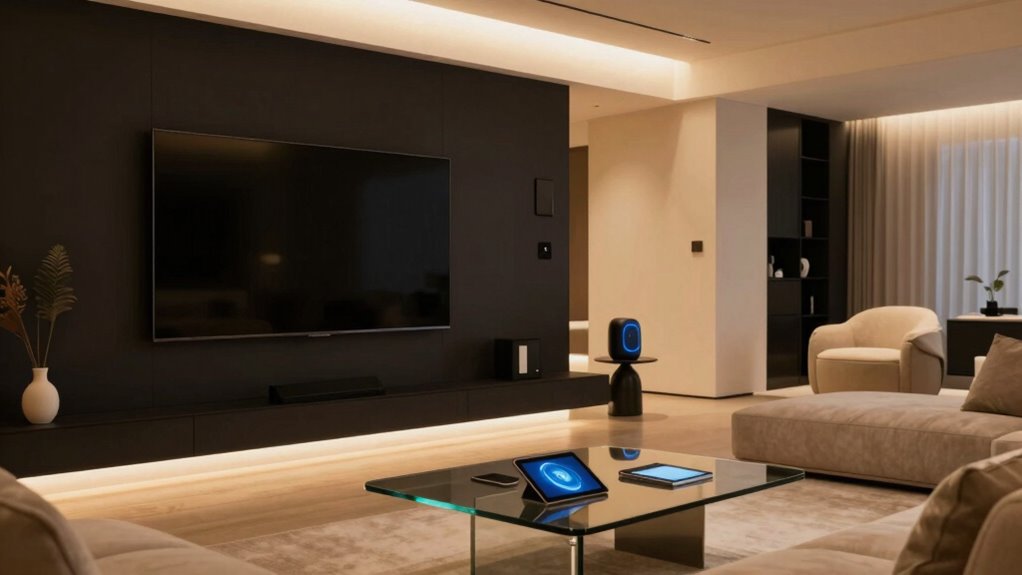

To build a smart home that’s guest-friendly, install easy-to-use systems like smart locks with temporary codes, clear instructions, and discreet cameras for security. Incorporate voice assistants for hands-free control and integrate devices through a smart hub to simplify management. Label devices clearly and provide quick-start guides to help guests navigate technology effortlessly. Balancing modern features with security and comfort creates an inviting space—continue to explore ways to make your smart home truly welcoming for every guest.

Turn the school run and nap time into listening time
- Thousands of audiobooks, podcasts and originals
- Listen on your phone, tablet or Echo — also offline
- Cancel anytime
Key Takeaways
- Install intuitive smart locks with temporary codes and clear instructions for easy guest access.
- Incorporate user-friendly voice assistants and label devices for straightforward operation.
- Use discreet cameras and motion detectors to ensure safety without compromising guest comfort.
- Integrate smart devices through centralized platforms for seamless control and management.
- Provide quick-start guides and demonstrations to ensure guests can navigate the smart home confidently.
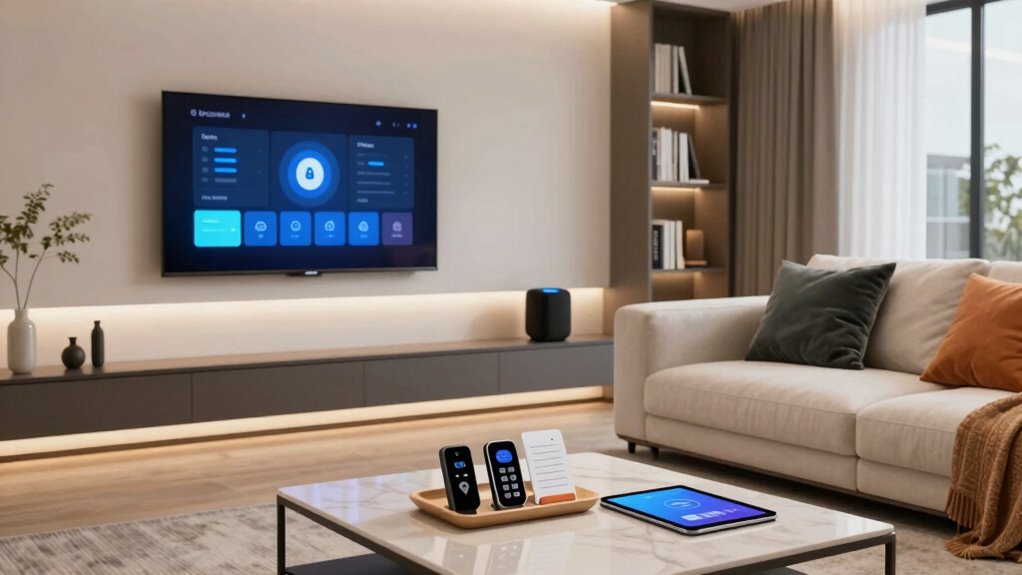
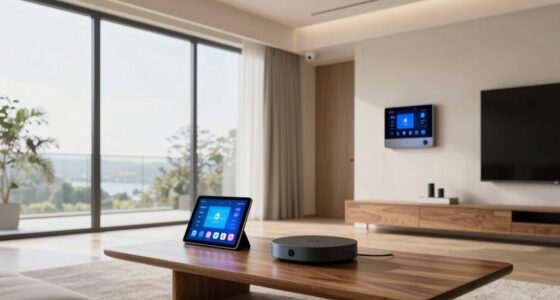
Creating a smart home for guests can considerably enhance their comfort and convenience, making your space more inviting and functional. When designing a smart environment, consider how security and ease of use play crucial roles. Installing reliable security systems reassures your guests that their safety is a priority, while voice assistants simplify interactions and control of various devices. By combining these elements thoughtfully, you create a welcoming atmosphere that feels both modern and secure.
Start with a robust security system that’s easy to understand and operate. Modern security options include smart locks, motion detectors, and cameras that can be accessed remotely or through simple app controls. Make sure your security system is straightforward enough for guests unfamiliar with your setup. For example, installing smart locks with temporary access codes allows guests to enter without worrying about physical keys, and you can easily revoke access when they leave. Cameras placed discreetly ensure safety without making your guests feel watched, providing peace of mind for everyone. Clear instructions on how to operate these systems, perhaps via a printed guide or a quick demonstration, will help guests feel comfortable without feeling overwhelmed. Incorporating smart home technology can also help streamline the process and improve overall security. Understanding the benefits of smart devices can help you choose the right options for your space. Additionally, staying updated on the latest smart home security features can ensure your setup remains secure and user-friendly over time. Using smart home integration platforms can make managing multiple devices more seamless and intuitive.
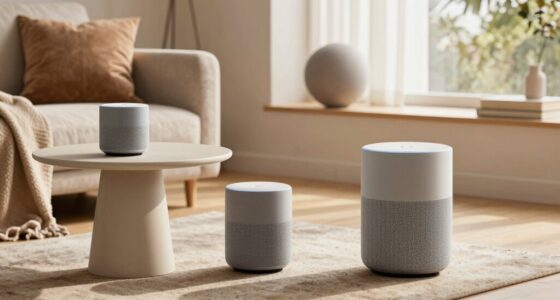
Voice assistants are another game-changer. They serve as central hubs for controlling lighting, climate, entertainment, and even security features. When you set up voice assistants like Amazon Alexa or Google Assistant, ensure they’re configured for guest use. You can create custom voice commands that allow visitors to turn on lights, adjust the temperature, or play music simply by speaking. This hands-free control makes the environment more user-friendly, especially for guests who might not be tech-savvy. Keep in mind, privacy is key—set up voice assistants with guest mode or mute options so they don’t accidentally record conversations or access sensitive information.
To make everything seamless, label devices clearly and provide simple instructions. A small cheat sheet or quick-start guide can go a long way in helping guests navigate your smart home without frustration. Test your system thoroughly before guests arrive, ensuring all components work together smoothly. Remember, the goal isn’t to create a high-tech fortress but an accessible, secure, and comfortable space. With a well-thought-out security system and intuitive voice assistants, your guests will enjoy a stay that feels both modern and safe, leaving a positive impression that they’ll remember long after they leave.
smart lock with temporary access codes
As an affiliate, we earn on qualifying purchases.
As an affiliate, we earn on qualifying purchases.
Frequently Asked Questions
How Can I Ensure Guest Privacy With Smart Home Devices?
To guarantee guest privacy with smart home devices, you should set up separate guest networks to isolate their devices from your main system. Enable data encryption on all devices to protect their information. Additionally, inform guests about your privacy measures and disable any unnecessary data collection features. Regularly update firmware and security settings to keep their data safe, creating a comfortable environment that respects their privacy while enjoying smart technology.
What Are the Best User-Friendly Smart Home Apps for Guests?
For guests, find friendly, flexible smart home apps like Google Home and Apple HomeKit that feature intuitive interfaces and easy app customization. They support voice control for fuss-free operation and are simple to navigate, making guests feel comfortable. These apps allow you to tailor settings, ensuring your home’s tech stays user-friendly for visitors, while maintaining privacy and control for you. Plus, they’re compatible with a wide range of devices, simplifying smart home sharing.
How Do I Troubleshoot Smart Home Device Issues for Guests?
To troubleshoot smart home device issues for guests, start by checking device compatibility to guarantee everything works seamlessly. Follow clear troubleshooting protocols, such as restarting devices, verifying Wi-Fi connections, and updating firmware if needed. Keep instructions simple and accessible, so guests can easily follow them. If problems persist, have a dedicated support contact or guide ready, making troubleshooting quick and stress-free for your guests.
Can Guests Control Smart Home Systems Remotely?
Guests can control smart home systems remotely if you enable device sharing or set up voice control access. When you grant them permissions, they can manage lights, thermostats, and other devices via their smartphones or voice commands. However, always verify that your security settings are in place to prevent unauthorized access. Remember, sharing device control requires trust, so consider limiting access to guarantee your home remains secure while offering convenience.
What Security Measures Protect Guest Data in a Smart Home?
You protect guest data by implementing strong security measures like data encryption, which keeps their information safe from unauthorized access. When setting up guest access, guarantee you create separate user profiles with limited permissions, preventing guests from viewing sensitive data. Regularly update your smart home systems and use secure passwords to reduce vulnerabilities. These steps help maintain guest privacy while still allowing convenient, controlled access to your smart home features.
As an affiliate, we earn on qualifying purchases.
Conclusion
Now, with these tips, your smart home will not just be a house, but a futuristic paradise that guests will rave about for decades! Imagine never worrying about a guest’s comfort again—your home will practically anticipate their needs before they even step inside. With seamless automation and thoughtful design, you’ll turn your space into an unforgettable haven that feels like stepping into the future itself. Get ready to blow minds and leave everyone wondering if they just entered a sci-fi movie!
As an affiliate, we earn on qualifying purchases.
smart home hub for device control
As an affiliate, we earn on qualifying purchases.
As an affiliate, we earn on qualifying purchases.
Fall Picks
fall essentials
As an affiliate, we earn on qualifying purchases.