If your LED bulbs flicker when using smart dimmers, it’s often due to compatibility issues, poor wiring, or insufficient load support. Cheaper or incompatible bulbs and dimmers may struggle to interpret dimming signals smoothly, causing flickering. Adjusting dimmer settings, installing load resistors, or choosing compatible, high-quality LEDs can help. If flickering persists, it’s best to check wiring or consult an expert—there’s more you can do to fix this issue.
Key Takeaways
- Incompatible or cheap LED bulbs often lack drivers designed for dimming, causing flickering with smart dimmers.
- Proper matching of dimmer models and ensuring bulbs are labeled “dimmable” reduces flickering issues.
- Incorrect wiring or poor connections can lead to electrical instability, resulting in flickering in LED bulbs.
- Adjusting dimmer settings and calibration helps align performance with LED bulb capabilities, minimizing flicker.
- Installing load resistors and using high-quality, LED-compatible dimmers improves long-term flicker-free dimming performance.

SYLVANIA Wifi LED Smart Light Bulb, 60W Equivalent Dimmable Soft White A19, Compatible with Alexa and Google Home Only – 4 Pack (75672)
Hassle-Free Voice Control: The SYLVANIA SMART+ light bulbs are compatible with Alexa, Siri Shortcuts, and Google Home. Use…
As an affiliate, we earn on qualifying purchases.
As an affiliate, we earn on qualifying purchases.
Why Do LED Bulbs Flicker When Dimming With Smart Dimmers?
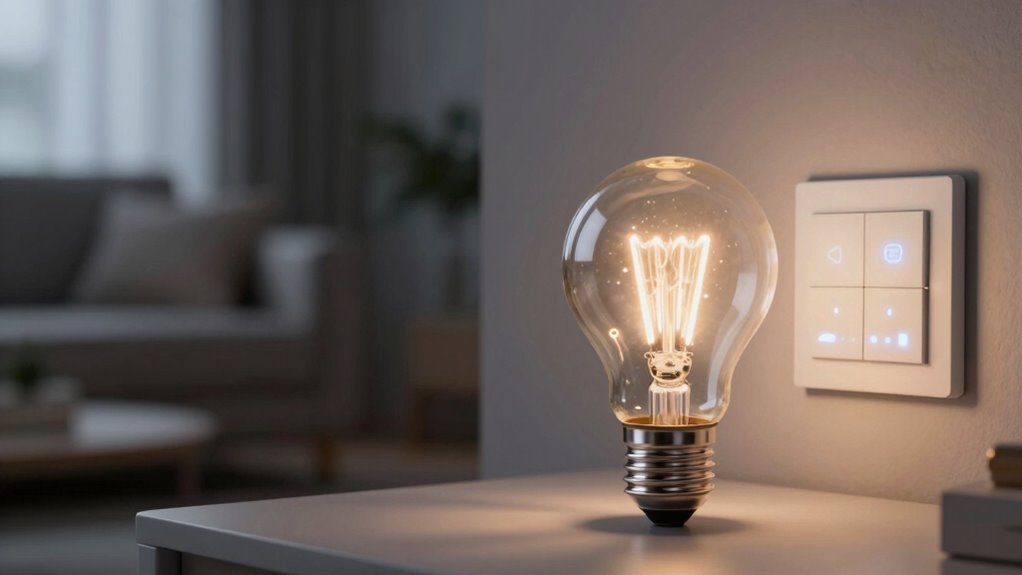
LED bulbs often flicker when you try to dim them with smart dimmers because their internal drivers struggle to work smoothly with certain dimming signals. Not all LED bulb types are equally compatible with dimming controls, which affects their performance. Some bulbs are designed specifically for dimming, offering better dimming compatibility, while others may flicker or hum. The flickering occurs because the driver can’t properly interpret the dimming signal, leading to inconsistent power delivery. This issue is more common with cheaper or incompatible bulb types that lack advanced driver technology. To prevent flickering, it’s essential to select LED bulbs labeled as compatible with your smart dimmer and ensure they’re designed for dimming applications. Proper bulb choice makes a significant difference in achieving smooth dimming experiences.

iBrightstar 50W 6ohm Load Resistors for Fix LED Bulb Fast Hyper Flash Turn Signal Blink Error Code
4PCS 50W 6ohm Load Resistors + 8PCS Quick wire Clip.
As an affiliate, we earn on qualifying purchases.
As an affiliate, we earn on qualifying purchases.
Are Your LED Bulbs Compatible With Your Dimmer?
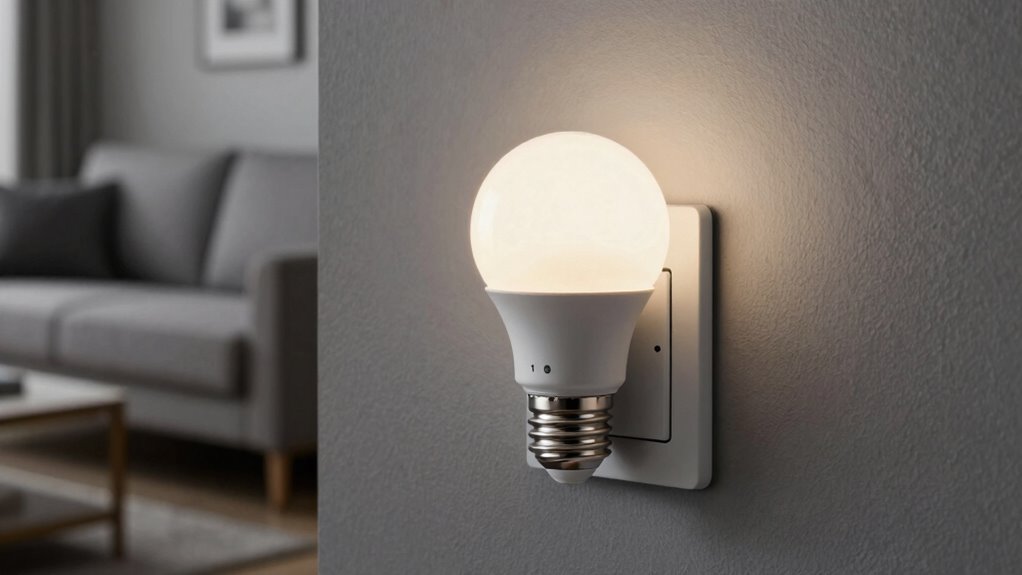
Before replacing or installing a new dimmer, it’s important to check if your bulbs are compatible. Not all LED bulbs work well with every dimmer, so understanding bulb compatibility is key. Look for bulbs labeled as dimmable and designed for use with dimmers. Ensuring proper dimmer matching is essential to prevent flickering and performance issues. Some dimmers are made specifically for certain types of bulbs, so verify the specifications before making a purchase. If your LED bulbs aren’t compatible with your dimmer, you might experience flickering, buzzing, or limited dimming range. To avoid these problems, choose bulbs that explicitly state they are compatible with your dimmer model. Correct bulb compatibility and proper dimmer matching will give you smoother, flicker-free dimming. Additionally, selecting energy-efficient European cloud servers can help optimize your overall electrical system and reduce power fluctuations. Proper wiring practices also play a crucial role in achieving reliable dimming performance, especially when integrating advanced dimmer technology into your setup. To further improve performance, consider ensuring that your dimmer is compatible with the LED bulb technology used, which can significantly impact flickering issues.

Lutron Diva LED+ Dimmer Light Switch for Dimmable LED, Halogen, and Incandescent Bulbs, 150 Watt, Single-Pole or 3-Way, DVCL-153P-WH, White
Installs in as little as 15 minutes with Lutron dimmer switch for LED lights in homes of all…
As an affiliate, we earn on qualifying purchases.
As an affiliate, we earn on qualifying purchases.
Common Causes of LED Flickering With Smart Dimmers
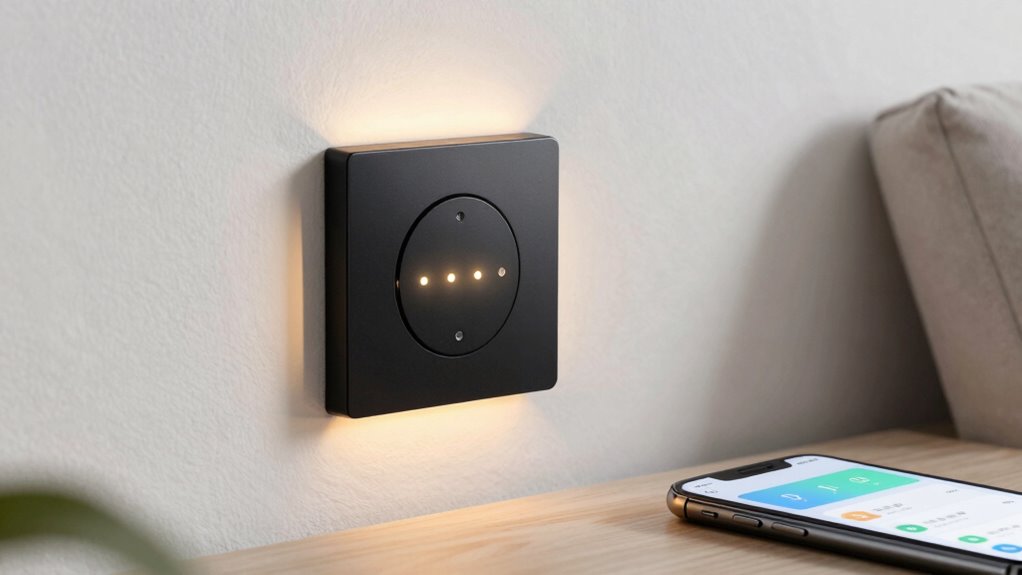
Flickering issues with smart dimmers often stem from underlying compatibility or wiring problems. One common cause is mismatched dimming technology—some LED bulbs, due to their bulb manufacturing, aren’t designed to work with certain dimmers. Poor wiring connections can also cause inconsistent power flow, leading to flickering. Additionally, Free Floating wiring setups can sometimes contribute to unstable electrical connections, further exacerbating flickering issues. Ensuring proper electrical wiring standards can help prevent such problems and improve performance. Using compatible dimming protocols ensures smoother operation and reduces flickering.

HitLights 100 Watt LED Driver and Dimmer Switch Single Integrated Unit, EZDim 120V AC – 24V DC Wall Dimmer Switch Compatible with Most Solid Color 24VDC Tape Lights and Fixtures, UL Listed
EZDim Product – First LED Driver + In-Wall Dimmer Switch in one unit, Simplifies LED installation by eliminating…
As an affiliate, we earn on qualifying purchases.
As an affiliate, we earn on qualifying purchases.
How Your Dimmer Settings Can Stop Flickering
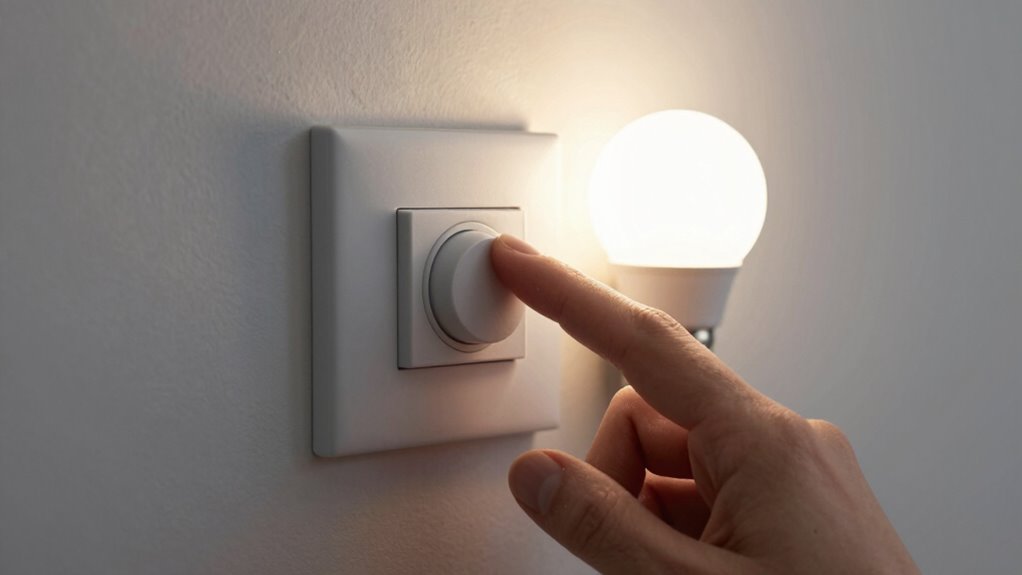
Adjusting your dimmer settings can often eliminate flickering by ensuring the device and bulbs work harmoniously. Proper dimmer calibration is key; it involves setting the correct parameters so the dimmer matches your LED bulbs’ capabilities. Check your dimmer’s bulb dimming range to confirm it supports your LED bulbs’ minimum and maximum levels. If the range is too narrow or too broad, flickering can occur. Many dimmers have a calibration mode or adjustment screws—use these to fine-tune the settings. By aligning your dimmer’s calibration with your LED bulbs’ dimming range, you reduce the chances of flicker and achieve smoother dimming performance. Understanding your dimmer’s ratings can help you select compatible bulbs and settings for flicker-free lighting. This simple step can make a significant difference in flicker-free lighting.
Choosing the Right LED Bulb for Flicker-Free Dimming
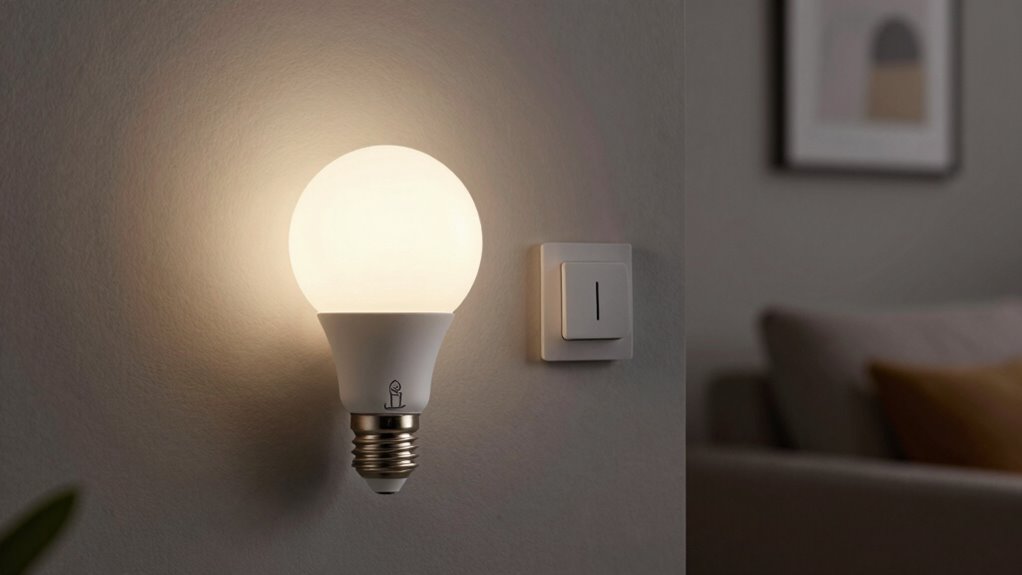
Choosing the right LED bulb is vital for achieving flicker-free dimming, especially when paired with compatible dimmers. Not all LED bulbs are designed for smooth dimming, so checking their dimming compatibility is essential. Look for bulbs labeled specifically as dimmable, and verify they match your dimmer’s specifications. Proper bulb selection ensures consistent performance and prevents flickering issues. Consider brands known for quality dimmable LEDs, as their bulbs often have better internal circuitry for stable dimming. Additionally, pay attention to the bulb’s compatibility with your dimmer type, whether leading-edge or trailing-edge. Making informed bulb choices minimizes flickering and maximizes dimming control, giving you a seamless, flicker-free lighting experience. Understanding dimming circuitry can further help you choose bulbs that work smoothly with your existing setup.
Troubleshoot Flickering: Easy Fixes to Try First
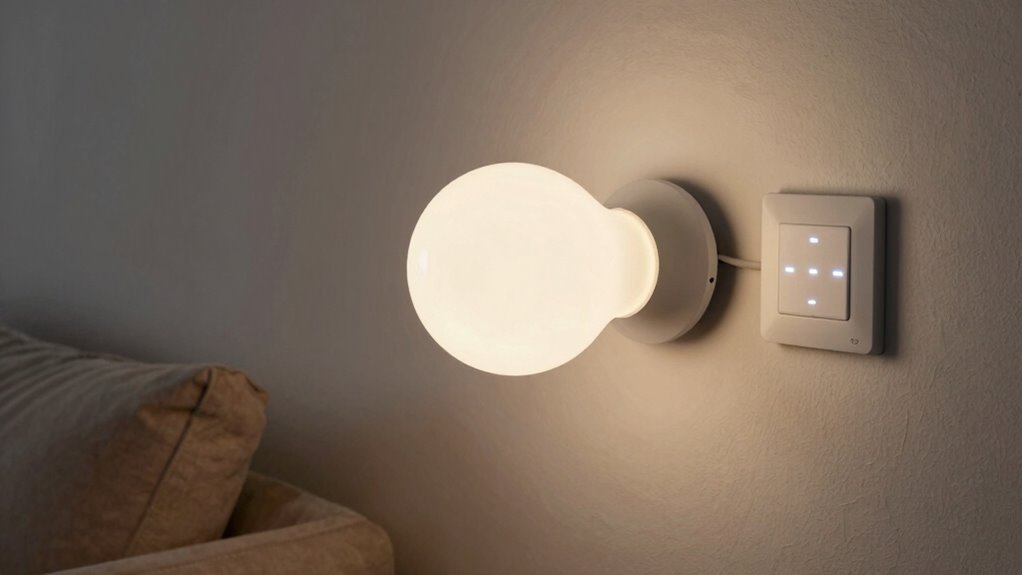
If your LED bulbs are flickering despite being compatible with your dimmer, there are simple fixes you can try before replacing hardware. First, check that your smart switches are properly installed and configured, as incorrect wiring can cause flickering. Ensure the dimmer is compatible with your specific LED bulbs; not all dimmers work well with all LEDs. Sometimes, adjusting the dimmer’s minimum brightness setting can reduce flicker. If your smart switch has a dimming mode, try toggling it or resetting the switch to see if flickering stops. Also, verify that the bulbs are compatible with the dimmer’s load range. These quick steps often resolve flickering issues without needing to supplant your hardware. Additionally, considering proper load sizing can help ensure your dimmer and bulbs work smoothly together, especially since load compatibility is vital for avoiding electrical issues. It’s also helpful to consult dimmer specifications to confirm your setup aligns with manufacturer recommendations. Ensuring that your system is within the appropriate electrical load capacity can further improve performance and prevent flickering. Regularly reviewing smart home integration options can also optimize your setup for better stability and function.
Install Load Resistors to Prevent Flickering
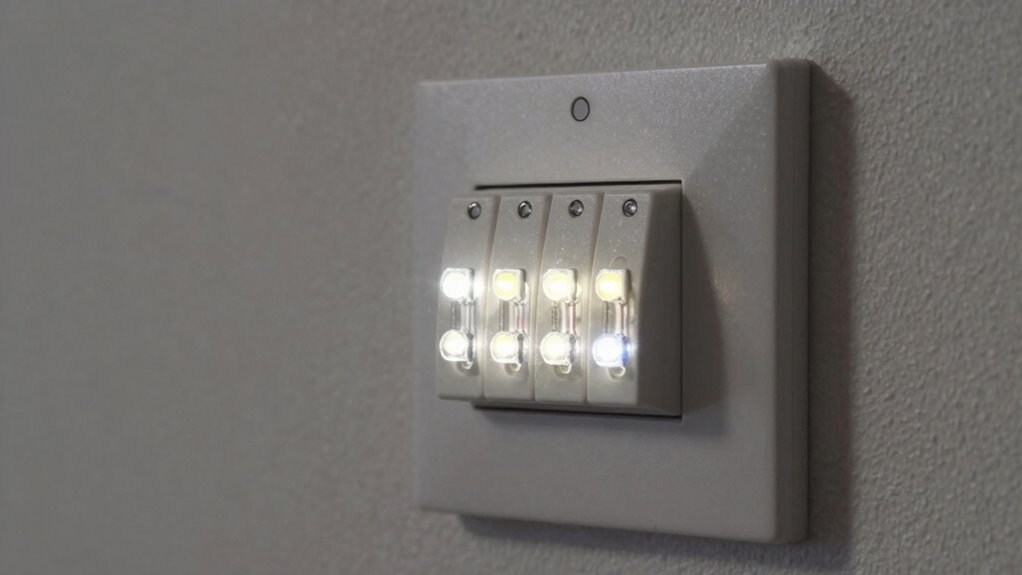
Installing load resistors can effectively prevent flickering in LED bulbs when dimmed. These devices help stabilize the current, ensuring flicker prevention even at low dimming levels. Imagine:
- Connecting a small resistor across the socket terminals, like a bridge ensuring steady flow.
- Visualizing a smooth, flicker-free glow replacing flickering shadows.
- Feeling confident that your dimmer now handles LED bulbs better.
- Achieving consistent brightness without flickering interruptions.
- Recognizing that LED bulb compatibility plays a crucial role in preventing flicker and ensuring optimal performance.
- Understanding that electrical load requirements can influence how well load resistors work with your dimmer setup.
- Knowing that dimmer switch types can also impact flickering issues and the effectiveness of load resistors.
- Properly matching your dimmer and LED bulbs can further enhance smart home integration and overall reliability.
- Additionally, ensuring that your installation setup adheres to electrical standards can help maintain safe and effective operation.
Load resistors work by providing a minimum load, which prevents LED bulbs from flickering due to insufficient current. This simple addition can make a significant difference, especially with incompatible dimmers. For flicker prevention, installing load resistors is a reliable and straightforward solution to improve your LED dimming experience.
Tips for Long-Term Flicker-Free LED Dimming
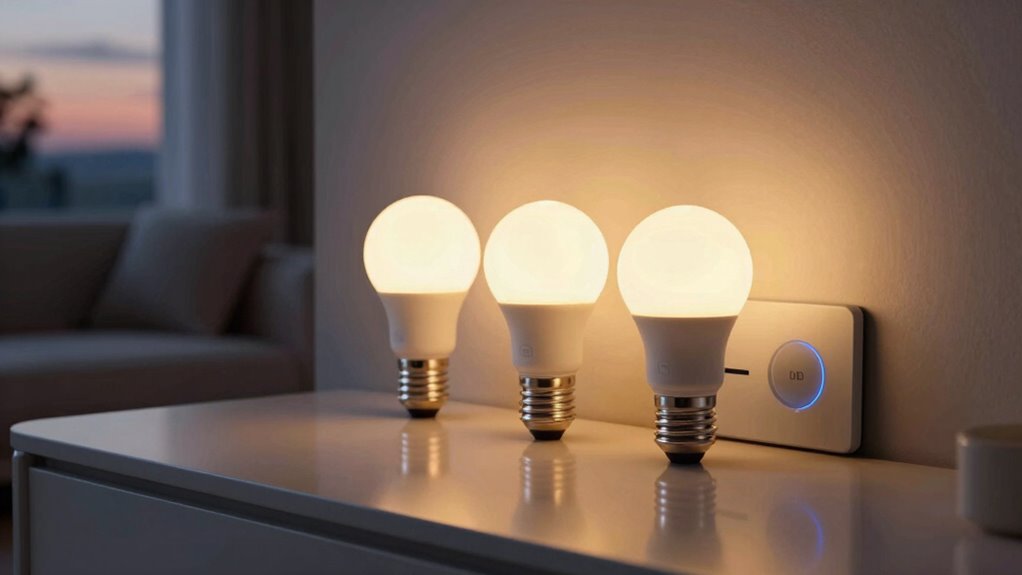
To guarantee your LED lights remain flicker-free over the long term, it’s essential to select compatible dimmers designed for LED bulbs and to use high-quality, dimmer-rated LED bulbs. Ensuring good dimming compatibility prevents flickering issues and allows smooth dimming control. Opt for bulbs from reputable brands that specify dimmer compatibility, as cheaper alternatives often cause flickering and reduce bulb lifespan. Regularly update your dimmer switches and bulbs to maintain ideal performance. Proper installation and avoiding overloading circuits also contribute to long-term flicker-free operation. Additionally, dimmer switch quality plays a significant role in consistent performance. By choosing the right components and maintaining them, you’ll extend your bulb lifespan and enjoy consistent, flicker-free lighting for years to come. This proactive approach helps prevent problems before they start. Understanding LED compatibility is crucial for ensuring reliable, long-lasting performance of your lighting system. Maintaining proper circuit load can also prevent flickering caused by overloads or undervoltage conditions. Being aware of the field‑of‑view and imaging‑scale in your lighting setup can help you optimize placement and avoid issues related to improper load distribution. Regularly inspecting and upgrading your electrical components can further enhance overall lighting stability and safety.
When to Call a Professional for Persistent Flickering
Persistent flickering despite using compatible dimmers and high-quality bulbs signals that you should seek professional help. A professional assessment can identify underlying electrical issues or wiring problems causing instability, ensuring electrical safety. You might need a technician if:
- The flickering worsens when multiple switches are used simultaneously.
- You notice buzzing or humming sounds near the fixture.
- The dimmer or switch feels warm or hot to the touch.
- You see flickering across various circuits, not just one fixture.
- Electrical stability can be compromised by improper wiring or outdated systems, which a professional can evaluate.
These signs indicate deeper electrical concerns that require expert intervention. Calling a professional ensures your system is safe, reliable, and properly configured. Don’t risk electrical hazards—address persistent flickering with a qualified assessment before it escalates.
Final Tips for Smooth, Reliable LED Dimming
Achieving smooth, reliable LED dimming requires attention to a few key practices that help guarantee flickering and confirm consistent performance. First, verify your bulbs are compatible with your dimmer, as incompatible dimming compatibility can cause flickering and reduce bulb lifespan. Always choose dimmers specifically designed for LED bulbs, and check manufacturer recommendations. Second, avoid over-dimming beyond the bulb’s minimum dimming level, which can strain the bulb and shorten its lifespan. Regularly update your dimmer’s firmware if applicable, and consider using high-quality LED bulbs from reputable brands. Proper installation and avoiding cheap, incompatible components ensure your system runs smoothly. Following these tips not only minimizes flickering but also extends your LED bulb’s lifespan, delivering consistent, flicker-free lighting.
Frequently Asked Questions
Can LED Flickering Damage My Smart Dimmer or Bulb?
Flickering LED bulbs generally won’t damage your smart dimmer or bulb if you use compatible, high-quality products. However, persistent flickering can strain the bulb and reduce its lifespan, potentially leading to electrical safety issues over time. To prevent this, verify your dimmer is designed for LED use, and choose bulbs rated for dimming. Proper installation and avoiding cheap or incompatible bulbs help protect both your devices and your safety.
Does the Type of LED Bulb Affect Flickering Issues?
Think of LED bulbs like musical instruments—each type can produce a different tune, affecting flickering. The bulb color and fixture compatibility play vital roles; some bulbs are designed for specific dimmers, preventing flicker. If your bulb isn’t compatible, it’ll struggle to sync with your dimmer, causing flickering. Choosing the right bulb type and ensuring fixture compatibility will help your lighting stay steady, like a well-tuned orchestra.
Are There Specific Brands Known for Flicker-Free LED Dimming?
You’ll find that brands like LIFX, Philips Hue, and C by GE are known for flicker-free LED dimming, thanks to their strong reputation and positive user reviews. When choosing bulbs, look for those specifically labeled as compatible with dimmers and check reviews for feedback on flickering issues. These brands prioritize quality, so you’re more likely to enjoy smooth dimming without flickering, making your lighting setup more reliable.
How Does Voltage Fluctuation Impact LED Flickering?
Voltage fluctuations can cause your LED bulbs to flicker because they affect voltage stability. When power fluctuations happen, the electrical current reaching your bulbs varies, leading to inconsistent brightness. To prevent flickering, guarantee your power supply is stable, possibly using a voltage regulator or surge protector. Maintaining steady voltage levels helps your LED bulbs perform smoothly, reducing flickering caused by unstable power fluctuations.
Can Smart Dimmer Compatibility Improve Flicker Prevention?
Imagine your lights dance smoothly, not flicker, as you switch on the dimmer. Yes, smart dimmer compatibility can improve flicker prevention because advanced dimmer technology is designed to match various bulb types. When you choose a dimmer that’s compatible with your LED bulbs, you reduce the chances of flickering caused by mismatched electrical signals. Ensuring your dimmer and bulbs work in harmony creates a seamless, flicker-free lighting experience.
Conclusion
If your LED bulbs keep flickering despite your efforts, don’t give up. For example, Sarah upgraded her smart dimmer and switched to compatible LED bulbs, and the flickering stopped. Sometimes, it’s about tweaking settings or adding load resistors. If problems persist, calling a professional can save you time. With the right bulbs, proper dimmer settings, and expert advice if needed, you’ll enjoy smooth, flicker-free dimming for a cozy, reliable lighting experience.