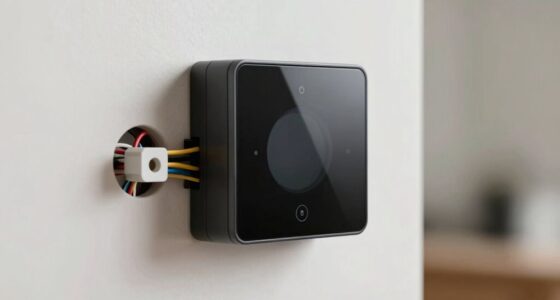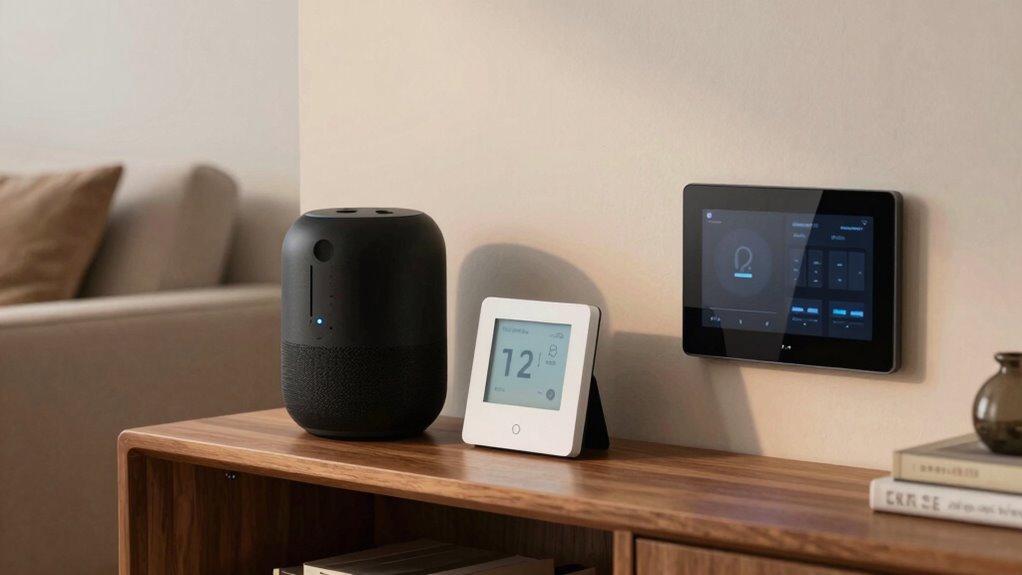

To avoid buying smart devices that don’t work together, first check if they support your existing ecosystem like Alexa, Google Assistant, or Apple HomeKit. Make certain the devices are compatible and focus on those that follow broad standards for future expansion. Look for products with good security features, regular updates, and positive user feedback. Planning ahead helps prevent compatibility issues later. Keep these tips in mind, and you’ll be better prepared to create a smooth, integrated smart home setup.
Open a free Amazon Business account
Business pricing, bulk buying and tax-exempt orders.
As an affiliate, we earn on qualifying purchases.
Key Takeaways
- Verify device support for your preferred ecosystem (Amazon Alexa, Google Assistant, Apple HomeKit) before purchasing.
- Choose devices explicitly compatible with your existing voice control platform for seamless integration.
- Prioritize products with strong security features and regular firmware updates to ensure ongoing compatibility.
- Review user feedback and specifications to identify known compatibility issues and long-term reliability.
- Opt for devices supporting broad compatibility and easy ecosystem expansion to prevent future integration challenges.
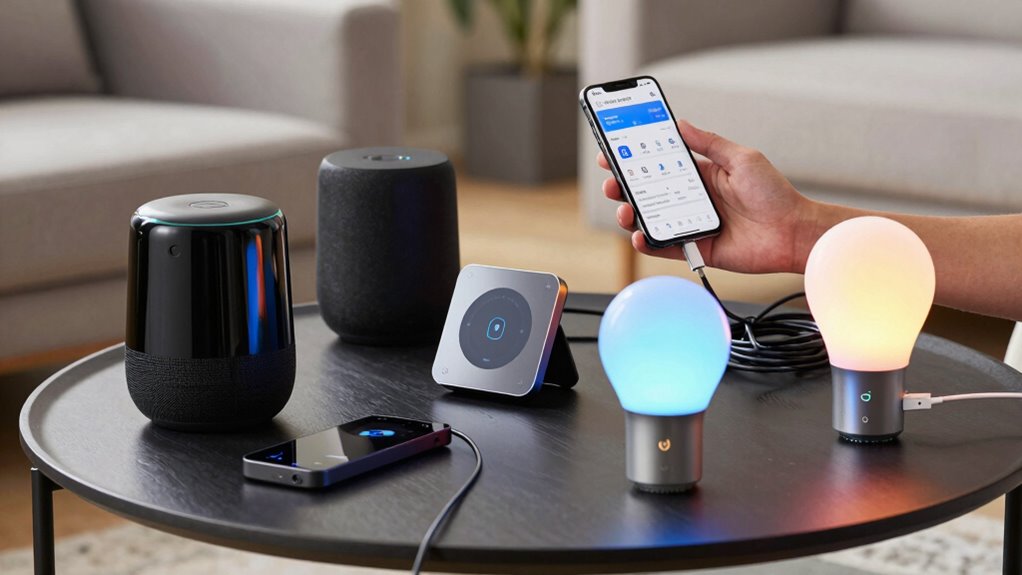
With the rapid growth of smart home technology, it’s easy to get excited about upgrading your devices. Everyone wants a seamless, integrated experience, but that excitement can lead to impulsive purchases of incompatible gadgets. To avoid this, you need to be deliberate about your choices. Start by researching the ecosystems each device supports—whether it’s Amazon Alexa, Google Assistant, or Apple HomeKit. Not all devices work with every platform, and mixing incompatible systems can cause frustration. Confirm that the devices you’re interested in are compatible with your existing ecosystem before buying. Additionally, pay attention to compatibility standards to ensure your devices will work well together in the long run.
Research device ecosystems and compatibility to ensure a seamless, frustration-free smart home setup.
Voice control is a major feature many users look for, but not all devices respond equally across different platforms. When shopping, check how well each device supports voice commands within your chosen ecosystem. For example, a smart speaker designed for Amazon Alexa might not work smoothly with Google Assistant or Apple’s Siri. Make sure the device explicitly states compatibility with your preferred voice control system. This step saves you from ending up with a device that’s limited or requires extra setup, which can be a hassle.
Security protocols are just as crucial as compatibility. Every smart device connects to your network, so you want to ensure it has robust security features. Look for products that support encrypted connections, regular firmware updates, and strong authentication measures. Devices lacking proper security protocols pose risks, including unauthorized access to your network. Confirm that the manufacturer prioritizes security and offers ongoing support, so your system stays protected over time. When integrating new devices, always change default passwords and enable two-factor authentication if available.
Another smart move is to double-check the specifications and user reviews. Look for comments about how well devices integrate with other smart home products and whether users have encountered compatibility issues. Manufacturers often update their firmware and software, so verify that the device you’re considering is still actively supported and compatible with your existing setup. If possible, visit a local store or demo to see how the device interacts with others in real time.
Finally, plan your smart home setup with future expansion in mind. Choose devices that are known for broad compatibility and easy integration. This way, you avoid the headache of replacing incompatible gadgets down the line. By taking the time to research compatibility, voice control support, and security protocols, you set yourself up for a truly connected, secure, and user-friendly smart home experience.
smart home device compatible with Alexa Google Home Apple HomeKit
As an affiliate, we earn on qualifying purchases.
As an affiliate, we earn on qualifying purchases.
Frequently Asked Questions
Can I Make Incompatible Devices Work Together With Third-Party Apps?
You can sometimes make incompatible devices work together with third-party apps, but device isolation and app limitations often hinder this. These apps try to bridge different ecosystems, but they may not support all features or guarantee smooth operation. Be aware that relying on third-party solutions can introduce security risks or bugs. To guarantee seamless integration, prefer devices and apps designed to work together or use official hubs and platforms.
Are There Specific Brands Known for Better Device Compatibility?
Some brands are known for better device compatibility, thanks to their strong reputation and thorough compatibility testing. Brands like Google Nest, Apple, and Samsung often guarantee their smart devices work smoothly with other systems or platforms. You can rely on their reputation for consistent performance, and checking compatibility testing results helps you avoid buying devices that might not integrate well. Always research brands before making your purchase to ensure seamless connectivity.
How Do I Check if a Device Supports My Existing Smart Home Hub?
You check if a device supports your existing smart home hub by reviewing its device compatibility list on the manufacturer’s website or app. Look for compatibility labels or supported protocols like Zigbee, Z-Wave, or Wi-Fi. Also, verify app integration options; if the device’s app can connect with your hub’s app seamlessly, it’s compatible. Reading user reviews can also reveal real-world compatibility experiences with your specific hub.
Is There a Universal Standard for Smart Device Compatibility?
They say, “Don’t put all your eggs in one basket,” which applies to smart devices too. Currently, there isn’t a universal standard for compatibility. Interoperability standards like Zigbee, Z-Wave, and Thread aim to ease device integration challenges, but many products still don’t play nicely together. To avoid headaches, look for devices supporting common standards and check compatibility before buying. That way, your smart home runs smoothly, not like a wild garden.
Can Firmware Updates Improve Device Interoperability?
Firmware updates can substantially improve device interoperability by addressing firmware compatibility issues and enhancing functionality. Regular update frequency guarantees your devices stay compatible with other smart gadgets and security standards. When manufacturers release updates, they often optimize performance and fix bugs, making devices work more seamlessly together. To maximize interoperability, keep your smart devices updated consistently, and check for firmware updates frequently to avoid compatibility issues and ensure smooth integration.
best smart speakers for voice control ecosystems
As an affiliate, we earn on qualifying purchases.
As an affiliate, we earn on qualifying purchases.
Conclusion
In the end, choosing compatible smart devices feels like a lucky coincidence—you never want to realize your new gadgets won’t work together after the purchase. By doing your research beforehand, you guarantee everything syncs seamlessly, saving you frustration and money. Remember, sometimes the best tech investments are the ones you plan for carefully, not just the ones that catch your eye. After all, the right device isn’t just a coincidence; it’s a well-made decision.
smart home security devices with encryption and updates
As an affiliate, we earn on qualifying purchases.
As an affiliate, we earn on qualifying purchases.
compatible smart lighting systems for smart home
As an affiliate, we earn on qualifying purchases.
As an affiliate, we earn on qualifying purchases.
Fall Picks
fall essentials
As an affiliate, we earn on qualifying purchases.