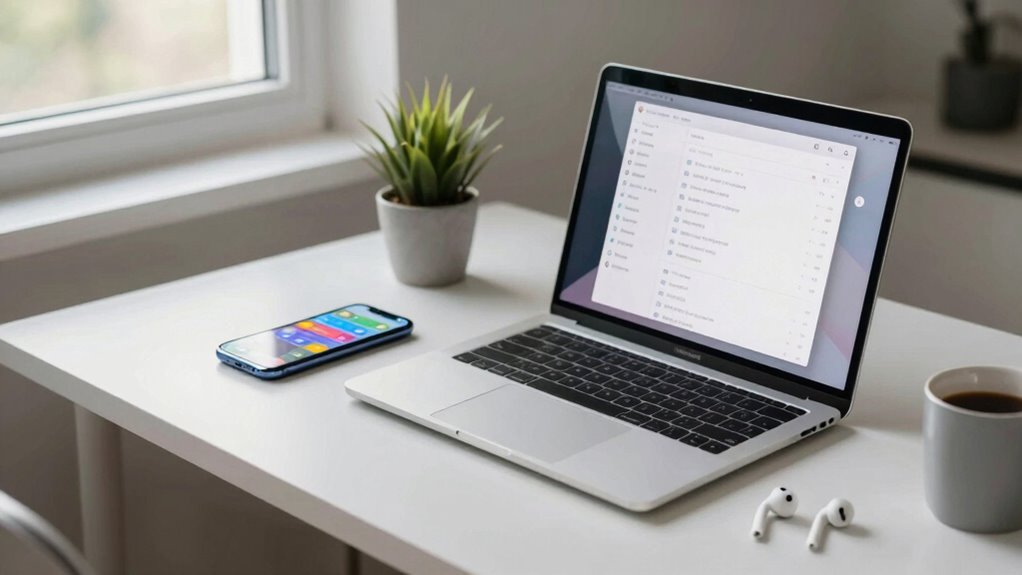

To stop notification overload, customize your device settings by turning off non-essential alerts, especially from social media and promotional apps. Prioritize urgent notifications from contacts or apps that matter most, and silence everything else. Use “Do Not Disturb” modes or scheduled quiet hours to limit interruptions during work or leisure time. Set specific times to check notifications to reduce constant distractions. If you want practical tips to regain control over your device use, there’s more you can discover below.
Listen free for 30 days with Audible
Thousands of audiobooks and originals — cancel anytime.
As an affiliate, we earn on qualifying purchases.
Key Takeaways
- Customize notification settings to only receive essential alerts and disable non-urgent or distracting notifications.
- Assign priority levels and use “Do Not Disturb” modes to filter critical alerts from less important ones.
- Organize apps and notifications with distinctive sounds to easily identify urgent messages and reduce unnecessary interruptions.
- Set specific times to check notifications, developing habits that minimize constant device engagement.
- Practice digital wellness by tailoring device usage to promote healthier, less disruptive tech habits.
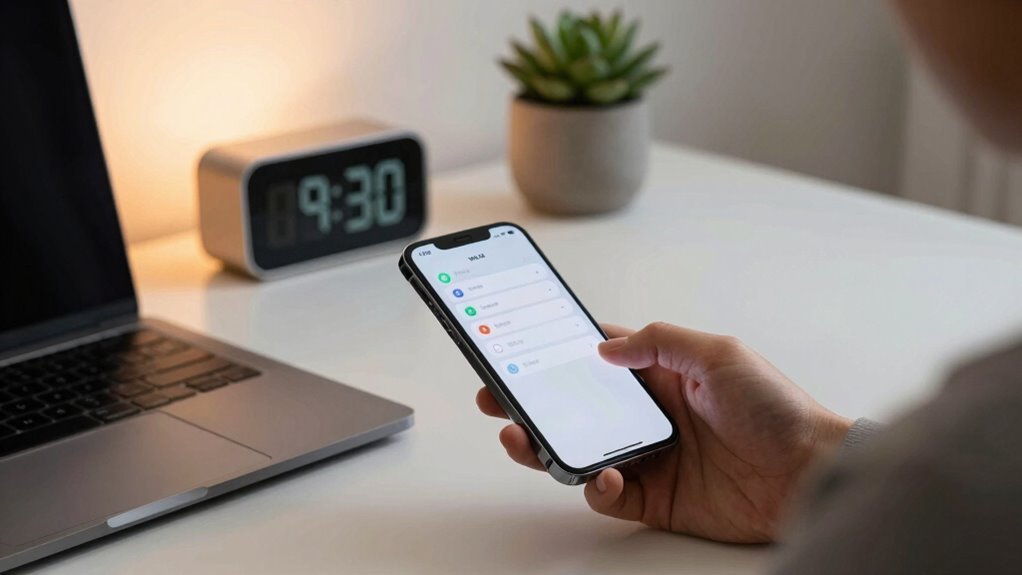
In today’s connected world, smart devices constantly send notifications, making it easy to feel overwhelmed. Every ping, buzz, or pop-up pulls your attention away from what truly matters. To regain control, you need to start with device customization. Most devices allow you to tailor notifications so only the essentials get through. Dive into your settings and turn off alerts for apps that don’t require immediate attention. For example, disable social media notifications if you find them distracting, or set email alerts to only arrive during specific times. By customizing your device’s notification settings, you prevent unnecessary interruptions and create a more streamlined experience.
Customize device notifications to reduce distractions and focus on what truly matters.
Next, focus on notification prioritization. Not all alerts hold equal importance, so you should assign levels of urgency to different types of notifications. Many smartphones and apps let you mark certain contacts or apps as high priority, ensuring you get alerts only from those sources. For instance, you might prioritize messages from family or work contacts while silencing less critical notifications like promotional offers or game alerts. This way, your device becomes a tool that alerts you to what truly matters, rather than a cacophony of constant pings. Some systems even offer “Do Not Disturb” modes or scheduled quiet hours, allowing you to block all non-urgent notifications during meetings, sleep, or focus time.
Another way to implement notification prioritization is by customizing notification sounds. Assign distinctive tones to high-priority alerts so you recognize important messages without even looking at your device. This helps you stay focused, knowing that only truly urgent notifications will demand immediate attention. Additionally, consider organizing your apps into folders or groups based on their importance, which can help you manage notifications more efficiently. When you check your device, you can review the organized notifications, quickly dismissing non-urgent alerts and focusing on the ones that matter most. Incorporating notification management techniques can further enhance your control over interruptions. Remember, reducing distraction often involves understanding your device’s settings, which can be tailored to suit your routines. Exploring digital wellness practices can also promote a healthier balance between technology use and personal well-being. Being aware of how biodiversity and sustainable living practices can help foster mindful technology use encourages a healthier balance between digital and real-world interactions.
Finally, develop a routine for reviewing notifications. Set specific times during the day to check your device rather than constantly reacting to every ping. This habit reduces the feeling of being overwhelmed and helps you stay present in your activities. Remember, the goal isn’t to eliminate all notifications but to control them intentionally. By customizing your device and prioritizing alerts, you regain your focus, reduce stress, and make smarter use of your technology. Understanding how digital habits influence your mental health can further support your efforts to create a balanced digital lifestyle. The key is to turn your device into a helpful tool rather than a constant source of distraction.

Govee WiFi Thermometer Hygrometer H5179 with App Notification Alert
- Dual Connectivity: WiFi and Bluetooth connection for real-time monitoring
- Precise Sensor: Swiss-made sensor for accurate temperature and humidity readings
- Fast Refresh Rate: Updates every 2 seconds for current data
As an affiliate, we earn on qualifying purchases.
As an affiliate, we earn on qualifying purchases.
Frequently Asked Questions
How Do Notifications Affect Mental Health Long-Term?
Notifications can negatively impact your mental health long-term by increasing stress and reducing focus. Constant alerts may cause anxiety and disrupt your ability to relax, making it harder to disconnect. To protect your mental well-being, consider a digital detox and limit notifications, which promote stress reduction. By managing your digital environment, you create space for mindfulness and improve overall mental health, fostering a healthier, more balanced lifestyle.
Can Notification Management Improve Sleep Quality?
Managing notifications can dramatically improve your sleep quality, preventing sleep disruption caused by constant alerts. By curbing alert fatigue, you create a peaceful nighttime environment, allowing your mind to unwind. Turning off non-essential notifications and setting device boundaries helps you avoid waking up repeatedly, which can feel like trying to sleep through a thunderstorm. With better notification management, you regain control over your sleep, waking refreshed and ready for the day.
Are There Apps That Centralize All Device Alerts?
Yes, there are apps that centralize all device alerts, making notification management easier. These apps enable you to prioritize notifications through alert customization, so you only receive what matters most. You can set specific alerts for different apps or contacts, reducing overload and distractions. By using such apps, you regain control over your notifications, ensuring you stay informed without feeling overwhelmed, ultimately helping you focus better and improve your overall digital well-being.
How Often Should I Review Notification Settings?
Think of your notifications as a garden that needs regular tending. You should review your notification settings at least once a month, adjusting notification frequency and setting customization as needed. This keeps your alerts from becoming overwhelming weeds, allowing only the most essential messages through. Regular check-ins help you maintain control, ensuring your devices serve you, not distract you, creating a balanced digital environment that feels just right.
Do Notification Sounds Impact Concentration?
Notification sounds can definitely impact your concentration, especially if you’re experiencing notification fatigue. Constant alerts, especially loud or frequent ones, break your focus and increase stress. To minimize this, you should customize your alerts, turning off unnecessary sounds and choosing only essential notifications. By doing alert customization, you create a calmer environment, helping you stay focused and reducing mental clutter caused by intrusive notification sounds.

Do Not Disturb Door Hanger Sign, 2 Pack (Printed on Both Sides), 9.3″x3.5″PVC Plastic, Please Do Not Disturb Sign for Home, Office, Hotel, Bathroom, Bedroom, Pumping, Breastfeeding, Therapists, Clinic
- Package Includes: 2 double-sided PVC signs
- Dimensions: 9.3 x 3.5 inches
- Material: High-quality waterproof PVC
As an affiliate, we earn on qualifying purchases.
As an affiliate, we earn on qualifying purchases.
Conclusion
To regain control and prevent notification overload, take charge of your devices by customizing settings and prioritizing alerts. Remember, you’re the captain of your digital ship—don’t let constant notifications steer you off course. With a little effort, you can create a balanced tech environment that keeps you informed without overwhelming you. After all, a well-tuned system works better when you’re calling the shots, not the other way around.
Heart Coherence: breathing exercises, steady practice, timer, animations, sounds, vibrator, notifications, daily reminders, exercise history, custom background picture and background music.
- No Premium or Ads: Free with no subscriptions or ads
- Easy to Install: Quick setup on smartphones and tablets
- User-Friendly Interface: Simple design in portrait and landscape modes
As an affiliate, we earn on qualifying purchases.
As an affiliate, we earn on qualifying purchases.
app organization folders for iPhone
As an affiliate, we earn on qualifying purchases.
As an affiliate, we earn on qualifying purchases.
College move-in / dorm season Picks
dorm essentials
As an affiliate, we earn on qualifying purchases.