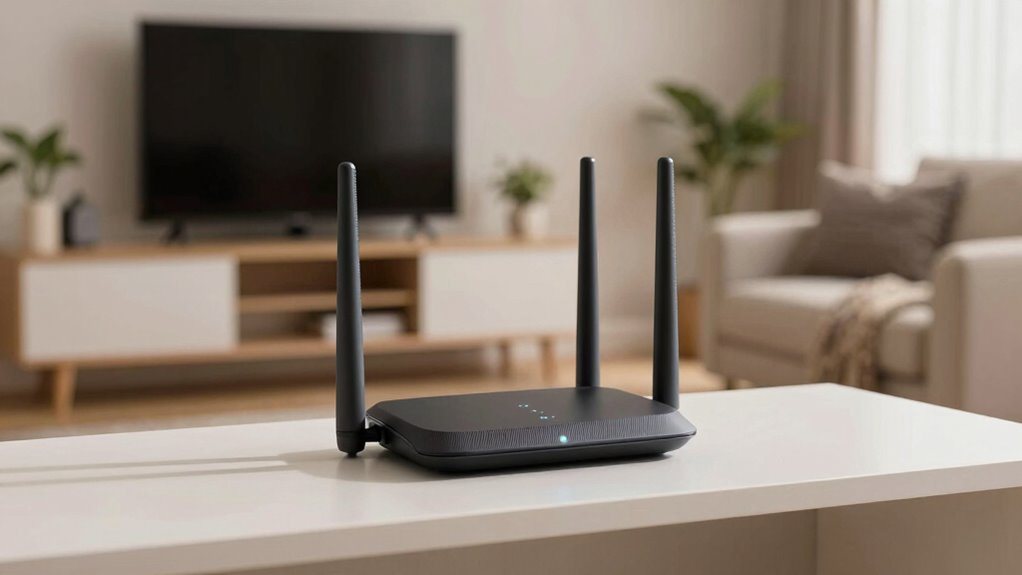

Mesh Wi-Fi systems fix problems you might blame on your internet by improving coverage and managing connections more effectively. They eliminate dead zones and reduce congestion, ensuring your devices stay connected without lag or buffering. Plus, they support smart home gadgets and simplify network management, so you don’t have to be tech-savvy. If you want to understand how they turn apparent internet issues into reliable connections, there’s more to discover below.

Turn the school run and nap time into listening time
- Thousands of audiobooks, podcasts and originals
- Listen on your phone, tablet or Echo — also offline
- Cancel anytime
Key Takeaways
- Mesh Wi-Fi eliminates dead zones, ensuring consistent coverage and preventing perceived internet outages caused by weak signals.
- It manages bandwidth effectively, reducing congestion and preventing slowdowns that users mistake for internet provider issues.
- Supports multiple smart devices simultaneously, reducing disconnections and lag that seem like internet problems.
- Simplifies network management, allowing quick troubleshooting and resolving connectivity issues without technical help.
- Enhances overall network performance, providing a reliable, smooth internet experience that dispels common internet connectivity frustrations.
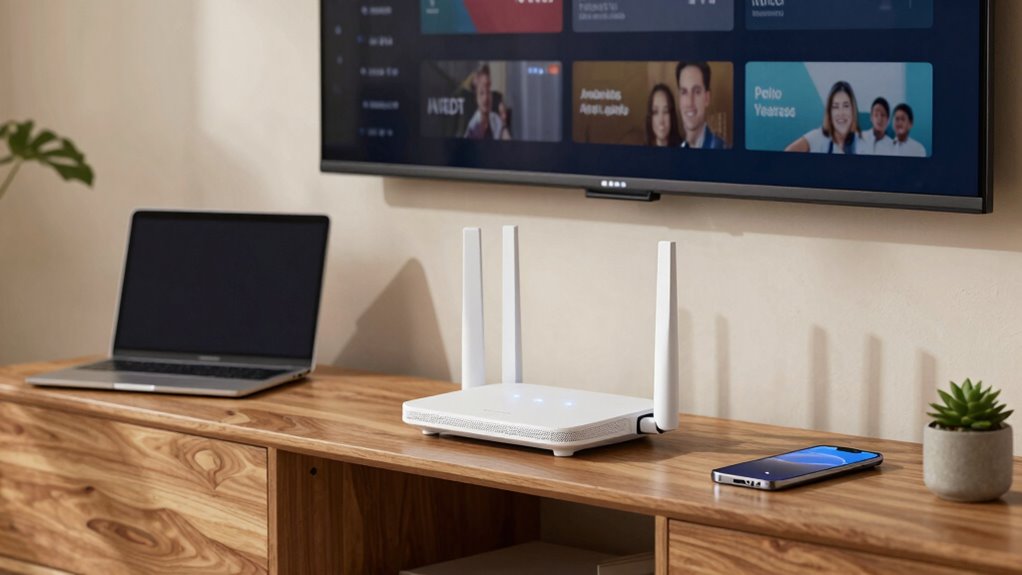
If you’re experiencing slow or unreliable internet, a mesh Wi-Fi system can often provide a quick and effective solution. Many people assume their internet service provider is at fault when they face connectivity issues, but often, the problem lies within your home’s network setup. Mesh systems are designed to improve coverage and eliminate dead zones, but they also do more than just extend range. They optimize how your devices communicate, which can resolve problems you previously thought were caused by your internet connection.
Mesh Wi-Fi systems fix connectivity issues by improving coverage and optimizing device communication within your home network.
One major reason mesh Wi-Fi systems fix these issues is their ability to manage Signal Bandwidth more efficiently. Traditional routers often struggle to distribute bandwidth evenly across multiple devices, especially when they’re far from the router or separated by thick walls. This leads to buffering, slow downloads, and dropped connections. Mesh networks use multiple nodes that work together seamlessly, intelligently routing data to ensure each device gets the bandwidth it needs. So, instead of a single point of failure or congestion, your devices benefit from a more balanced and reliable data flow, often fixing problems that seemed like internet provider issues.
Another key advantage is Smart Home Integration. If you’ve got smart devices—like security cameras, smart thermostats, or voice assistants—your network needs to support them all smoothly. Many traditional routers can’t handle the load or don’t communicate well with multiple smart devices, causing disconnections or slow response times. A mesh Wi-Fi system is designed with this in mind. It integrates easily with your smart home ecosystem, providing a stable and consistent connection for all your gadgets. This integration reduces the frustrations of devices dropping offline or lagging, which you might have blamed on faulty hardware or poor internet service. Additionally, mesh systems often incorporate features like dynamic bandwidth allocation, which further enhance performance for smart devices. Moreover, these systems are built to adapt to your specific home layout, improving overall network efficiency. Also, because mesh systems are designed with home network optimization in mind, they can better handle the specific challenges posed by complex or large home layouts. A well-configured mesh system can even help identify weak spots in your coverage, leading to targeted improvements and fewer connectivity issues.
Additionally, a mesh system simplifies network management. Instead of dealing with a single router, you have a network of nodes that work together, often managed through a user-friendly app. This means you can prioritize certain devices, set up guest networks, or troubleshoot issues without needing technical expertise. When you see slow speeds or unstable connections, it’s easy to diagnose and fix problems directly through the app, often resolving what you thought were internet provider issues.
Furthermore, mesh Wi-Fi systems are designed to optimize your entire network experience by intelligently managing Signal Bandwidth, which can significantly improve connection quality. In essence, a mesh Wi-Fi system doesn’t just extend your Wi-Fi coverage; it optimizes your entire network experience. It intelligently manages Signal Bandwidth, supports your smart home devices, and offers simplified control. These features work together to fix the connectivity problems you might have blamed on your internet provider but are often caused by inadequate network management or poor coverage within your home. Upgrading to a mesh system can turn your frustrating internet experience into a smooth, reliable connection—no more false alarms about “bad internet.”
best mesh Wi-Fi system for large homes
As an affiliate, we earn on qualifying purchases.
As an affiliate, we earn on qualifying purchases.
Frequently Asked Questions
Can Mesh Wi-Fi Improve Network Speed for Gaming?
Yes, mesh Wi-Fi can improve your gaming network speed. It offers bandwidth optimization by spreading your internet connection efficiently across multiple nodes, reducing congestion. Additionally, it provides signal consistency throughout your space, minimizing lag and latency issues. With a mesh system, your gaming devices maintain a stable, high-speed connection, ensuring smoother gameplay and fewer disruptions, even if you have a large or multi-floor home.
Does Mesh Wi-Fi Work With All Internet Service Providers?
Mesh Wi-Fi generally works with most internet service providers, but you should check ISP compatibility and provider restrictions first. Some providers might have specific setups or limitations, like requiring a certain modem or configuration. To guarantee seamless integration, contact your ISP or review their guidelines. In most cases, mesh systems are compatible, but confirming these details helps avoid connectivity issues and guarantees your network functions smoothly with your provider.
How Does Mesh Wi-Fi Handle Multiple Devices Simultaneously?
You can’t put all your eggs in one basket, and with mesh Wi-Fi, it’s no different. It efficiently handles multiple devices simultaneously by smart device management and dynamic signal distribution. The system prioritizes bandwidth, ensuring each device gets a fair share, reducing lag and disconnections. This seamless management keeps your smart home running smoothly, even when everyone’s streaming, gaming, or working online at once.
Is Mesh Wi-Fi Easier to Set up Than Traditional Routers?
Yes, mesh Wi-Fi is generally easier to set up than traditional routers. You just connect the main unit to your modem, then place the satellite units around your home for seamless coverage. It’s especially helpful if you have a smart home setup or need parental controls, since many mesh systems offer simple app-based management. This streamlined setup minimizes technical hassle, making it perfect for households with multiple devices and security needs.
Can Mesh Wi-Fi Reduce Latency in Online Streaming?
Think of mesh Wi-Fi like a relay race, passing the internet signal smoothly across your home. It reduces latency by minimizing signal congestion and dead zones, leading to a more seamless online streaming experience. With better latency reduction, you’ll notice less lag and buffering, enhancing your streaming quality. Mesh systems create a unified network, ensuring your device receives faster, more reliable data delivery, so you can enjoy uninterrupted, high-quality streaming.
mesh Wi-Fi router with smart home support
As an affiliate, we earn on qualifying purchases.
As an affiliate, we earn on qualifying purchases.
Conclusion
So, next time your Wi-Fi feels slow or unreliable, consider a mesh system. It’s not just about faster speeds but seamless coverage everywhere you go. Why settle for broken connections or dead zones when a simple upgrade can transform your internet experience? With mesh Wi-Fi, you’re not just fixing issues—you’re enhancing your entire digital life. Isn’t it time you made your home smarter and more connected?
As an affiliate, we earn on qualifying purchases.
As an affiliate, we earn on qualifying purchases.
Fall Picks
fall essentials
As an affiliate, we earn on qualifying purchases.