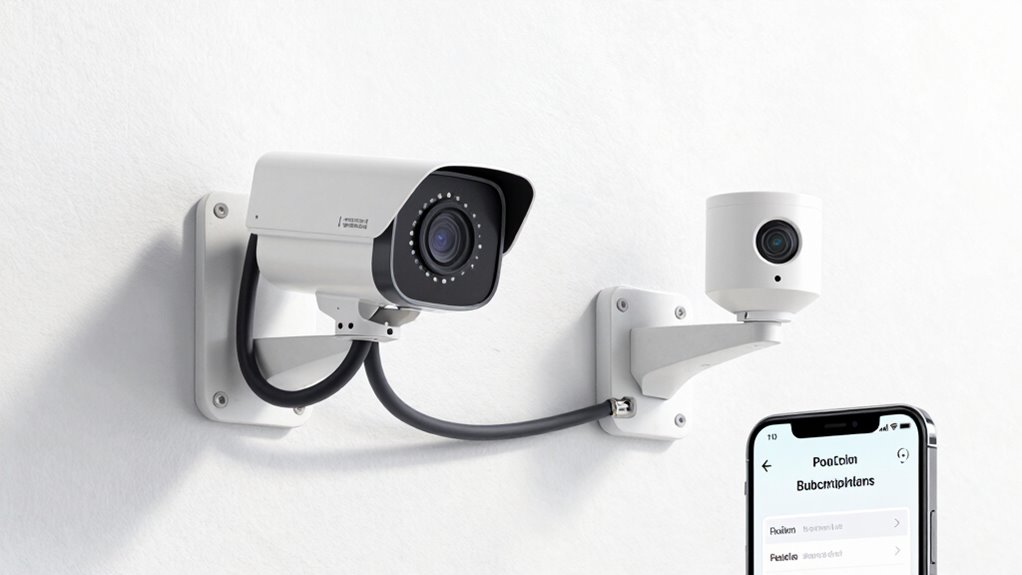

When choosing security cameras on Amazon, weigh the pros and cons of PoE and Wi-Fi options. PoE cameras are more reliable but require Ethernet wiring, making them ideal for fixed outdoor spots. Wi-Fi cameras are flexible and easier to install but may face interference or connectivity issues. Be cautious of subscription traps that push ongoing costs; some features may hide fees. Keep these factors in mind, and you’ll be ready to find the best fit for your needs.
Key Takeaways
- Understand the placement and environment: PoE offers reliable, wired connections for fixed outdoor or indoor locations, while Wi-Fi provides flexible, wireless placement.
- Evaluate subscription costs: many cameras have hidden fees for storage and advanced features; compare options to avoid ongoing expenses.
- Prioritize security standards: choose reputable brands with robust encryption and avoid lesser-known models with potential vulnerabilities.
- Match camera resolution to area: higher resolution (1080p+) is essential for outdoor and entry points, while lower may suffice for hidden spots.
- Research product reviews and detailed specifications: avoid impulse purchases by verifying features, compatibility, and long-term reliability.

REOLINK 5MP 8CH Home Security Camera System with 2TB HDD RLK8-520D4-5MP
- High-Resolution Video: 5MP HD for clear details
- Night Vision Range: Up to 100ft with IR lights
- Smart Detection: Identifies people, animals, vehicles
As an affiliate, we earn on qualifying purchases.
As an affiliate, we earn on qualifying purchases.
PoE vs Wi-Fi Cameras: Which Security Camera Is Right for You?
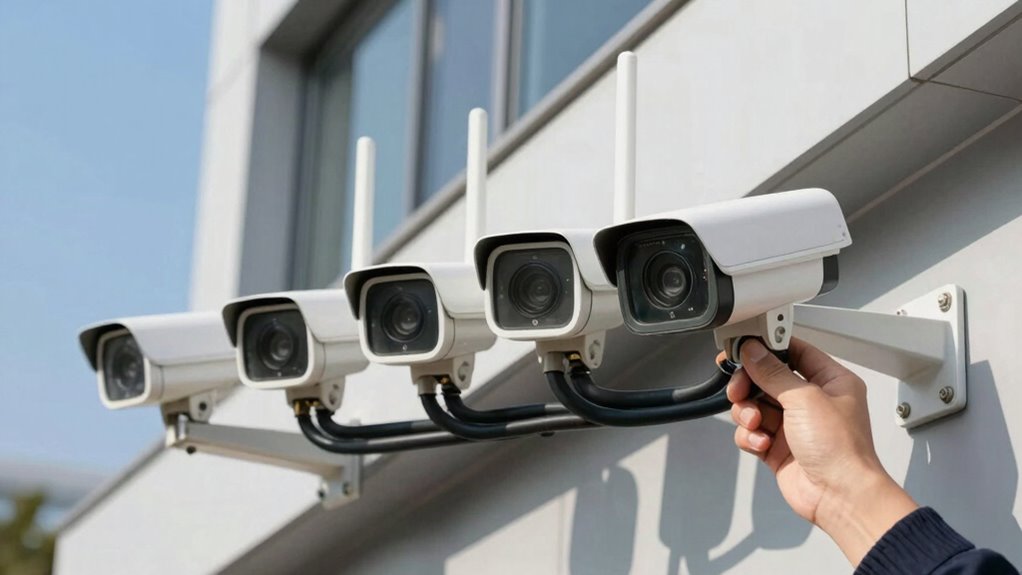
Are you trying to decide between Power over Ethernet (PoE) and Wi-Fi security cameras? Your choice depends on your camera placement and weather resistance needs. PoE cameras require a wired connection, which makes them ideal for fixed locations like doorways or driveways with easy access to Ethernet ports. They tend to offer more reliable video feeds and less interference. Wi-Fi cameras provide greater flexibility, allowing you to place them anywhere with a Wi-Fi signal, even in hard-to-wire areas. However, consider their weather resistance; outdoor Wi-Fi cameras should be specifically designed to withstand rain, snow, and temperature changes. If you prioritize durability and stable connection, PoE might be better. For ease of installation and versatility, Wi-Fi cameras can be more convenient. Additionally, high refresh rates in certain cameras can improve real-time monitoring, especially in fast-moving scenes. When selecting a security camera, understanding the importance of reliable connections is key to maintaining consistent surveillance. Furthermore, choosing cameras with energy efficiency can help reduce long-term operational costs and environmental impact. Incorporating cameras with weatherproof features ensures they perform well in outdoor conditions and prolongs their lifespan. Maintaining a focus on visual and auditory cues can also enhance the effectiveness of your security system by providing clearer alerts and recordings.
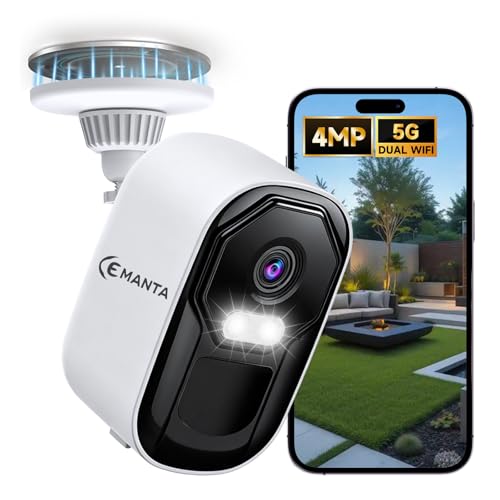
CEMANTA 2.5K 4MP Security Camera Wireless Outdoor, Free Cloud Storage, 2.4G/5Ghz WiFi, AI Motion Detection with Spotlight & Siren Alarm, Color Night Vision, Weatherproof, Compatible with Alexa
- High-Resolution 4MP Camera: Sharper than 2K UHD for clear images
- Dual-Band WiFi Support: Compatible with 2.4Ghz and 5Ghz networks
- AI Motion Detection: Includes spotlight and siren alerts
As an affiliate, we earn on qualifying purchases.
As an affiliate, we earn on qualifying purchases.
How to Choose the Best Security Camera for Your Home or Business
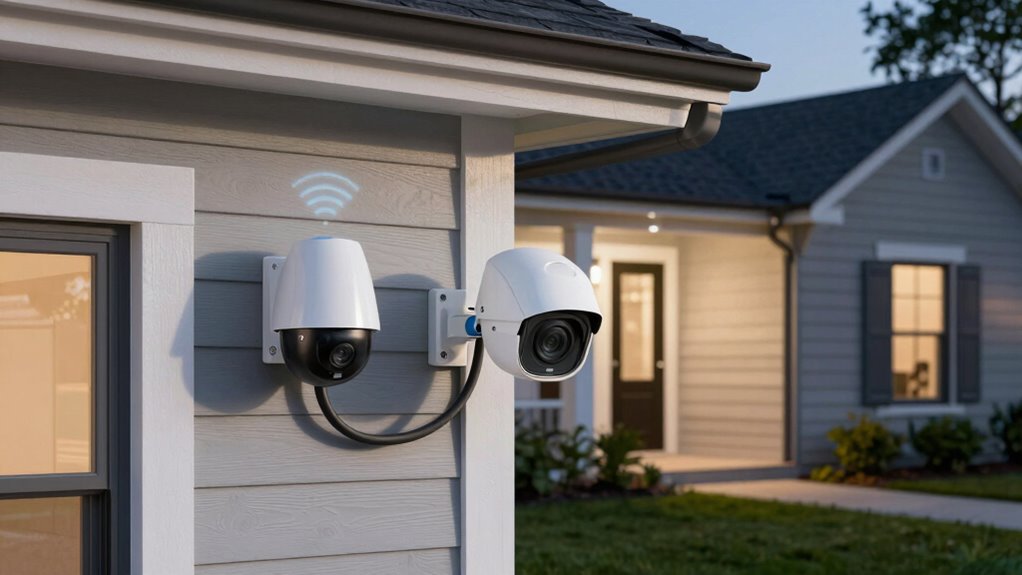
Choosing the right security camera for your home or business starts with identifying your specific needs and environment. Consider where you’ll place the camera to guarantee optimal coverage and security. High image resolution is vital for clear footage, especially for identifying faces and details. Think about camera placement: indoor or outdoor, high or low traffic areas, and entry points. Here’s a quick guide:
| Placement | Recommended Resolution |
|---|---|
| Entrance/exits | 1080p or higher |
| Hallways/rooms | 720p or 1080p |
| Outdoor areas | 4MP or higher for clarity |
| Hidden spots | 720p to avoid overpaying |
Match your needs with these factors, and you’ll find a camera that delivers the right image quality in the right spot. Additionally, understanding PoE vs Wi-Fi connectivity options can impact installation and reliability. Considering power over Ethernet (PoE) can simplify wiring and reduce clutter, especially for outdoor or hard-to-reach locations. Moreover, selecting a camera with support for high-definition footage ensures you capture clear images that are useful for security purposes. Using smart home integration features can further enhance your security system by allowing remote monitoring and automation. Being aware of the thermal behavior of different camera types can also help in choosing models that perform well in various environmental conditions.

ANSQUE Security Cameras Wireless Outdoor Home System, 4 Camera Kit, No Subscription Fees, Solar Powered, Local Storage, 365-Day Battery Life, 360°PTZ Surveillance, Auto Tracking, 2K Color Night Vision
- Local Storage with No Fees: Built-in 32GB storage, 120 days recording
- Secure Data Encryption: AES-128 encryption for privacy
- 360° PTZ Coverage: Panoramic view with minimal blind spots
As an affiliate, we earn on qualifying purchases.
As an affiliate, we earn on qualifying purchases.
Are Subscription Features Worth It? What to Know About Hidden Costs
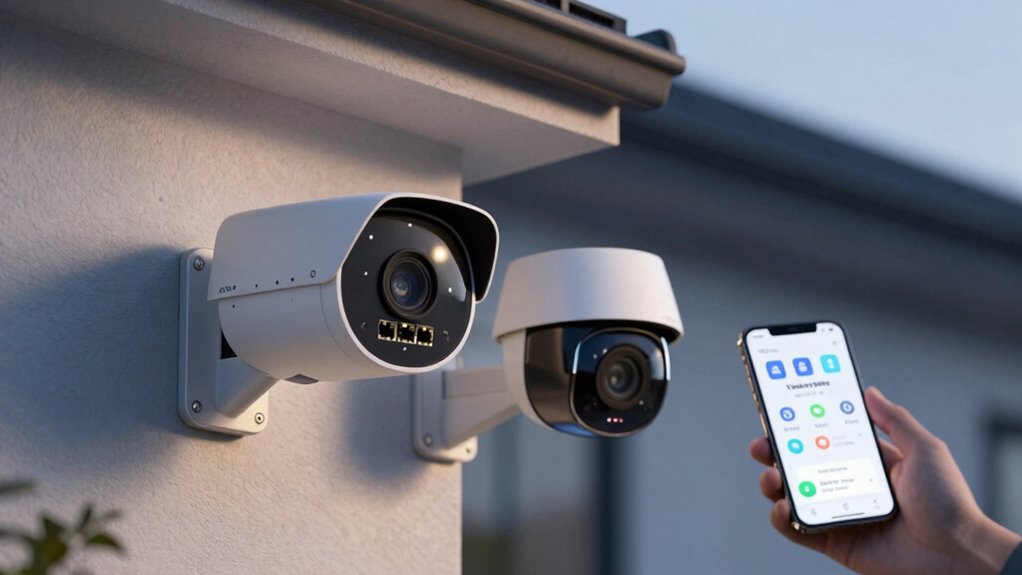
Deciding whether subscription features are worth it depends on your security needs and budget. Subscription costs can add up over time, so it’s essential to weigh their value against your requirements. Many cameras offer basic recording and alerts for free but lock advanced features behind a paywall. Be aware of hidden fees, such as renewal charges or extra storage costs, that can catch you off guard. Some providers advertise low upfront prices but require ongoing payments for essential features. Before committing, review what’s included in the subscription and consider whether those services justify the expense. If you prefer a one-time investment without ongoing fees, you might choose cameras without subscription plans. Additionally, understanding the difference between PoE and Wi-Fi connectivity options can influence your decision based on installation complexity and network security. For example, PoE technology often provides more reliable power and data transfer, which could be critical for your security setup. A thorough understanding of these connectivity options can help prevent unexpected issues and additional costs. Moreover, evaluating the long-term costs associated with subscription plans can save you money and ensure your security system remains effective over time. Being aware of the initial investment required can also help you plan your budget more accurately. Ultimately, understanding the true costs helps you make an informed decision aligned with your security priorities.

Tapo 1080P Outdoor Wired Pan/Tilt Security Wi-Fi Camera, 360° View, Motion Tracking, Works with Alexa & Google Home, Night Vision, Free AI Detection, Cloud & SD Card Storage(up to 512GB), Tapo C500…
- 360° Coverage: Horizontal 360° and vertical 130° view
- Full HD Live View: 1080p resolution for clear images
- AI Person Detection: Smart detection with motion tracking
As an affiliate, we earn on qualifying purchases.
As an affiliate, we earn on qualifying purchases.
Cost, Installation, and Maintenance: PoE vs Wi-Fi Cameras Compared
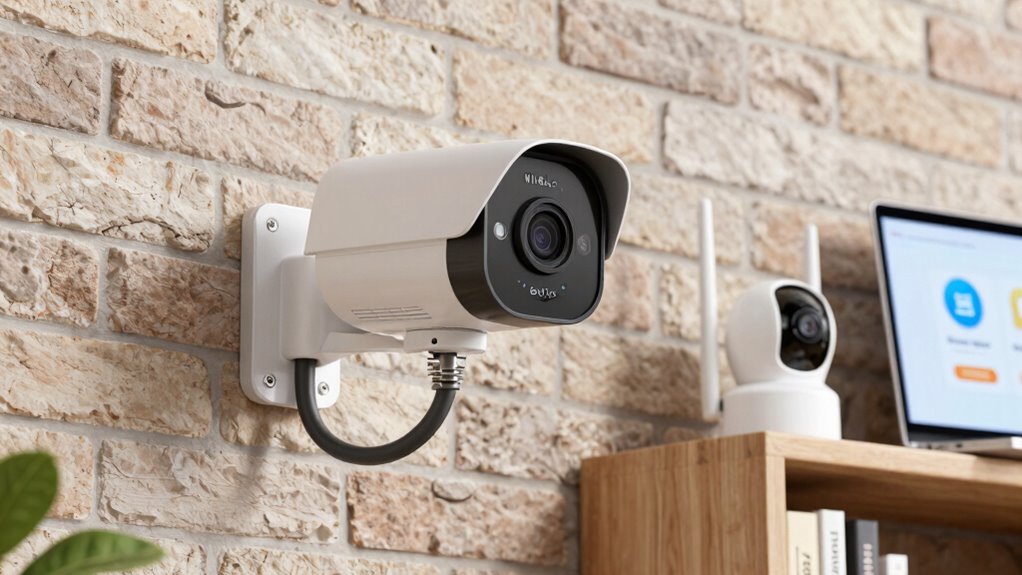
When comparing PoE (Power over Ethernet) and Wi-Fi security cameras, understanding their costs, installation, and maintenance is crucial to making an informed choice. PoE cameras often have higher upfront costs due to Ethernet cabling and power sources but are easier to set up with reliable wireless connectivity. Wi-Fi cameras are cheaper initially, needing only a power source and wireless connection, but may require more troubleshooting over time. Installation for PoE involves running Ethernet cables, which can be complex, while Wi-Fi cameras typically install quickly. Maintenance for PoE is minimal once set up, but Wi-Fi cameras might need frequent updates or troubleshooting. Additionally, network security considerations are important when choosing between these systems to protect your surveillance data. Proper network security protocols can help prevent unauthorized access to your camera feeds. It’s also worth noting that each system’s scalability can impact your future expansion plans. The interference from other wireless devices can also affect Wi-Fi camera performance, making it an important factor to consider. Moreover, understanding the initial investment and long-term costs can help in selecting the most cost-effective surveillance solution. Here’s a quick comparison:
| Aspect | PoE Cameras | Wi-Fi Cameras |
|---|---|---|
| Cost | Higher upfront, cabling | Lower initial cost |
| Installation | Requires Ethernet wiring | Simple, wireless setup |
| Power Sources | Ethernet-powered | Power outlet + wireless |
| Wireless Connectivity | Not needed | Essential |
| Maintenance | Low, steady | Can be more frequent |
How to Avoid Common Mistakes When Buying Security Cameras on Amazon
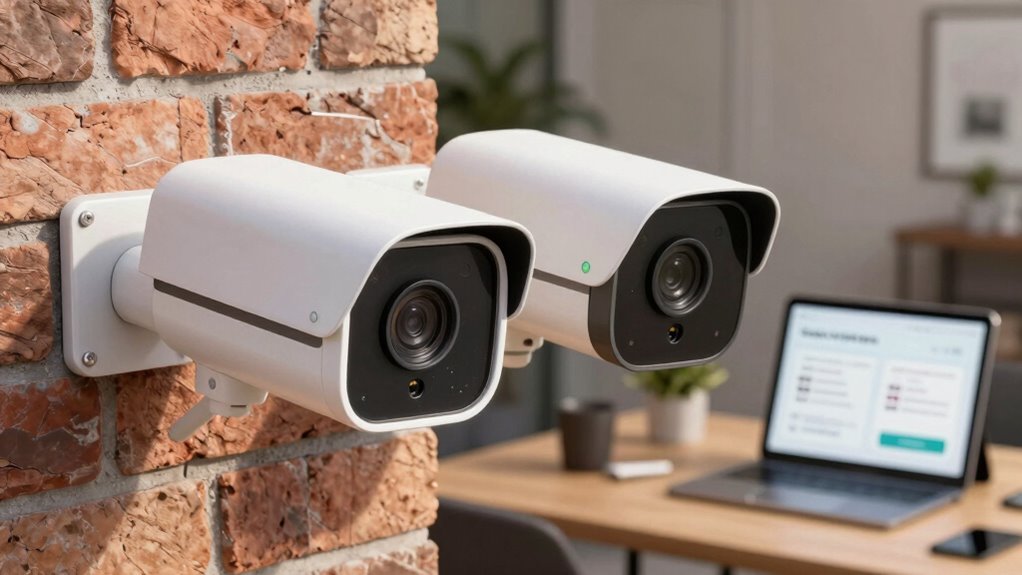
Buying security cameras on Amazon can be straightforward, but it’s easy to fall into common pitfalls that compromise your security or lead to wasted money. One key mistake is ignoring the brand reputation; well-known brands often offer better quality and support, reducing your risk of disappointment. Always read customer reviews carefully—look for consistent feedback about reliability, image quality, and ease of setup. Don’t rely solely on star ratings; detailed reviews reveal potential issues you might not see at first glance. Avoid impulse buys without doing research. Confirm that the camera’s features match your needs, whether PoE or Wi-Fi. Paying attention to product specifications can help ensure compatibility and performance, preventing costly mistakes. Additionally, understanding the differences between PoE and Wi-Fi cameras can guide you toward the best choice for your setup. Recognizing the importance of security camera features can further help you select a device that truly meets your security needs. Being aware of common security concerns can also help you choose a camera with robust encryption and protection measures. Considering vetted options like wave and wind that meet security standards can further ensure you select a reliable product. Taking these steps helps you avoid buying a camera that doesn’t deliver, saving you time and money while ensuring your security system performs as expected.
Frequently Asked Questions
How Do Security Cameras Impact Home Insurance Premiums?
Installing security cameras can lower your home insurance premiums by earning you insurance discounts. Insurers see cameras as a way to deter theft and vandalism, which may also reduce claim requirements. Make certain to document your security system properly, as some insurers require proof of installation to qualify for discounts. Keep your cameras maintained and updated to maximize your savings and ensure your coverage stays active.
Can I Integrate Poe or Wi-Fi Cameras With Smart Home Systems?
Seamless smart home integration simplifies security with compatible PoE or Wi-Fi cameras. You can connect cameras easily if they support your system’s protocols, like Zigbee or Z-Wave. Check camera compatibility before buying, guaranteeing smooth smart home integration. Wireless Wi-Fi cameras offer flexibility, while PoE cameras provide power and reliability. When choosing, consider your existing smart system to ensure effortless integration, making your home safer, smarter, and more synchronized.
What Are the Privacy Concerns With Cloud-Based Camera Storage?
Cloud storage for your security cameras can raise privacy concerns, as your footage is stored remotely. You might worry about privacy breaches, where hackers could access sensitive video data. To protect yourself, choose reputable providers with strong encryption, enable two-factor authentication, and review their privacy policies regularly. Being aware of these risks helps *guarantee* your footage remains private and secure, giving you peace of mind about your home’s safety.
How Long Do Security Cameras Typically Last Before Needing Replacement?
Imagine your security camera quietly watching over your home year after year. Typically, a camera’s lifespan ranges from 3 to 7 years, depending on usage and quality. You should expect replacement intervals around this period, especially if you notice declining image quality or connectivity issues. Staying vigilant guarantees your camera continues to protect what matters most, providing peace of mind with reliable performance over its lifespan.
Are There Legal Restrictions on Installing Security Cameras in Public Areas?
You need to be aware of legal limitations when installing security cameras in public areas. Laws prioritize public privacy, so you can’t place cameras where they might intrude on private moments or individuals’ privacy rights. Generally, you must avoid capturing private property or areas where people expect privacy, like restrooms or private yards. Check local regulations to confirm your camera setup complies with public privacy laws and avoid potential legal issues.
Conclusion
Did you know that nearly 60% of security camera buyers regret their purchase due to hidden costs or poor coverage? When choosing between PoE and Wi-Fi cameras, consider your needs carefully—PoE offers reliable power and better security, while Wi-Fi provides easy setup. Watch out for subscription traps that can add up over time. Making an informed decision now helps you avoid costly mistakes later and keeps your home or business protected effectively.