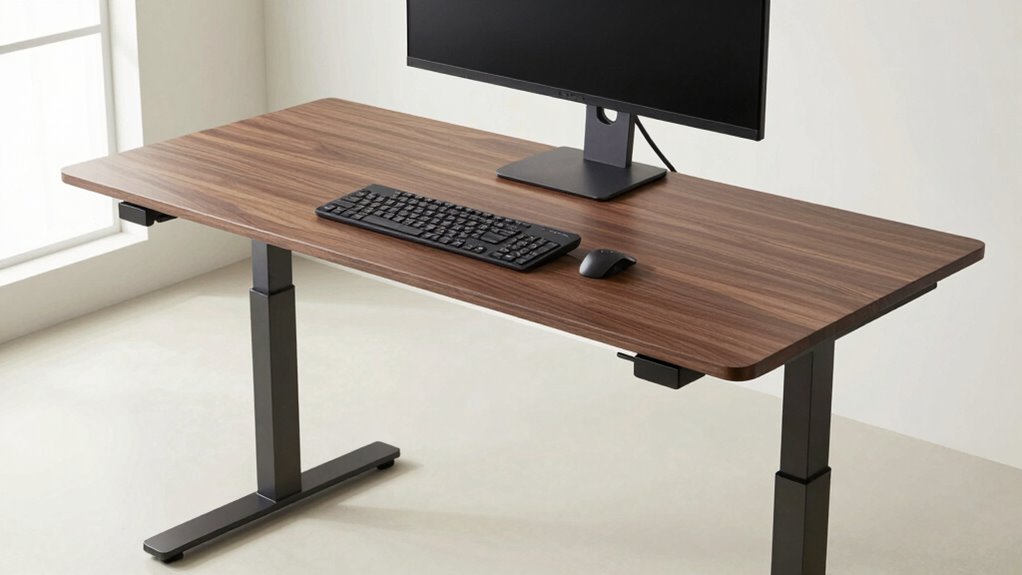

To set up your standing desk properly, position your keyboard so your elbows are at a 90-110° angle, keeping your wrists neutral and level with or slightly below your elbows. Place your monitor directly in front of you at eye level, about an arm’s length away, with the top of the screen slightly below eye level. Your feet should be shoulder-width apart, supported by a footrest if needed, ensuring natural alignment. Continue exploring for tips to optimize your ergonomic setup.
Key Takeaways
- Adjust the desk so your elbows are at a 90-110° angle for comfortable keyboard use.
- Position the monitor at eye level or slightly below to prevent neck strain and ensure a neutral viewing angle.
- Keep feet shoulder-width apart, with soles flat on the floor or on a footrest for proper support.
- Ensure the monitor is directly in front at an arm’s length distance to reduce eye fatigue.
- Regularly reevaluate and modify height settings to maintain ergonomic comfort during standing.
Why Correct Standing Desk Height Matters for Comfort
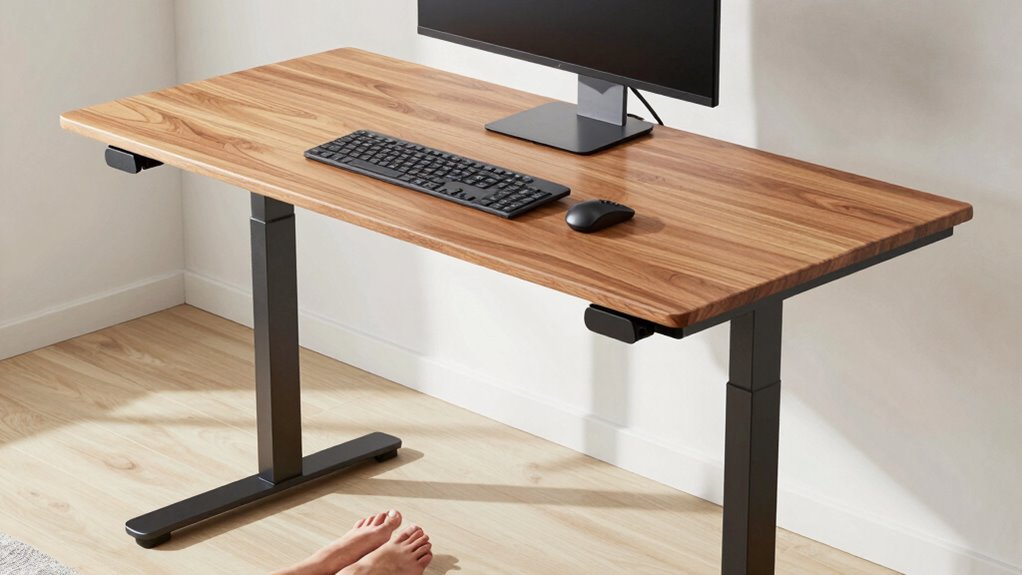
Choosing the correct standing desk height is essential for your comfort because it directly affects your posture and reduces strain. When your desk is at the right height, your shoulders stay relaxed, and your neck remains in a neutral position, promoting proper posture correction. This minimizes the risk of developing musculoskeletal issues over time. Additionally, proper foot support is vital; your feet should be flat on the ground or on a footrest to maintain stability and balance. If your desk is too high or too low, you’ll likely compensate with awkward postures, causing discomfort and fatigue. Adjusting your standing desk to the correct height encourages a natural alignment, keeping your body supported and comfortable throughout the day. Proper ergonomic setup helps prevent long-term discomfort and promotes overall well-being. Ensuring your desk height aligns with your body can significantly improve your standing work experience, especially when combined with awareness of body mechanics and posture best practices. A well‑adjusted desk supports your musculoskeletal health, reducing the likelihood of pain or injury over time. Maintaining correct ergonomic principles is crucial for sustainable, healthy standing desk use.
How to Adjust Your Keyboard Height for Ergonomic Comfort?
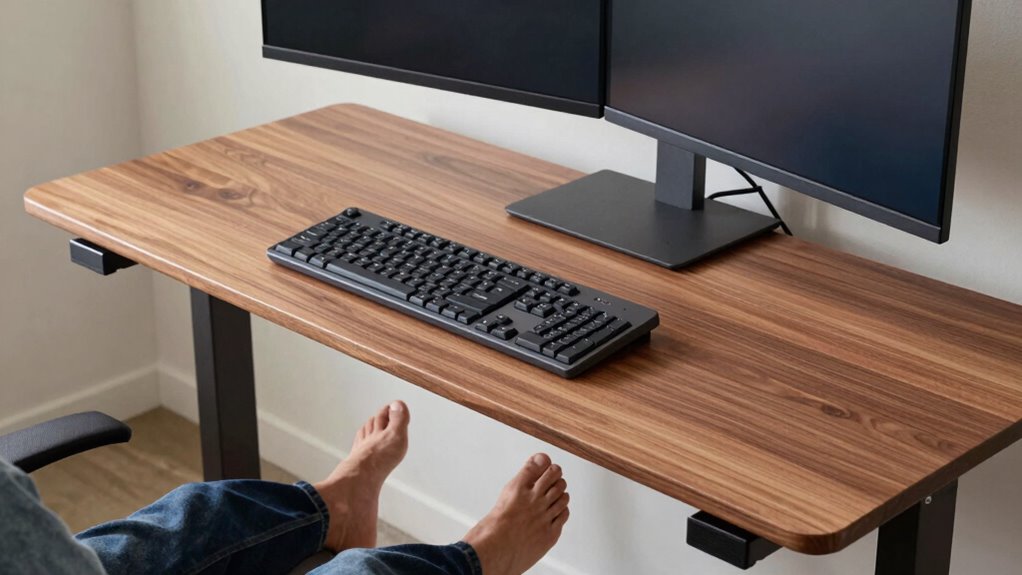
To guarantee ergonomic comfort, you need to set your keyboard at the right height so your wrists remain straight and your elbows stay close to your body. Proper keyboard placement means the keys should be level with or slightly below your elbows, preventing strain. Adjust your standing desk or keyboard tray to achieve this alignment. Ascertain your feet are well-supported with foot support, like a footrest if needed, to maintain stability and reduce pressure on your legs. Keep your wrists in a neutral position, avoiding bending up or down. Regularly check your setup throughout the day to maintain this posture. Additionally, being aware of ergonomic principles can help prevent discomfort and repetitive strain injuries, making your standing desk experience more comfortable and productive. Understanding proper posture can further enhance your comfort and reduce the risk of musculoskeletal issues over time. Incorporating correct tool usage ensures that your workspace remains safe and efficient, contributing to sustained ergonomic health. Remember that adjusting your workspace as needed can further optimize your ergonomic setup and support long-term comfort. Practicing proper ergonomic habits can lead to better overall health and increased productivity during your workday.
How to Position Your Monitor for Reduced Neck Strain?

Positioning your monitor correctly is essential to reducing neck strain during long work sessions. Proper monitor placement ensures your neck remains in a neutral, relaxed position, which helps prevent discomfort. Place the monitor directly in front of you, about an arm’s length away, with the top of the screen at or slightly below eye level. This setup encourages proper neck alignment, so you don’t have to tilt or crane your neck to see the screen clearly. Adjusting the monitor height and distance minimizes strain on your neck muscles and promotes good posture. Remember, keeping your monitor at the right height and position supports ergonomic health and allows you to work comfortably for extended periods. Additionally, understanding monitor ergonomics can help you optimize your setup for long-term comfort, especially considering how contrast ratio impacts overall image quality in visual displays. Being mindful of visual ergonomics can further enhance your viewing experience and reduce eye fatigue over time. Considering adjustable monitor stands can also greatly improve your ability to find the perfect height and angle for your setup, and incorporating ergonomic accessories like monitor arms can provide flexible positioning options.
How to Properly Position Your Feet for Support?
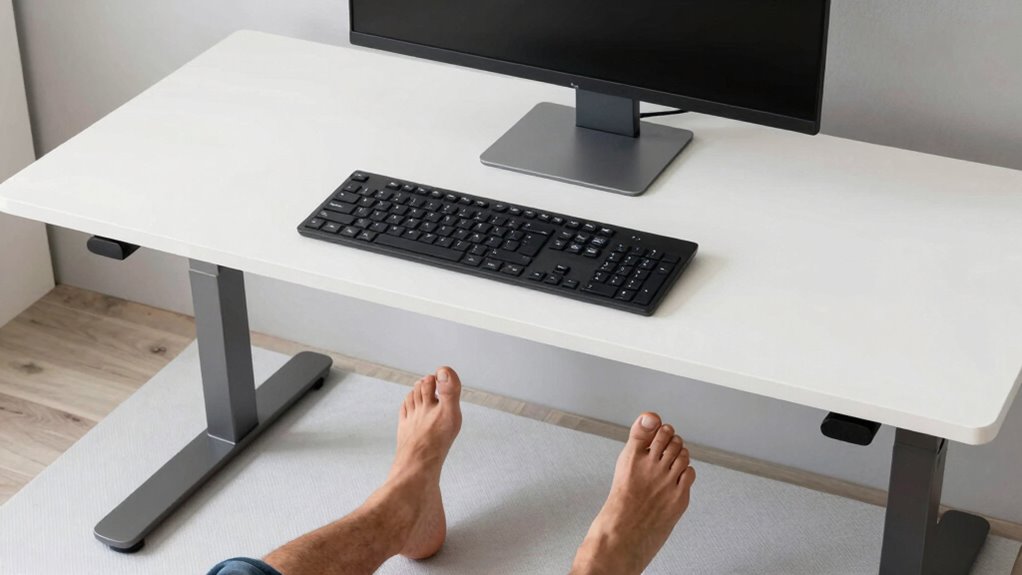
To stay comfortable and supported while standing, you need to position your feet correctly. Proper foot placement techniques help maintain balance and reduce fatigue. Adjusting your foot position for comfort guarantees you can stand longer without discomfort. Incorporating proper posture into your standing habits further enhances stability and minimizes strain. Additionally, understanding investment diversification can help you create a balanced workspace setup that supports both comfort and productivity. Practicing mindful foot alignment ensures you maintain proper support throughout your standing sessions. Being aware of body awareness can allow you to make real-time adjustments that promote long-term comfort and health. Recognizing the importance of electric bike horsepower can also inspire ergonomic adjustments, such as shifting weight distribution, to optimize standing support during extended periods.
Proper Foot Placement Techniques
Ensuring proper foot placement is essential for maintaining balance and reducing strain when using a standing desk. Correct foot alignment helps support your posture and prevents fatigue. To achieve this, stand with your feet shoulder-width apart, distributing your weight evenly. Keep your toes pointed forward or slightly outward to avoid twisting your ankles. Engage your feet by gently pressing into the ground, promoting posture correction. Avoid locking your knees and shift your weight periodically to prevent stiffness. Here are some tips to improve your foot placement:
- Keep feet parallel or slightly outward for natural alignment
- Distribute weight evenly across both feet
- Maintain a slight bend in your knees
- Avoid standing with your feet too close together
- Use a footrest if needed to shift your weight comfortably
- Natural movement can help prevent discomfort and promote proper alignment during extended standing periods. Incorporating ergonomic principles into your stance can further enhance comfort and support. Additionally, opting for specialized ergonomic accessories can aid in maintaining proper foot positioning and overall stability. Practicing proper foot placement techniques regularly can lead to better long-term comfort and reduced risk of musculoskeletal issues.
Adjusting Foot Position for Comfort
Adjusting your foot position for comfort is key to staying supported during long hours at a standing desk. Start by ensuring your foot soles are evenly placed on the floor, avoiding excessive weight on one side. Your ankles should be aligned directly beneath your hips, promoting proper ankle alignment and reducing strain. Shift your weight slightly forward or back to find a balanced stance that feels natural. If your feet feel strained or unstable, consider using a small mat or anti-fatigue mat to cushion your soles. Keep your feet shoulder-width apart for stability, and avoid crossing your legs, which can disrupt ankle alignment. Proper foot sole positioning and ankle alignment help maintain comfort, reduce fatigue, and support your overall posture during extended standing periods.
How to Use Desk Accessories to Perfect Your Standing Desk Height?
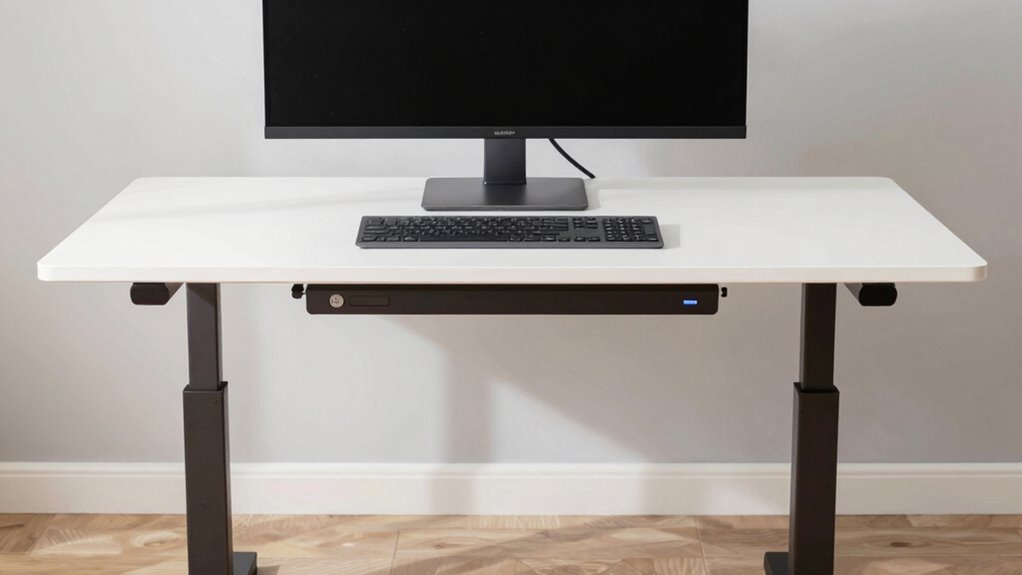
To optimize your standing desk, start by adjusting your keyboard height so your elbows are at a comfortable 90-degree angle. Next, position your monitor so the top of the screen is at eye level to reduce neck strain. Using these accessories properly helps create a more ergonomic setup that supports your comfort throughout the day.
Adjusting Keyboard Height
Have you ever struggled to find the perfect keyboard height on your standing desk? Adjusting your keyboard correctly is key to comfort and productivity. Use desk accessories like adjustable keyboard trays or risers to fine-tune its placement. Keep these tips in mind:
- Position the keyboard so your elbows stay close to your sides.
- Ensure the keyboard is at a height where your wrists remain straight.
- Use foot support, like a footrest, to maintain proper posture.
- Avoid typing with your shoulders hunched or your wrists bent upward.
- Check that your keyboard is level and stable for consistent comfort.
Positioning Monitor Correctly
Properly positioning your monitor is key to maintaining good posture and reducing strain during long hours at your standing desk. Start by placing your monitor at eye level, so your neck stays aligned and you avoid looking down or up. This involves adjusting monitor placement to achieve an ideal viewing angle—about 15 to 20 degrees downward—reducing glare and eye fatigue. Use monitor risers or adjustable arms to fine-tune height and angle easily. Keep the monitor about an arm’s length away to prevent eye strain. Remember, a proper viewing angle minimizes the need to tilt your head, helping you stay comfortable and focused. Correct monitor positioning is essential for an ergonomic setup that supports your overall health at your standing desk.
Common Mistakes When Setting Your Standing Desk Height
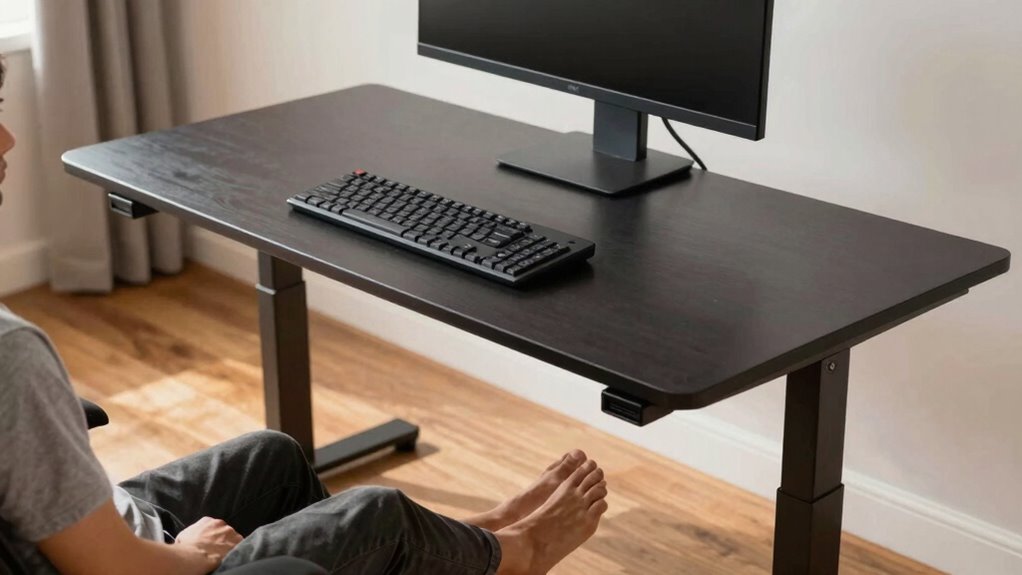
Setting your standing desk at the wrong height is a common mistake that can lead to discomfort and strain. When you neglect proper adjustment, you risk poor posture and fatigue. Avoid these pitfalls:
Incorrect desk height causes discomfort and fatigue—adjust carefully for proper posture and comfort.
- Failing to contemplate desk accessories that can affect height, making your workspace uneven
- Ignoring proper foot placement, which can cause instability and imbalance
- Setting the height too high or low, forcing your arms or neck into awkward positions
- Overlooking the importance of a comfortable standing position, leading to unnecessary strain
- Rushing the setup without testing different heights to find what works best for your body
Tools and Equipment to Help You Achieve the Ideal Standing Desk Setup
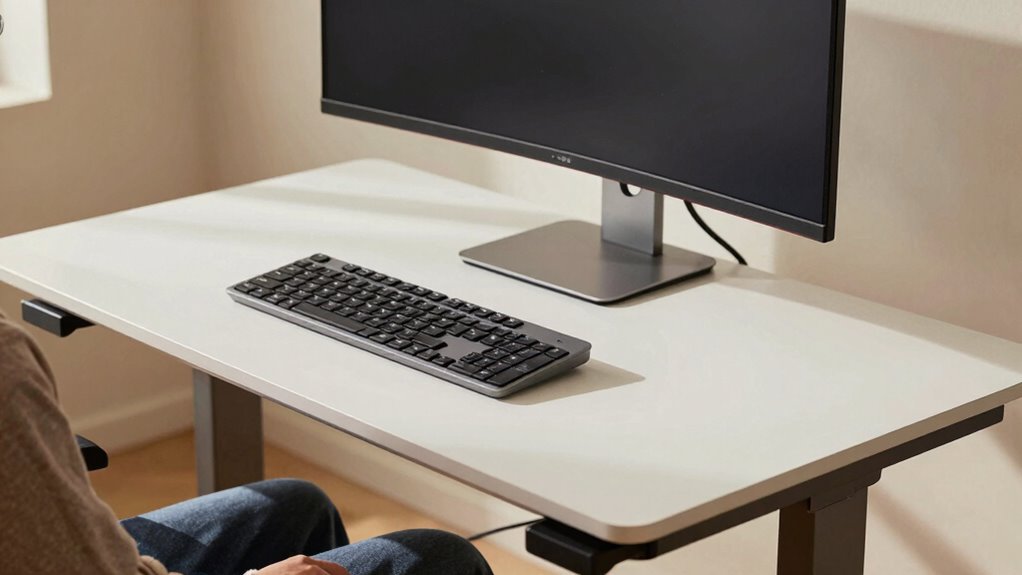
To create a comfortable and efficient standing desk setup, you’ll want to contemplate useful tools and equipment. Adjustable desk accessories, ergonomic monitor stands, and cable management solutions can make a big difference. These items help you stay organized, maintain proper posture, and work more comfortably throughout the day.
Adjustable Desk Accessories
Adjustable desk accessories are essential tools that make it easier to customize your standing desk setup for maximum comfort and efficiency. They help you fine-tune your desk height and incorporate ergonomic accessories that support proper posture. These accessories guarantee your keyboard, monitor, and feet are aligned correctly, reducing strain and fatigue. By using adjustable tools, you can quickly adapt your workspace as needed, whether you’re sitting or standing.
Consider adding:
- Adjustable keyboard trays
- Monitor arms with height adjustment
- Footrests with customizable angles
- Cable management systems
- Anti-fatigue mats for comfort
These accessories optimize your standing desk, making it easier to maintain proper ergonomics and stay productive throughout the day.
Ergonomic Monitor Stands
Ergonomic monitor stands are essential tools that help you position your screen at eye level, reducing neck strain and promoting better posture. Using monitor risers allows you to elevate your monitor to a comfortable height, preventing you from hunching or craning your neck. They come in various designs, so you can choose one that fits your workspace and needs. Additionally, ergonomic cushions can be placed underneath the monitor stand or your feet to provide extra comfort and stability. These cushions help absorb pressure and keep your feet properly supported, encouraging better alignment. Combining monitor risers with ergonomic cushions ensures your setup supports proper posture, minimizes fatigue, and creates a more comfortable standing desk experience.
Cable Management Solutions
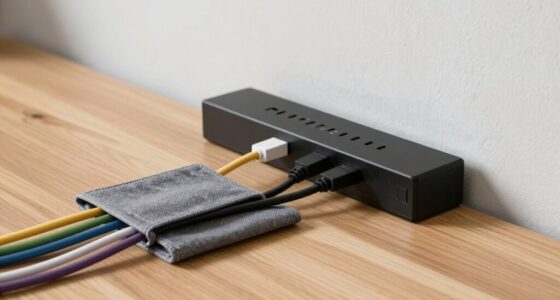
Keeping your standing desk organized is key to maintaining a clutter-free workspace and ensuring your setup functions smoothly. Effective cable management helps prevent tangles and keeps cords out of your way, making your workspace safer and more efficient. To achieve ideal clutter reduction, consider using tools like cable clips, sleeves, and under-desk trays. These solutions keep cables neatly bundled and hidden, reducing visual clutter and preventing tripping hazards. Simple accessories can streamline your setup and make it easier to adjust your height without dealing with tangled cords. Staying organized with cable management tools not only enhances aesthetics but also boosts productivity by keeping everything accessible and tidy. Focus on these essentials to create a clean, functional standing desk environment that supports your comfort and efficiency.
- Cable clips and hooks
- Sleeves or spiral wraps
- Under-desk cable trays
- Velcro straps
- Cord management boxes
Tips for Transitioning Safely to a Standing Desk
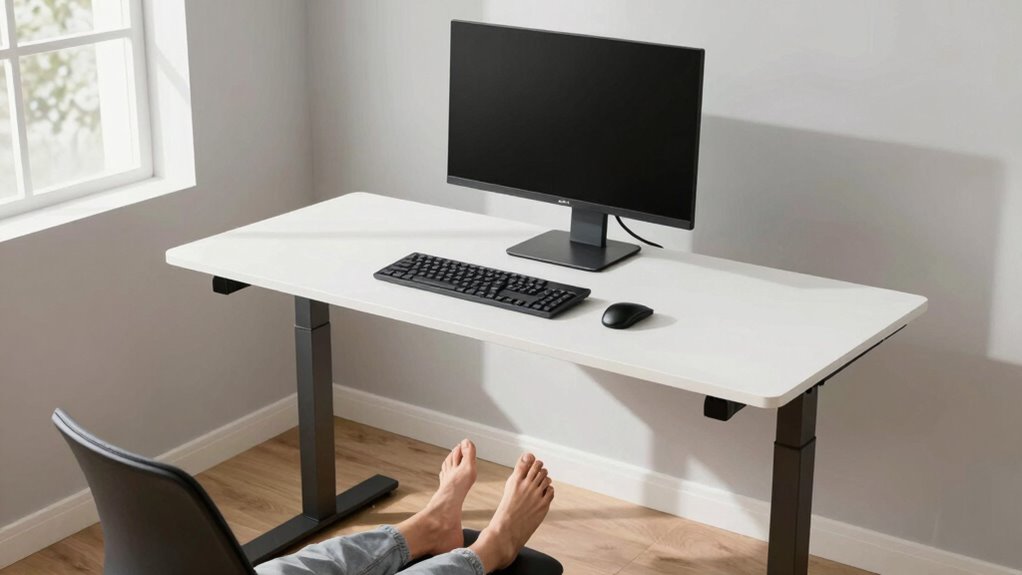
Switching to a standing desk can boost your comfort and productivity, but doing it safely is essential. Start gradually by adjusting your desk height and incorporating breaks. Proper office furniture setup supports your progression, preventing strain. Focus on desk organization to keep essentials within reach, reducing unnecessary movement. Use the table below as a guide:
| Step | Action | Tip |
|---|---|---|
| Gradual Adjustment | Increase standing time gradually | Switch between sitting and standing every 30 minutes |
| Monitor and Keyboard | Keep monitor at eye level, keyboard at elbow height | Maintain ergonomic alignment |
| Incorporate Movement | Take short walks or stretch regularly | Prevent stiffness and fatigue |
| Optimize Office Setup | Arrange office furniture for comfort | Ensure easy access to essentials |
Follow these tips to make your progression safe and effective.
How to Maintain Ergonomic Alignment Throughout the Day?
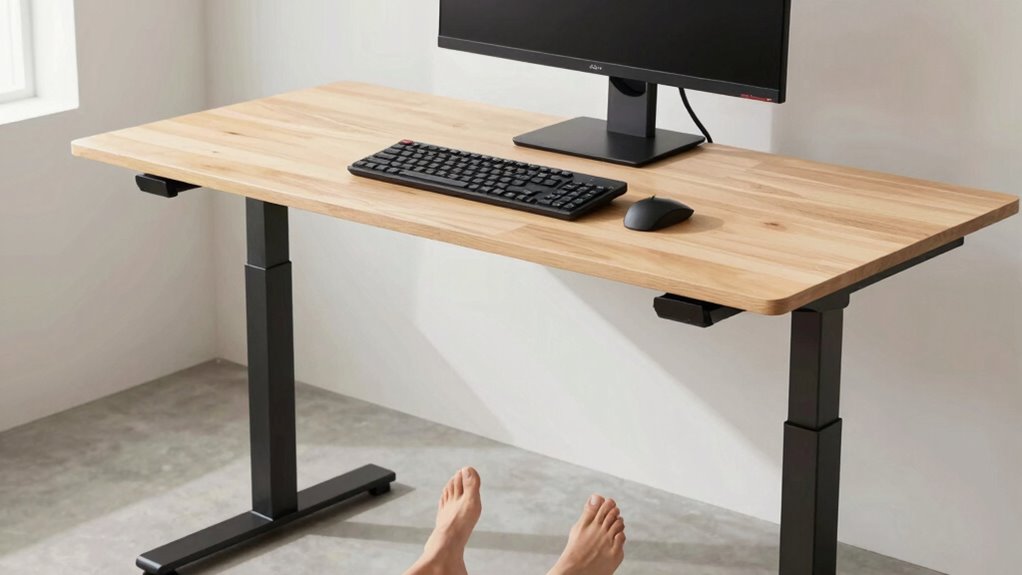
Maintaining proper ergonomic alignment throughout the day is essential for preventing discomfort and long-term strain. To do this, regularly check that your desk height supports a neutral ergonomic posture. Keep your monitor at eye level to avoid neck strain, and ensure your keyboard and mouse are positioned so your elbows stay close to your sides with wrists straight. Stay mindful of your stance, shifting your weight and moving around to prevent stiffness.
Maintain ergonomic posture by adjusting your desk, monitor, and stance to prevent discomfort and strain all day long.
- Adjust your desk height if your shoulders or neck feel tense
- Keep your monitor directly in front of you at eye level
- Use a footrest if your feet don’t rest flat on the floor
- Take frequent breaks to stretch and reset your posture
- Maintain a slight bend in your knees to reduce fatigue
When Should You Reassess and Readjust Your Standing Desk Setup?

Regularly reevaluating your standing desk setup guarantees you stay comfortable and avoid strain as your body or work habits change. Pay attention to your desk height—if you notice neck, shoulder, or back discomfort, it’s time to adjust. Your posture awareness is key; if you find yourself leaning forward or slouching, reassess your setup to promote proper alignment. Changes in your height, footwear, or even how long you stand can impact comfort. Also, monitor for signs of fatigue or stiffness, which indicate it’s time to tweak your desk height. Making these adjustments ensures your ergonomic setup remains effective, reducing the risk of strain and supporting your overall well-being throughout the workday.
Frequently Asked Questions
How Do I Know if My Standing Desk Height Is Correct Long-Term?
You’ll know your standing desk height is correct long-term if your desk height calibration feels comfortable and promotes good posture over time. During an ergonomic assessment, guarantee your elbows are at a 90-degree angle and your monitor is at eye level. Regularly check for any strain or discomfort, adjusting your desk as needed. If you experience persistent aches, revisit your setup to maintain ideal ergonomics and prevent long-term issues.
What Are Signs of Improper Desk Height Affecting My Health?
If your desk height is off, you’ll notice posture issues that feel like a tug-of-war in your muscles, leading to constant fatigue. You might find yourself slouching or craning your neck, which strains your back and shoulders. Persistent discomfort, headaches, or numbness in your limbs are clear signs your setup isn’t supporting you. Adjust your desk to maintain a neutral, relaxed posture and say goodbye to the pain.
Can Standing Desk Height Affect My Wrist Position?
Yes, your standing desk height can affect your wrist position. If it’s too high or low, you might struggle to maintain proper wrist alignment, leading to discomfort or strain. To guarantee ergonomic posture, adjust the desk so your wrists stay straight and relaxed while typing or using a mouse. This helps prevent repetitive strain injuries and promotes comfort during extended periods of work.
How Often Should I Adjust My Standing Desk During the Day?
You should adjust your standing desk every 30 to 60 minutes to prevent fatigue and maintain comfort. During these adjustments, incorporate ergonomic chair adjustments and make certain your footrest placement supports your posture. Changing positions regularly helps reduce strain on your wrists and back. Listen to your body—if you feel discomfort or stiffness, it’s time to make a quick adjustment to keep your workspace ergonomic and comfortable throughout the day.
Are There Recommended Ergonomic Accessories for Different Body Types?
Your workspace can be a powerhouse of comfort with the right ergonomic accessories tailored for your body. Whether you’re tall, short, or have specific needs, there are body-specific solutions like adjustable keyboard trays, monitor risers, and footrests that make a huge difference. These accessories guarantee proper alignment, reduce strain, and boost productivity. Invest in ergonomic accessories designed for your body type, and you’ll feel like your workspace was made just for you!
Conclusion
Imagine your workspace as a well-tuned orchestra, where every instrument—the keyboard, monitor, and your feet—plays in harmony. When your standing desk setup is just right, you’ll feel balanced and energized, like a perfectly synchronized melody. Keep fine-tuning your position throughout the day, and you’ll dance through work with comfort and ease. Remember, the right setup isn’t a one-time tune-up—it’s a continuous melody that keeps you comfortable and productive.