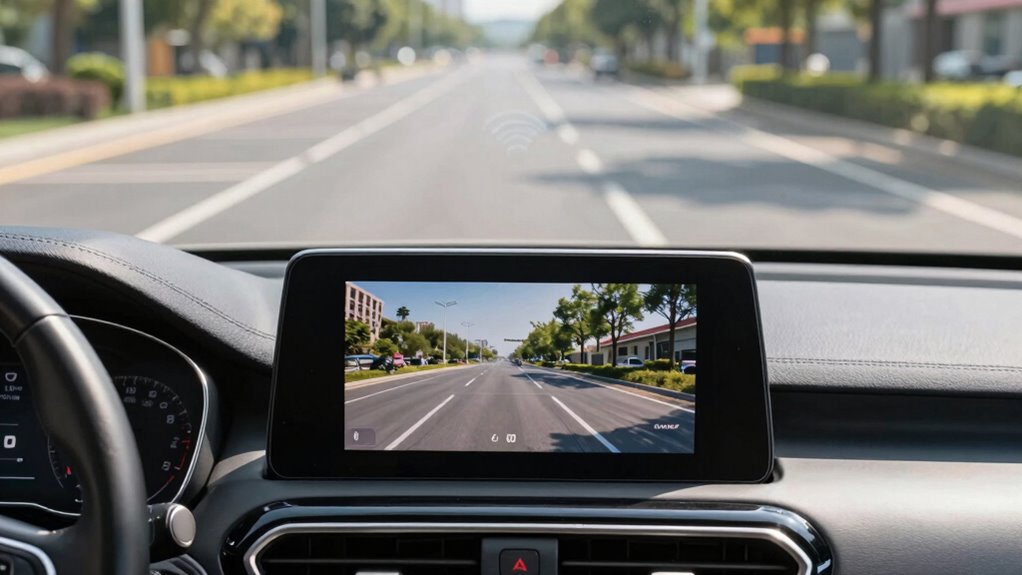

Wireless backup camera systems work best if your environment has minimal electronic interference, like in rural or less crowded areas. They’re ideal for quick, simple setups, especially if you want a temporary or portable solution. However, if you’re in a busy city with lots of Wi-Fi, GPS signals, or mobile devices, interference can cause signal freeze or lag. Want to find out more about optimizing your system? Keep going for helpful tips and insights.

Turn the school run and nap time into listening time
- Thousands of audiobooks, podcasts and originals
- Listen on your phone, tablet or Echo — also offline
- Cancel anytime
Key Takeaways
- Wireless backup cameras work best in low-interference areas with stable Wi-Fi or minimal electronic noise.
- They are suitable for quick, temporary setups or vehicles without complex wiring.
- Wireless systems may experience signal disruptions near GPS devices, mobile phones, or Wi-Fi networks.
- Wired systems are more reliable in high-electronic-density environments and challenging vehicle structures.
- Installation complexity and environment influence whether wireless or wired backup camera systems are more appropriate.
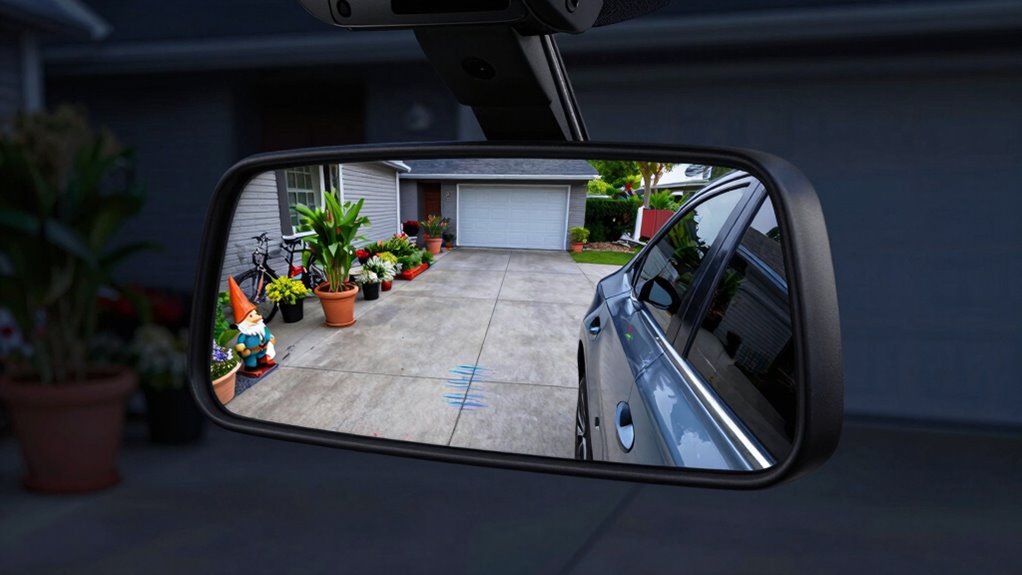
Have you ever struggled to see behind your vehicle when reversing? If so, a backup camera system can be a game-changer, providing a clear view and helping you avoid obstacles. Wireless backup cameras are especially appealing because they eliminate the need for running long cables through your vehicle, making installation quicker and less invasive. However, while wireless systems promise convenience, they can sometimes be unreliable. Wireless interference can disrupt the signal, causing the camera feed to freeze, lag, or disappear altogether. This interference often comes from other electronic devices, such as GPS units, mobile phones, or nearby Wi-Fi networks, which can interfere with the camera’s transmitter and receiver. If you park in busy areas or near other electronic sources, a wireless backup camera might not always deliver a consistent, clear image.
Wireless backup cameras offer quick setup but can suffer from interference in busy electronic environments.
When considering a wireless backup camera, you should also be aware of the installation challenges involved. While they’re marketed as easy to install, you still need to carefully position the camera and ensure a strong, stable connection to the display unit inside your vehicle. Some systems require mounting a transmitter on the vehicle’s exterior, which can be exposed to harsh weather conditions, dirt, or debris. Ensuring that the wireless signal remains strong throughout your parking area can be tricky, especially if your vehicle has thick metal panels or other structural elements that can block the signal. It’s important to follow the manufacturer’s instructions precisely, as improper placement of antennas or transmitters can lead to poor image quality or frequent signal loss. Additionally, wireless interference can be more prevalent in urban or electronically dense environments, impacting performance. This is why understanding electronic interference sources is crucial before choosing a wireless system.
In contrast, wired backup camera systems tend to be more reliable because they aren’t susceptible to wireless interference. Although they require more effort during installation—running cables through doors, panels, and the vehicle’s interior—they generally provide a consistent and high-quality image. If you often park in areas with lots of electronic activity or have a vehicle with challenging wiring, a wired system might be the better choice. Furthermore, wired systems are less likely to experience signal degradation in complex electronic environments. Still, some drivers prefer wireless systems for their cleaner look and simpler setup, but they must accept the potential for interference and installation quirks.
Ultimately, whether wireless backup cameras work well for you depends on your environment and your willingness to manage installation challenges. If you prioritize ease of installation and are confident your parking area is free of interference, a wireless system can serve you well. But if you need consistent performance in complex electronic environments, a wired system might be more reliable. Knowing these factors helps you choose a backup camera system that truly fits your needs.
As an affiliate, we earn on qualifying purchases.
Frequently Asked Questions
How Do Wireless Backup Cameras Handle Interference From Other Devices?
Wireless backup cameras handle interference from other devices by using specific frequency channels, which helps maintain signal stability. When multiple devices operate on similar frequencies, they can cause frequency interference, disrupting your camera’s clarity. To minimize this, choose a camera system with adjustable channels or those that operate on less crowded frequencies. This way, you guarantee a more stable signal, reducing interference issues and providing a clearer backup view.
What Is the Typical Lifespan of a Wireless Backup Camera System?
Your wireless backup camera system typically lasts around 3 to 5 years. You’ll want to keep an eye on battery life and signal range, as both decline over time. Battery life shortens with frequent use, and signal range diminishes as components age. To guarantee longevity, regularly check connections, update firmware, and replace batteries when needed. Proper maintenance can help you maximize the lifespan of your system.
Can Wireless Backup Cameras Be Used for Towing or Heavy-Duty Tasks?
Wireless backup cameras generally aren’t ideal for towing or heavy-duty tasks due to limited towing compatibility and concerns about heavy-duty durability. You might find them useful for light tasks, but for towing or rugged conditions, wired systems offer better reliability and durability. Wireless cameras can struggle with interference and signal loss under demanding circumstances, so investing in a wired system guarantees consistent performance and safety during your towing or heavy-duty activities.
Are There Specific Maintenance Tips for Wireless Backup Camera Systems?
To keep your wireless backup camera system functioning well, regularly check the battery longevity and recharge or replace batteries as needed. Guarantee the camera’s signal stability by cleaning the lens and minimizing obstructions between the camera and receiver. Also, update the firmware if available, and keep the antenna clear of debris. Proper maintenance helps prevent signal drops and extends the system’s lifespan, giving you a clearer view when you need it most.
How Do I Upgrade or Replace a Wireless Backup Camera?
Thinking of upgrading or replacing your wireless backup camera? You should start by considering camera mounting options—security and visibility matter. Next, check the power supply to guarantee compatibility with your vehicle’s system. Remove the old camera carefully, then install the new one securely, making sure all connections are tight. Have you tested the new system thoroughly? Proper installation ensures clear visuals and reliable performance.
As an affiliate, we earn on qualifying purchases.
Conclusion
So, next time you’re considering a backup camera, remember: wireless systems can be a game-changer—until they aren’t. Factors like interference or range limitations can suddenly leave you in the dark when you need clarity the most. Will your wireless setup hold up when it counts? Stay tuned, because the right choice could be the difference between a smooth backup and an unexpected surprise. Don’t settle—know what to watch for before you rely on it.
As an affiliate, we earn on qualifying purchases.
As an affiliate, we earn on qualifying purchases.
Evergreen bestsellers Picks
bestsellers
As an affiliate, we earn on qualifying purchases.