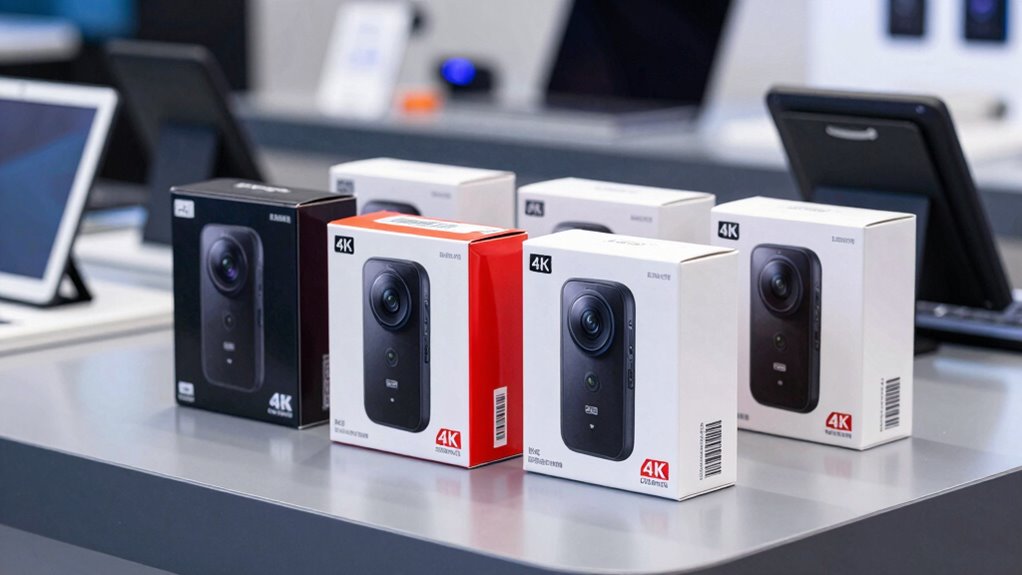

To verify a genuine 4K dash cam on Amazon, check the product specifications carefully for a clear resolution of 3840×2160 pixels—avoid vague terms like “Ultra HD” or “4K-ready.” Look for sample footage from trusted sources to assess sharpness and detail, and confirm the manufacturer explicitly states a true 4K sensor. Reputable brands, certifications, and detailed tech info help guarantee authenticity. Keep exploring to learn how to spot fake claims and find the best true 4K dash cam.

Turn the school run and nap time into listening time
- Thousands of audiobooks, podcasts and originals
- Listen on your phone, tablet or Echo — also offline
- Cancel anytime
Key Takeaways
- Check product specifications explicitly listing 3840×2160 pixels to confirm true 4K resolution.
- Review sample footage for sharpness, detail, and signs of upscaling like pixelation or blurriness.
- Verify sensor quality, lens clarity, and compression codecs (H.264/H.265) in technical descriptions.
- Read user reviews and watch verified sample videos to assess real-world footage authenticity.
- Be cautious of vague marketing claims and compare multiple listings to ensure consistent 4K standards.
As an affiliate, we earn on qualifying purchases.
What Does True 4K Resolution Mean for Dash Cams?

Understanding what true 4K resolution means for dash cams is essential if you’re looking for sharp, detailed footage. True 4K offers a resolution of 3840×2160 pixels, providing clearer images than lower resolutions. However, some manufacturers use marketing jargon to exaggerate video quality, claiming 4K when it’s actually upscaled or compressed. Video compression plays a significant role here; efficient compression retains clarity while reducing file size, but poor compression can degrade image quality even in true 4K cameras. When evaluating dash cams, focus on specifications that specify native 4K resolution rather than marketing claims. Recognizing the difference between genuine 4K and upscaled footage ensures you get the detail and clarity necessary for reliable recording, without falling for misleading marketing tricks. Additionally, understanding native 4K resolution helps you make informed decisions and avoid deceptive product descriptions, especially since resolution standards vary among manufacturers.
As an affiliate, we earn on qualifying purchases.
How Can You Spot Marketing Tricks That Fake 4K Video?
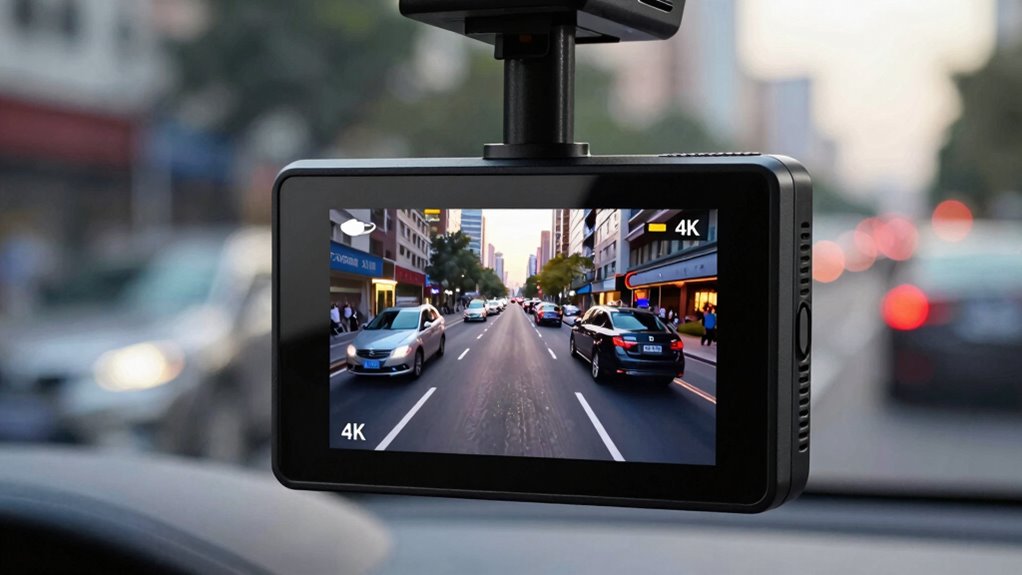
Many dash cam manufacturers use marketing tricks to make their cameras appear as if they record in true 4K, even when they don’t. They exploit resolution myths to deceive buyers, often showcasing impressive-looking images that aren’t genuinely 4K. These marketing tactics include upscaling lower-resolution footage or simply labeling videos as 4K without verification. To spot these tricks, look beyond the marketing claims and examine the actual specifications. For example, check the sensor size, bit rate, and whether the camera records at a true 3840×2160 resolution. Here’s a quick comparison:
| Claim Type | How to Spot It | What to Verify |
|---|---|---|
| Upscaled 4K | Blurry or pixelated details | Actual sensor resolution |
| Marketing hype | Over-the-top specs or claims | Independent reviews |
| Fake labels | Vague or inconsistent terminology | Confirm with specs |
As an affiliate, we earn on qualifying purchases.
What Specifications Should You Check for Authentic 4K?

To guarantee you’re getting authentic 4K footage, you need to understand resolution specifications and how they’re measured. Check the sensor and lens quality, as these directly impact image clarity and detail. Also, distinguish between true 4K and upscaled videos to avoid being misled by false claims. Additionally, reviewing power backup tips can help ensure your devices remain functional during outages, which is useful when evaluating camera reliability and performance. Pay attention to display bit depth and color accuracy to ensure the footage accurately reflects the real-world scene and true resolution. Understanding video compression standards can also help you assess the true quality of 4K recordings. Recognizing the role of cryptid mysteries and their impact can sometimes influence perceptions of visual evidence, so verifying authentic footage is crucial in an era of widespread misinformation. Moreover, being aware of camera sensor resolution can help you differentiate between genuine 4K and lower-quality or upscaled recordings.
Resolution Specifications Explained
When evaluating whether a dash cam truly offers 4K resolution, it’s essential to check specific technical specifications. Look beyond marketing jargon and focus on the actual resolution metrics. Authentic 4K dash cams should specify a resolution of 3840×2160 pixels. Additionally, check the video compression used; high-quality codecs like H.264 or H.265 ensure clarity without excessive file size. Be wary of vague claims like “ultra HD” or “4K-ready,” which may be upscaled. Also, verify if the specifications mention true pixel count rather than marketing overview. These details guarantee you’re getting genuine 4K footage and not upscaled or artificially enhanced video quality. Always scrutinize the resolution specifications to confirm authenticity and avoid misleading claims.
Sensor and Lens Quality
A high-quality sensor and lens are essential for capturing sharp, detailed 4K footage. Look for sensors with good durability to withstand temperature changes and vibrations. The lens aperture affects low-light performance; a wider aperture (f/1.8 or f/2.0) lets in more light, improving clarity in dark conditions. Check the specifications carefully to ensure genuine 4K quality, not upscaled. Additionally, verifying the technological features can help distinguish authentic 4K dash cams from lower-quality upscales.
Upscaling vs Native 4K
Many dash cams marketed as 4K actually use upscaling technology to simulate higher resolution, but authentic 4K models capture true 3840×2160 pixel footage. To verify genuine 4K, you need to look beyond marketing claims. Check the specifications for the camera’s native resolution rather than relying on upscaled images. Pay attention to how the camera handles video compression—less aggressive compression preserves detail. Also, examine the image processing capabilities, as real 4K footage maintains clarity even in complex scenes.
- Confirm the camera records at 3840×2160 pixels natively
- Look for specifications mentioning minimal video compression artifacts
- Review sample footage for sharpness and detail
- Ensure the device states it captures true 4K, not upscaled video
As an affiliate, we earn on qualifying purchases.
How to Read Product Descriptions and Technical Details on Amazon?
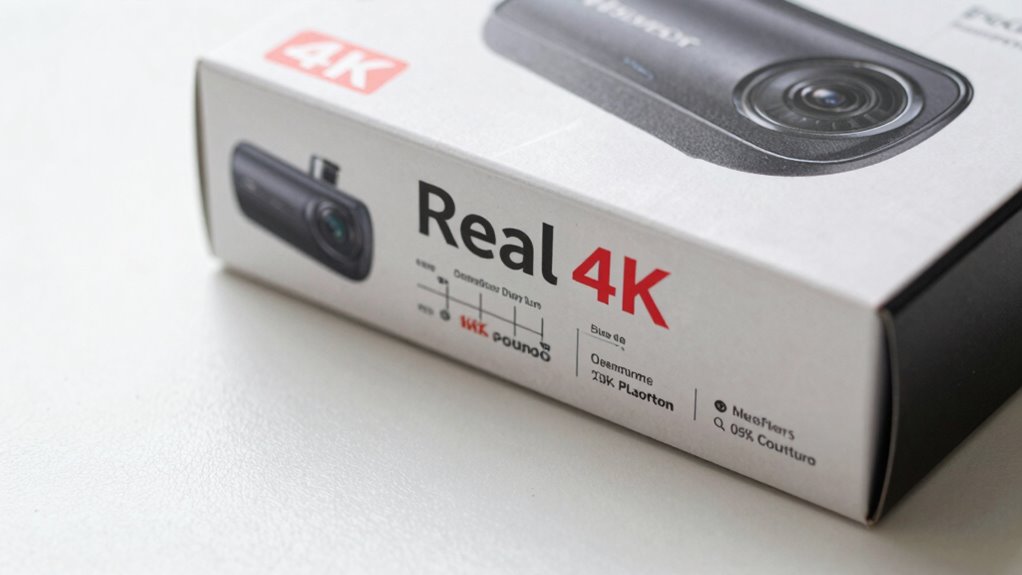
When you look at product descriptions, focus on understanding the technical specs listed. Learn how to identify authentic 4K labels so you know you’re getting the real deal. This way, you’ll make smarter choices and avoid misleading claims. Additionally, familiarizing yourself with SWIFT/BIC codes can help verify the credibility of sellers or financial transactions related to your purchase. Being aware of video resolution standards ensures you can accurately interpret the quality claims made by manufacturers. Recognizing curiosity benefits can also help you develop a more discerning eye when evaluating product features and descriptions. Understanding filtration efficiency can further assist in identifying genuine high-quality 4K dash cams, as reputable models will specify their resolution and filtering technology clearly. Moreover, paying attention to product certification labels can provide extra assurance of authenticity and quality.
Interpreting Technical Specs
Understanding technical specs on Amazon can seem intimidating at first, but breaking down the details makes it easier to choose the right dash cam. Focus on key features like video compression, which affects storage and quality, and image stabilization, important for clear footage on bumpy roads. Look for specifications that specify resolution, frame rate, and sensor size to ensure genuine 4K quality. Pay attention to the bitrate, as higher bitrates usually mean better image clarity. Check if the product lists features like advanced video compression codecs (e.g., H.264 or H.265) for efficient storage. Also, review the technical details carefully to verify if the camera includes built-in image stabilization, which helps produce stable, clear recordings regardless of driving conditions. This comprehension ensures you select a dash cam that truly meets your needs.
Recognizing Authentic 4K Labels
To verify if a dash cam truly offers 4K resolution, you need to carefully read the product descriptions and technical details on Amazon. Watch out for marketing tactics that may highlight “4K” without clarifying whether it’s true 4K or upscaled. Check the display technology and resolution specifications—authentic 4K cameras will specify a minimum of 3840 x 2160 pixels. Avoid relying solely on eye-catching labels or promotional images; these can be misleading. Look for detailed technical data, such as sensor size and video output formats, which confirm genuine 4K capability. If the description mentions “native 4K,” “true 4K,” or specifies the exact resolution, you’re more likely to find an authentic product. Sharp reading helps you avoid falling for marketing tricks that inflate perceived quality. Additionally, understanding product specifications and how they relate to actual performance can help you make informed purchasing decisions. Being familiar with resolution measurement concepts like resolution measurement ensures you accurately interpret the technical details provided. Recognizing resolution claims, such as those that emphasize “up to” or “compatible with 4K,” and how they are presented can also help you distinguish between true and upscaled 4K footage. Exploring verified customer reviews can further aid in assessing whether the dash cam delivers genuine 4K quality in real-world use.
How to Use Sample Footage to Verify Video Clarity?
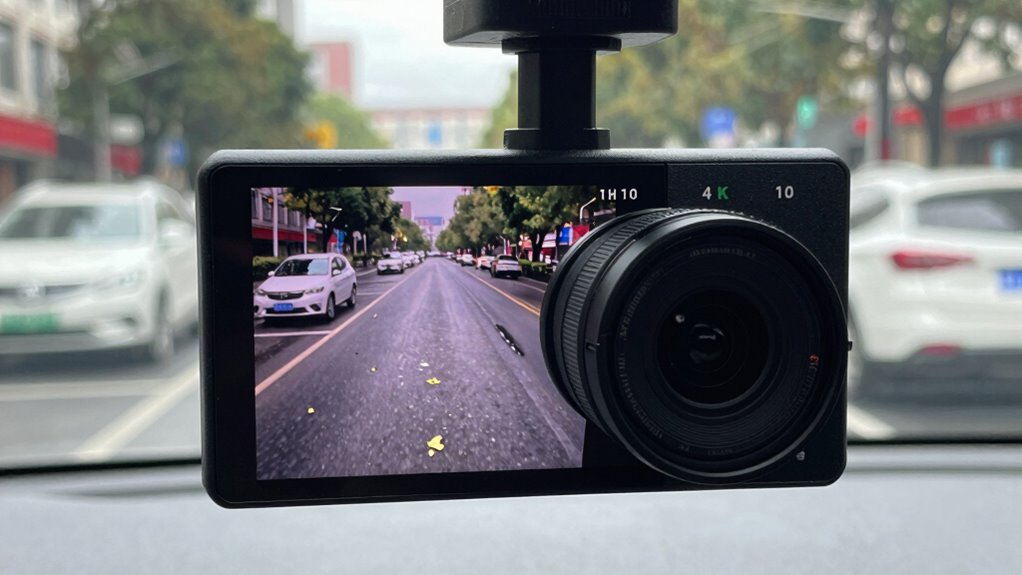
Using sample footage is an effective way to verify a dash cam’s video clarity before making a purchase or installation. Focus on how well the footage captures details, especially in low-light or challenging conditions. Pay attention to the effects of video compression, which can cause pixelation or blurriness, and see if the footage remains clear and sharp. Check for footage stabilization to ensure the video isn’t shaky, which can obscure important details. To assess quality effectively, look for sample clips that show different scenarios, such as night driving and fast motion. Consider these points:
- Clarity in various lighting conditions
- Impact of video compression artifacts
- Footage stabilization performance
- Overall sharpness and detail retention
- The presence of trusted sample footage for accurate assessment
Additionally, it’s helpful to review video quality standards to better understand what constitutes high-quality footage.
What Do User Reviews and Real Footage Reveal About 4K Claims?

User reviews and real footage often reveal whether a dash cam truly delivers 4K quality or just upscales lower-resolution videos. Many users point out signs of upgrading or upscaling that can distort the actual clarity. By paying attention to these details, you can better judge if the product lives up to its 4K claims. Additionally, verifying the authenticity of the video quality through comparison with trusted sources can help ensure you get a genuine 4K experience. Recognizing passive voice in reviews or footage can also provide clues about the reliability of the claims made by manufacturers. Being able to detect passive voice easily allows you to identify potentially misleading statements and make more informed decisions. Furthermore, examining user feedback for consistency in reported quality can help distinguish between authentic 4K footage and artificially enhanced videos.
Authenticity of 4K Footage
Many reviews and real-world footage reveal that claiming 4K resolution doesn’t always match what you actually get. Often, video compression reduces detail, making footage appear less sharp than advertised. Some users notice that firmware updates can improve clarity, but others see no real change. To verify authenticity, check if footage truly matches 4K standards or seems upscaled. Be wary of cameras with poor sensor quality or insufficient processing power. Firmware updates from the manufacturer can also influence footage quality, so ensure your device has the latest version.
- Look for genuine 4K footage in user reviews and sample videos
- Compare footage with known 4K standards for sharpness and detail
- Beware of overly compressed videos that hide resolution issues
- Confirm that the camera firmware is up to date for best performance
Upgrading and Upscaling Signs
When evaluating 4K claims in dash cam footage, signs of upgrading or upscaling often stand out in user reviews and real-world videos. Look for inconsistencies like overly smooth details or images that lack natural sharpness, which can indicate video compression or upscaling. Some manufacturers use marketing tactics to inflate resolution numbers, but real footage may reveal these tricks. Upscaled videos often show signs of pixelation or blurred edges when zoomed in, exposing the lack of true 4K resolution. User reviews sometimes mention these discrepancies, warning you to beware of claims that don’t match actual footage. Recognizing these signs helps you differentiate genuine 4K footage from videos that rely on upscaling to appear higher resolution.
How to Confirm a Camera’s Native Resolution From Manufacturer Info?
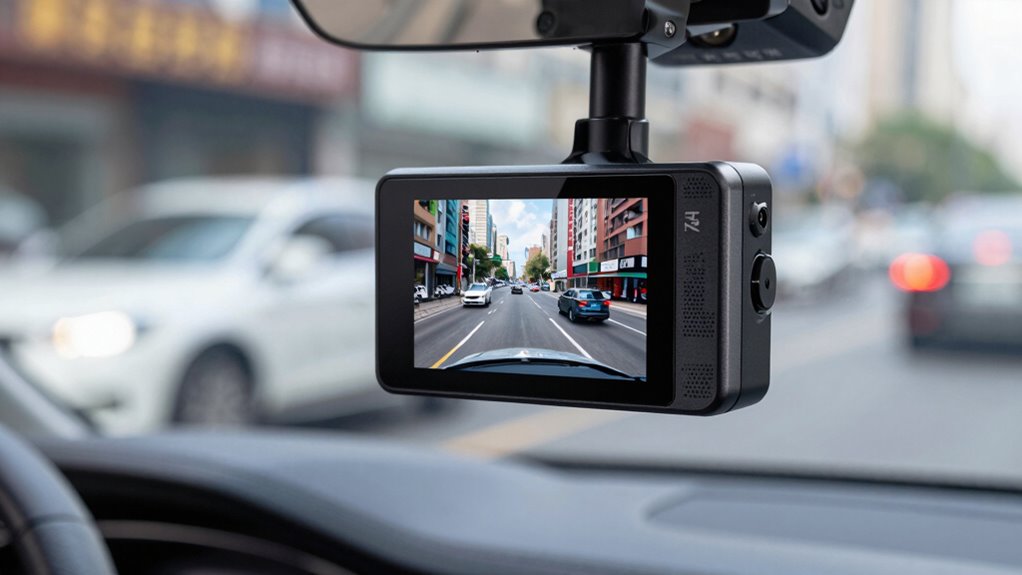
To confirm a dash cam’s native resolution from manufacturer information, start by locating the official specifications provided by the manufacturer or seller. This is essential for accurate resolution confirmation, ensuring you’re not misled by marketing or upscaled images. Look for details like “native resolution” or “actual resolution” in the product description or technical specs.
Key points to verify include:
- The listed resolution (e.g., 4K, 3840×2160) directly from the manufacturer specifications
- Any mention of upscaling or interpolation
- Manufacturer’s datasheets or user manuals
- Trusted third-party reviews confirming the resolution
Which Brands and Certifications Guarantee Genuine 4K Dash Cams?

Choosing a reputable brand and verifying certifications are the best ways to guarantee your 4K dash cam is genuine. Trusted brands like Garmin, Nextbase, and Thinkware are known for quality and transparency, making brand verification easier. Look for certification labels such as CE, FCC, or UL, which indicate compliance with safety and quality standards. These labels help confirm that the product meets specific requirements and isn’t falsely advertised as 4K. Brands that openly display their certification labels and provide detailed specifications are more reliable. Be cautious of lesser-known brands that lack clear certification info, as they may use false claims or upscaling. By sticking to trusted brands and verifying certifications, you increase your chances of getting authentic, true 4K dash cam footage.
How to Avoid False 4K Claims and Fake Advertising?
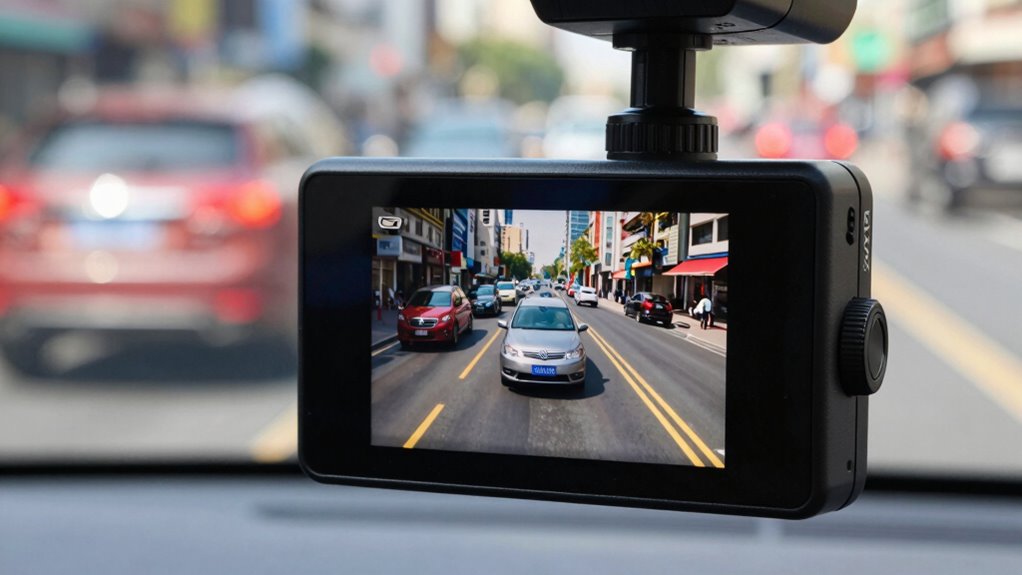
How can you spot false 4K claims and avoid falling for fake advertising? First, be wary of vague marketing jargon that promises “ultra HD” or “4K-like” quality without specifics. Check the product details carefully—some brands use aggressive video compression to make footage seem sharper, but this sacrifices resolution. Always verify if the listing shows actual specifications like native 4K resolution, not upscaled or artificially enhanced footage. Look for reputable certifications or reviews from trusted sources. Be skeptical of overly low prices; genuine 4K dash cams cost more. To stay safe, compare multiple listings and read user reviews focused on video quality and authenticity. Recognizing these tactics helps ensure you’re not duped by misleading claims.
Your Final Checklist: Confirming You’re Buying a True 4K Dash Cam?
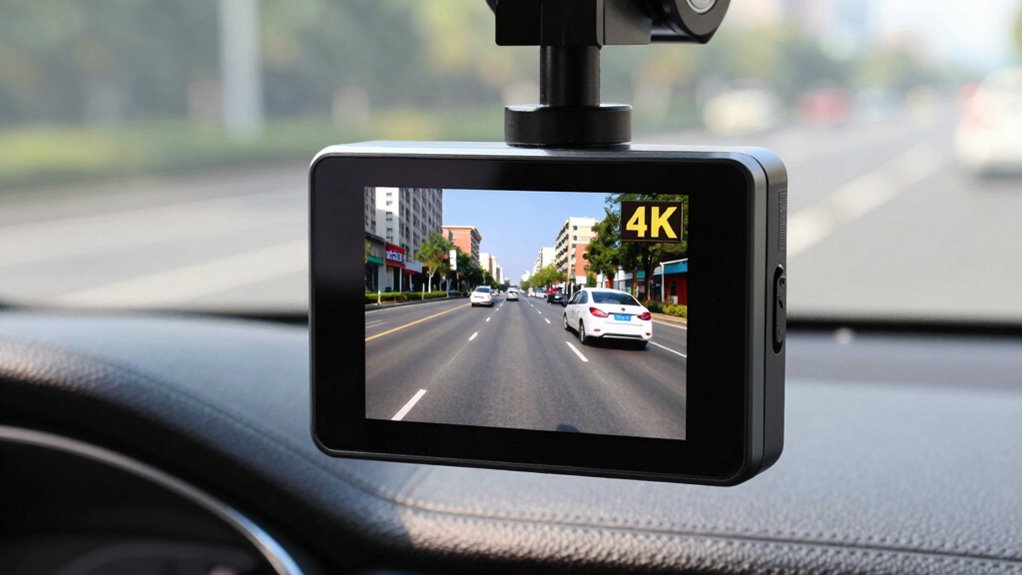
Before finalizing your purchase, it’s essential to verify that the dash cam truly offers 4K resolution. Many sellers use marketing tactics to highlight false 4K claims, fueling customer skepticism. To confirm you’re getting a genuine 4K dash cam, check the product specifications carefully—look for the actual resolution listed as 3840×2160 pixels. Read reviews from verified buyers to see if real-world footage matches 4K quality. Avoid relying solely on flashy images or vague marketing language. Instead, ask for sample videos or detailed technical info. This final step guarantees you’re not fooled by misleading advertising and that your investment delivers the high-quality footage you expect. Being thorough now prevents disappointment and guarantees you’re buying a true 4K dash cam.
Frequently Asked Questions
Can a Dash Cam’s Video Be Upscaled to Appear 4K Without True Resolution?
Yes, you can make a dash cam’s video appear 4K through video editing and digital zoom. However, this doesn’t enhance the actual resolution; it simply enlarges the pixels, making the footage look sharper temporarily. Digital zoom can help focus on details, but it can also diminish quality. To guarantee genuine 4K, verify the camera’s specifications rather than relying solely on editing techniques.
What Role Does Sensor Size Play in Authentic 4K Dash Cam Quality?
Sensor size is vital for authentic 4K dash cam quality because larger sensors capture more light, enhancing image clarity. Smaller sensors with tiny pixel sizes struggle in low-light conditions, producing grainy footage. When evaluating a dash cam, check the sensor size and pixel size to guarantee true 4K resolution. Bigger sensors and ideal pixel sizes deliver sharper, clearer videos, making your footage more reliable and detailed in all lighting conditions.
Are There Specific File Formats or Codecs That Indicate Genuine 4K Footage?
You can identify genuine 4K footage by checking the file formats and codecs, which reveal how the video is compressed. Look for common 4K-compatible storage formats like MP4 or MOV, and codecs such as H.264 or H.265 (HEVC). These indicate proper video compression. If the footage uses outdated formats or unusual codecs, it might be upscaled or compressed improperly, so verifying these details helps confirm authentic 4K quality.
How Does Frame Rate Affect the Perceived Quality of 4K Dash Cam Videos?
Higher frame rates improve perceived quality by ensuring frame rate consistency, which leads to smoother, more natural motion in your 4K dash cam videos. When the frame rate is too low, fast-moving objects can appear blurry or choppy, reducing motion clarity. To get the best footage, look for dash cams that support at least 30 fps, as this balance offers clear, fluid visuals without sacrificing detail or performance.
Do Warranty and Customer Support Impact the Authenticity of 4K Claims?
Warranty verification and customer support don’t directly impact whether a dash cam’s 4K claim is genuine, but they do help confirm product authenticity. If you verify the warranty and get responsive support, you’re more likely to buy from reputable sellers who stand behind their products. Good customer support can also help clarify specs and troubleshoot issues, giving you confidence that the 4K claim is legitimate and backed by the seller.
Conclusion
To guarantee you’re getting a true 4K dash cam, don’t just chase flashy claims—dig into the specs, verify native resolution, and watch sample footage. Think of it like tasting a dish before ordering—if it’s too good to be true, it probably is. By doing your homework and trusting reputable brands, you’ll steer clear of fake advertising and capture crystal-clear videos that truly reflect your driving adventures. Safe driving and sharp footage ahead!
Fall Picks
fall essentials
As an affiliate, we earn on qualifying purchases.