To get the best results with your compact router, choose the right collet size, typically 1/4-inch or 1/2-inch, to match your bits’ shank diameter. Always ascertain the bit fits securely to prevent wobbling and ensure safety during operation. Use proper techniques like securing your workpiece and maintaining steady movement for safe edge profiling. If you want to master choosing, using, and maintaining your router tools, stay with us to find out more.
Key Takeaways
- Ensure the collet size matches your router bit’s shank diameter (1/4-inch or 1/2-inch) for secure, safe operation.
- Use compatible bits with your router’s supported collet sizes to maintain stability and reduce wobbling.
- Regularly clean and inspect collets and bits to prevent debris buildup and ensure proper fit and safety.
- Secure workpieces firmly and choose appropriate bits and collet sizes for safe, precise edge profiling.
- Follow safe handling practices, including steady movement and safety gear, to achieve clean edges and avoid accidents.
What Are Collet Sizes and Why Do They Matter?
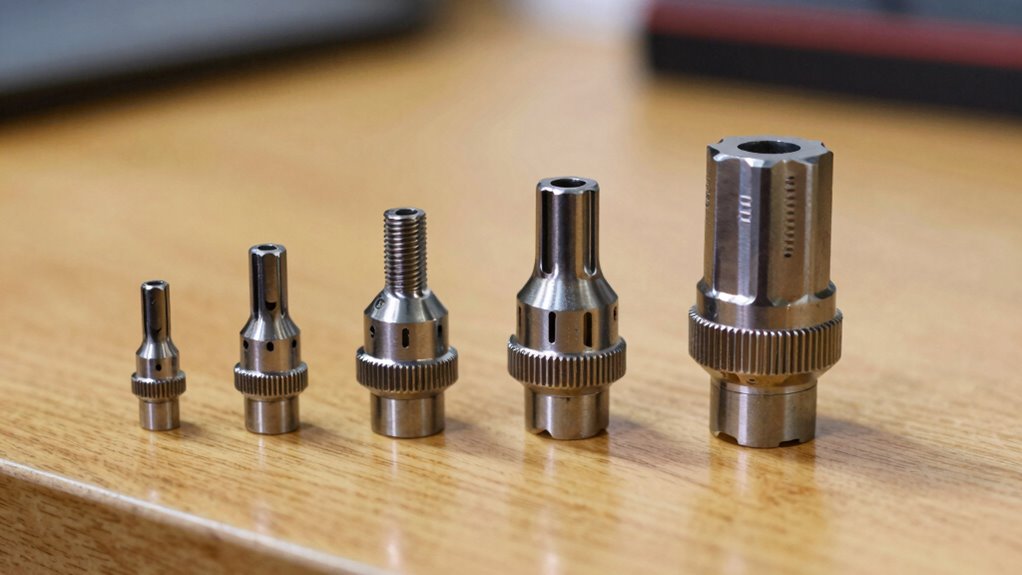
Have you ever wondered how a router holds your bits securely in place? It all comes down to collet sizes, which are essential for proper collet compatibility. Different routers require specific collet sizes, such as 1/4-inch or 1/2-inch, to ensure the bit fits snugly. Choosing the right size is critical because it directly influences router bit precision. A mismatched collet can cause wobbling, reducing accuracy and increasing safety risks. When you use the correct collet size, your bits stay steady, allowing for cleaner cuts and more detailed work. Proper collet compatibility is the foundation of safe and precise routing. Collet compatibility is also important for maintaining the longevity of your router and bits. Understanding collet sizes helps prevent tool damage and ensures optimal performance during your projects, especially when working with high-quality router bits.
Types of Router Bits and How They Fit Different Collets
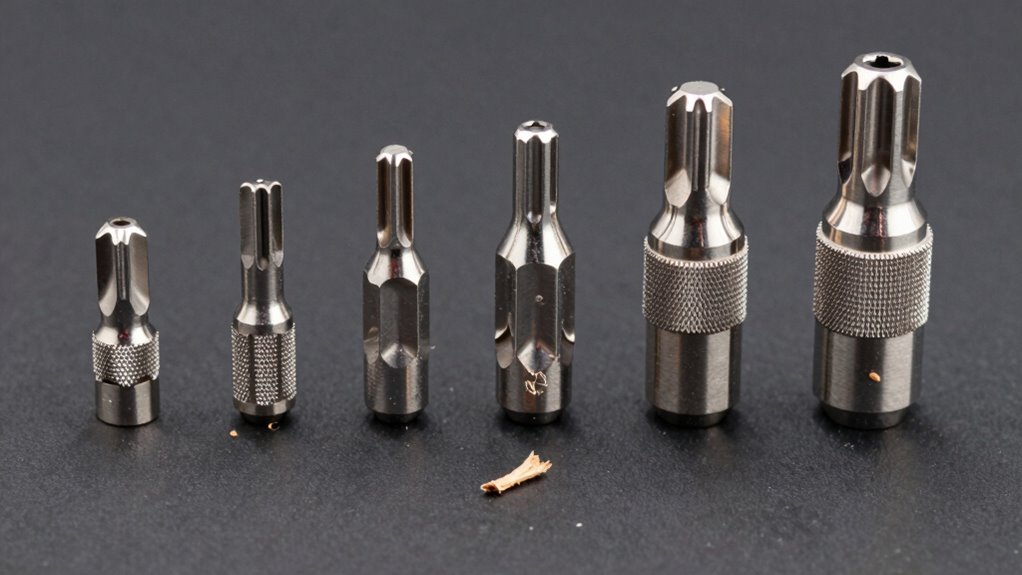
Router bits come in a variety of shapes and sizes, each designed for specific tasks like edging, grooving, or shaping wood. Understanding router bit compatibility is key to ensuring your bits fit securely and perform well. Different collet size standards exist, so it’s important to match your router’s collet to your bits. Here are four critical points:
- Most routers support 1/4-inch or 1/2-inch bits, depending on the collet size.
- Larger bits often require compatible larger collets for stability.
- Using the wrong collet size can lead to unsafe operation and poor results.
- Always check your router’s collet size standards before purchasing new bits.
Additionally, collet compatibility is essential for maintaining safe and effective operation of power tools.
How to Choose the Right Collet Size and Bits for Your Project
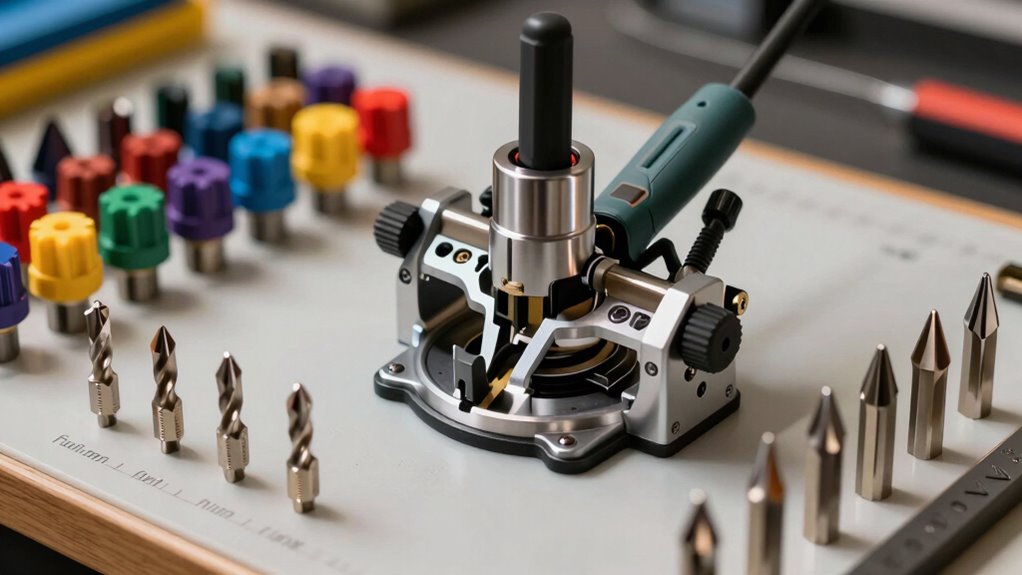
Choosing the right collet size and bits for your project starts with understanding your router’s capabilities and the scope of work. Confirm collet compatibility by matching the collet size with your bits’ shank diameters. Most compact routers support specific collet sizes, typically ¼ inch or ½ inch, so verify which sizes your router can handle. Using bits with the correct shank diameter ensures a secure fit, reduces vibration, and improves precision. If you select a bit shank that’s too small or too large for your collet, it can lead to unsafe operation or damage. Always check your router’s specifications and choose bits that match the supported collet sizes perfectly. Proper matching guarantees smooth operation, safety, and ideal results for your project. Additionally, understanding auditory feedback therapy techniques can help improve your precision and safety during operation. Being aware of collet maintenance practices also helps maintain optimal performance and safety over time. Maintaining the collet’s condition is essential for consistent performance and safety. Regularly inspecting and cleaning the collet can prevent buildup that causes slippage or imbalance, further enhancing cutting accuracy.
Safe Edge Profiling Techniques With Compact Routers
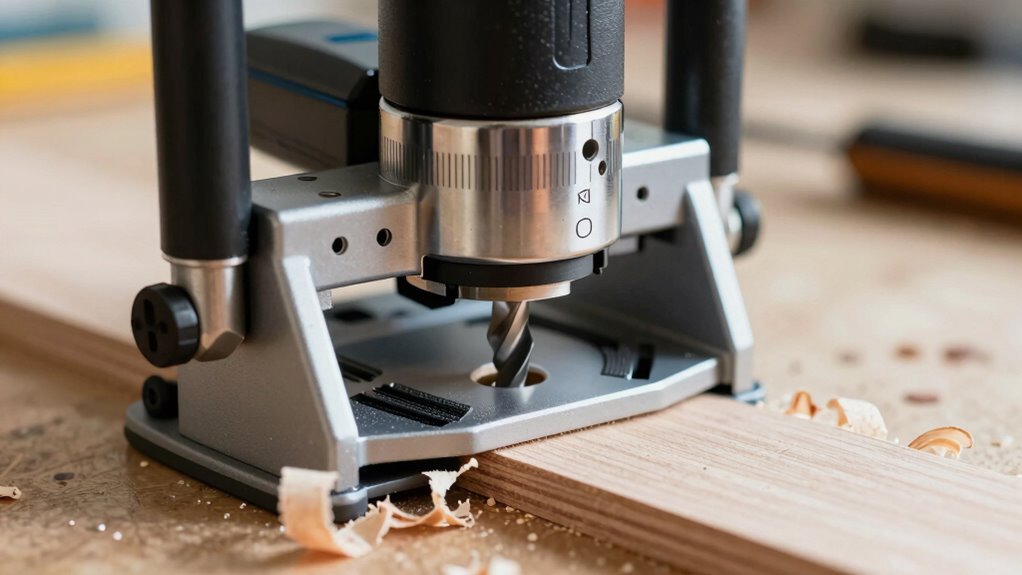
When profiling edges with a compact router, router safety and control are essential to achieving clean, precise results. To ensure safe edge profiling, follow these key techniques:
- Secure your workpiece firmly to prevent slipping during routing.
- Use the correct bit and collet size for your project to maintain stability.
- Keep your hands clear of the bit path and always wear safety gear.
- Move the router steadily along the edge, avoiding abrupt stops or changes in speed.
- Understanding bit types and their applications helps in selecting the right tools for specific edge profiles. Additionally, selecting the appropriate collet size ensures the bit is securely held, reducing the risk of accidents and improving cut quality. Proper router handling techniques also contribute significantly to safe and effective edge profiling. Maintaining a clean work environment free of dust and debris further enhances safety and control during routing. Being aware of router speed settings can help optimize your cut quality and safety, especially when working with different materials.
These steps help you maintain control, reduce the risk of accidents, and produce smooth, professional edges. Prioritizing router safety during edge profiling not only protects you but also guarantees a high-quality finish. Remember, a cautious approach makes all the difference in achieving ideal results.
Maintaining and Troubleshooting Router Bits and Collets
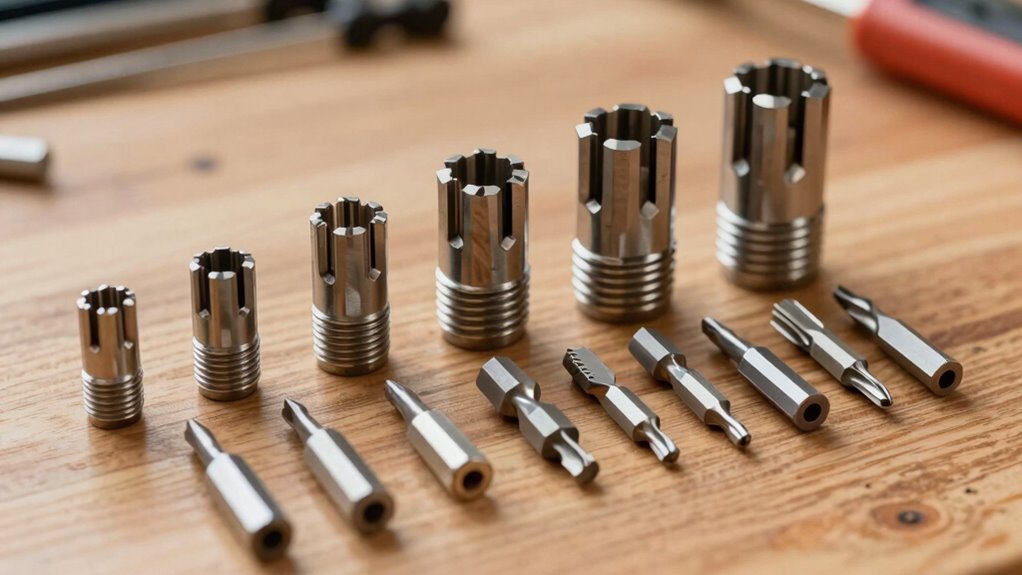
Proper maintenance and troubleshooting of router bits and collets are essential for consistent, high-quality results. Regular router maintenance includes cleaning bits and collets to remove debris and resin buildup, which can cause slippage or vibration. Always inspect your collet for wear or damage, ensuring it maintains proper collet compatibility with your bits. If you notice wobbling or difficulty securing bits, consider replacing worn collets or bits immediately. Properly tightened bits prevent accidents and produce cleaner cuts. Use the correct size collet for each bit to avoid stress and damage. Troubleshooting also involves checking for proper fit and alignment before each use. By maintaining your router bits and collets diligently, you ensure safer operation and peak performance on every project. Additionally, understanding router terminology can help you better diagnose and resolve common issues more efficiently. Remember that proper collet sizing not only improves safety but also enhances the quality of your cuts. Incorporating routine inspections and preventive maintenance into your maintenance routine can further extend the life of your tools and prevent unexpected failures. Conducting proper lubrication when needed can also reduce wear and promote smoother operation over time.
Frequently Asked Questions
Can I Use Non-Standard Collet Sizes With My Compact Router?
You generally can’t use non-standard collet sizes with your compact router because collet compatibility is specific to each model. Using the wrong size can be unsafe and damage your tool or bits. Always check your router’s manufacturer guidelines and stick to recommended collet sizes. For safety precautions, avoid forcing bits into incompatible collets, and consider adapters only if they’re designed for your router to guarantee secure, safe operation.
What Materials Are Best Suited for Specific Router Bits?
You should choose router bits based on their bit material and wood suitability. High-speed steel (HSS) bits work well for softwoods and general-purpose tasks. For harder woods or more demanding projects, carbide-tipped bits provide durability and better cutting performance. Always verify that the bit material matches your material to guarantee clean cuts and prolong the bit’s life. Using the right combination prevents damage and gives you smoother, professional results.
How Do I Identify Worn or Damaged Collets Quickly?
Imagine a tiny, rusty gate; that’s what worn or damaged collets can look like. You’ll notice collet wear through signs like uneven bit grip, wobbling bits, or difficulty tightening. Damage indicators include cracks or chips around the collet’s edges. Regular collet inspection is key—check for smoothness, cracks, or deformation before each use. If anything looks off, replace the collet immediately to keep your routing safe and accurate.
Are There Compatibility Issues Between Different Brands of Router Bits?
You might encounter brand compatibility issues with router bits, as not all brands are fully interchangeable. Always check if your router supports bit interchangeability across brands, since different manufacturers may have slightly varying shank sizes or profiles. To avoid problems, use bits specifically designed for your router’s collet size or opt for universal bits with adaptable shank options. This guarantees a safe, secure fit and maximum performance.
What Safety Gear Is Recommended When Profiling Edges?
A stitch in time saves nine, so always gear up for safety. When profiling edges, you should wear safety glasses to protect your eyes from flying debris and a dust mask to avoid inhaling sawdust. These safety essentials keep you protected from common hazards. Always prioritize safety gear; it’s better to be cautious than regretful. Remember, safety isn’t just a rule, it’s a habit that keeps you safe.
Conclusion
Choosing the right collet size and bits is essential for safe, precise routing. Did you know that using an incompatible collet can cause bit slippage, leading to accidents? By understanding your router’s collet sizes and employing proper techniques, you enhance both safety and project quality. Regular maintenance keeps your tools in top shape, ensuring smooth operation. Stay informed and cautious—your skills and safety depend on it!