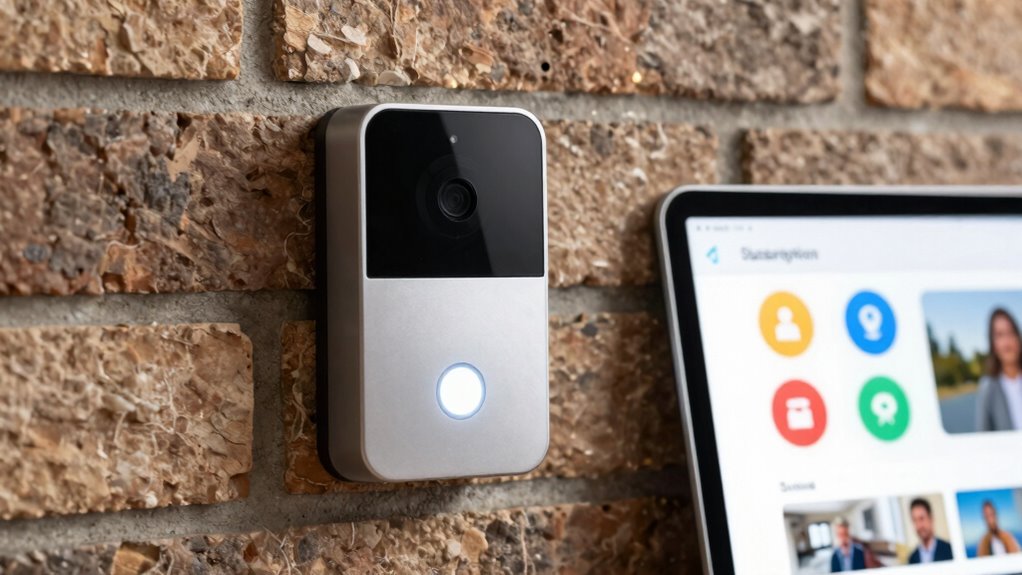
If you prioritize privacy and control, local storage doorbells offer the benefit of storing footage on your device, reducing risks of data breaches and ongoing costs. However, they might require manual management and pose security risks if physically tampered with. Subscription models provide convenience with automatic backups and seamless access, but come with recurring fees and potential security vulnerabilities. To understand which option best fits your needs, explore the key trade-offs and considerations ahead.
Key Takeaways
- Local storage offers greater control and privacy but requires manual management and is vulnerable to theft or tampering.
- Subscription models provide automatic backups and seamless access but involve ongoing costs.
- Local storage reduces data breach risks but may have limited capacity and maintenance needs.
- Subscription services ensure long-term storage without capacity worries, often with added convenience features.
- Security and compatibility vary; local storage depends on physical security, while cloud relies on provider safeguards.
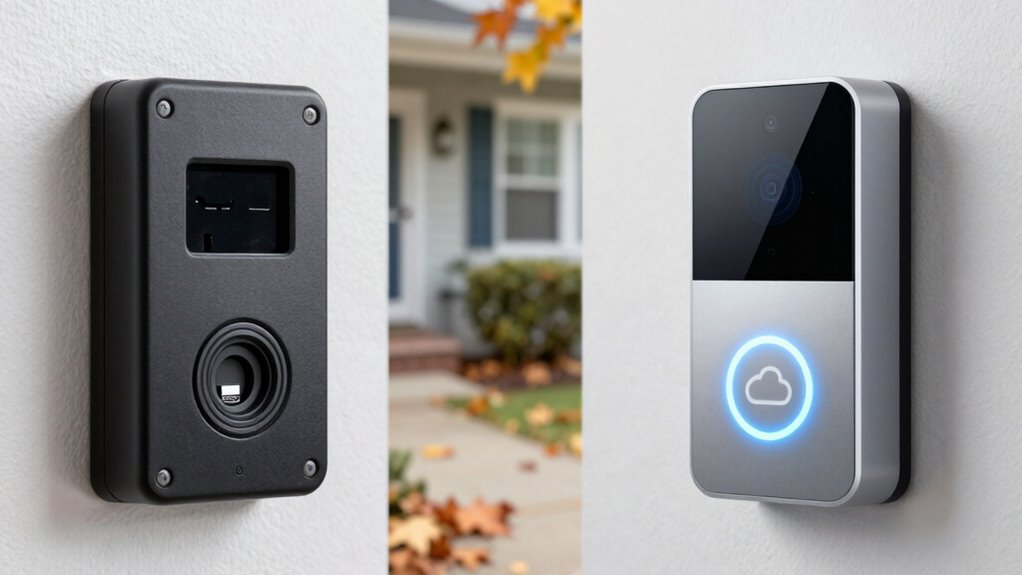
When choosing a smart doorbell, you often have to decide between models that store footage locally and those that rely on subscription services. This choice impacts your privacy, cost, and overall user experience. Local storage doorbells typically save video recordings directly on a microSD card or a built-in hard drive, giving you more control over your footage. Since the videos don’t get uploaded to a cloud server, your privacy concerns are minimized—your recordings stay on your property unless you choose to transfer or share them. This setup can be especially appealing if you’re wary of third-party access or data breaches. However, local storage means you’re responsible for managing the device’s storage capacity; if the storage fills up, older footage gets overwritten unless you regularly back it up.
Local storage doorbells give you greater control over your footage and enhance privacy by avoiding cloud storage risks.
On the other hand, subscription-based models often store footage in the cloud. While this can be more convenient—automatically saving and organizing clips—you need to weigh the ongoing costs involved. Subscription services typically charge monthly or yearly fees, which can add up over time. These costs might seem minor at first, but they can become significant if you want continuous, long-term storage or multiple cameras. Furthermore, relying on cloud storage raises more privacy concerns. Your video data is stored on external servers, which could be vulnerable to hacking or unauthorized access if the service provider doesn’t maintain robust security measures. Proper security measures are essential to protect your stored footage, whether on local devices or in the cloud. Additionally, some local storage solutions may have vulnerabilities if not properly secured against physical tampering or theft.
Another aspect to consider is the security of local storage solutions, which can vary depending on how well the device and storage media are protected against theft or tampering. It’s also worth noting that device compatibility with other smart home systems can influence your choice, especially if you want integrated security features. Cost implications are a major factor influencing your decision. Local storage models usually require a one-time purchase of the device, and sometimes a microSD card, which can be more budget-friendly over the long run. Conversely, subscription models often have lower upfront costs but ongoing fees that can add up. If you prefer not to commit to monthly payments or worry about recurring expenses, a local storage doorbell might be the better choice. However, if you prioritize convenience and don’t want to deal with managing storage capacity, a subscription model could be worth the extra cost.
Ultimately, your decision hinges on balancing privacy concerns and cost implications. If you value control over your footage and want to avoid ongoing expenses, local storage doorbells make sense. But if you prefer seamless access, automatic backups, and don’t mind the subscription fees, cloud-based options offer flexibility and ease of use. Either way, understanding these trade-offs helps you choose a smart doorbell that best fits your security needs and budget.

Tapo 2K Wireless Smart Video Doorbell – 160° Ultra-Wide View, Person Detection, 2-Way Talk, Ring Call, Night Vision, Subscription-Free Local Storage or Optional Cloud, D205
𝐒𝐡𝐚𝐫𝐩 𝟐𝐊 𝐕𝐢𝐞𝐰 – Monitor your home in crisp 2K resolution. [Chime NOT included]
As an affiliate, we earn on qualifying purchases.
As an affiliate, we earn on qualifying purchases.
Frequently Asked Questions
How Do Storage Costs Compare Over Time?
Over time, storage costs with local storage doorbells typically stay steady, but you might face higher upfront expenses and maintenance. Subscription models often have ongoing fees, but they include cloud security and data accessibility, making it easier to access footage remotely. While subscription costs add up, they reduce hardware worries and keep your data secure, offering a more flexible solution for long-term storage needs.
Can Local Doorbells Integrate With Smart Home Systems?
Yes, local doorbells can integrate with smart home systems, enhancing user convenience. Many models support third-party integrations like smart assistants, security platforms, and automation systems. You can often connect them through apps or compatible hubs, allowing seamless control and monitoring. This integration simplifies managing your home security, making it easier to customize alerts, view footage, or automate responses, all while maintaining local storage for privacy and reliability.
What Are the Privacy Implications of Each Model?
Your privacy is the fortress guarding your digital doorstep. With local storage, data security feels like a sturdy wall, keeping user privacy tightly sealed and less exposed to breaches. Subscription models, however, may open windows for data collection and sharing, risking your privacy. Think of it as entrusting your data to a guardian who might be tempted to peek, whereas local storage keeps your personal information closer, safer, and under your control.
How Easy Is It to Upgrade or Replace Devices Later?
Upgrading or replacing devices later is generally straightforward if they share compatible hardware and software standards. You’ll want to check device compatibility to guarantee new units work seamlessly with your existing setup. However, some systems involve technical complexity, especially with proprietary technology or integrated features, making upgrades more challenging. Opt for devices that support standard protocols to simplify future replacements and minimize technical hurdles.
What Is the Typical Lifespan of Local Storage Doorbells?
A local storage doorbell typically lasts between 3 to 7 years, depending on battery life and usage. You’ll find that installation is generally straightforward, especially with models designed for easy setup. To maximize lifespan, opt for a doorbell with a rechargeable or replaceable battery. Regular maintenance and timely battery replacement guarantee your doorbell remains functional and reliable, reducing the need for frequent upgrades or repairs.

Tapo 2K Wireless Smart Video Doorbell with Chime – 160° Ultra-Wide View,Person Detection, Ring Call, 2-Way Audio, Subscription-Free Local Storage/Optional Cloud, Motion Only Alert, D210
【2K Resolution】Details matter. Equipped with 2K resolution, see beyond traditional 1080p resolution with finer details and incredible clarity….
As an affiliate, we earn on qualifying purchases.
As an affiliate, we earn on qualifying purchases.
Conclusion
When choosing between local storage doorbells and subscription models, consider your priorities. Local storage offers privacy and no ongoing fees, but may lack advanced features. Subscription plans often provide more cloud storage and smarter alerts, though they come with recurring costs. Did you know that 60% of users prefer local storage for its privacy benefits? Ultimately, weigh the trade-offs to find the option that best matches your security needs and budget.

Orbitell 1080p Wireless Wi-Fi Video Doorbell Camera with Two Way Audio, Night Vision, Cloud Storage, Smart AI Motion Detection, Support 2.4GHz Wi-Fi only
AI-Powered Smart Detection: Advanced AI technology accurately identifies people while filtering out vehicles and animals, so you only…
As an affiliate, we earn on qualifying purchases.
As an affiliate, we earn on qualifying purchases.

BOIFUN Video Doorbell Camera Wireless – No Subscription Required, 2K HD, 166° Wide View, HDR Night Vision, Motion Alerts, Two‑Way Audio & Battery Video Doorbell with Chime, 2.4 GHz Wi‑Fi Only
Wide 166° Field Of View For Video Doorbell & f/2.5 Aperture: Covers your front porch with no blind…
As an affiliate, we earn on qualifying purchases.
As an affiliate, we earn on qualifying purchases.