A home automation hub becomes helpful when you manage multiple devices using different protocols like Zigbee or Z-Wave, or want to simplify control and automation. If your smart gadgets connect easily via Wi-Fi and work well without an extra device, a hub may not be necessary. However, if you face compatibility issues or want centralized management, using a hub can boost your setup. To discover more about making the best choice, keep exploring your options.
Key Takeaways
- Use a hub if managing multiple protocols (Zigbee, Z-Wave, Wi-Fi) devices becomes complex or unreliable across apps.
- Devices supporting Wi-Fi often don’t need a hub; Zigbee and Z-Wave devices typically do.
- Choose a hub compatible with your voice assistants (Alexa, Google, Siri) and existing device ecosystem.
- Troubleshoot connectivity issues by checking device compatibility, firmware updates, and network performance.
- For small setups, direct app or voice control suffices; hubs are more beneficial for integrated, multi-protocol smart homes.

Ring Alarm 14-Piece Kit (newest model), Wireless smart home or business security system, expandable, easy setup, Mobile App Control, 24/7 Professional Monitoring, Alexa Compatible
A great fit for 2-4 bedroom homes, this Alarm Kit includes one Base Station, two Keypads, eight Contact...
As an affiliate, we earn on qualifying purchases.
What Is a Home Automation Hub and How Does It Work?
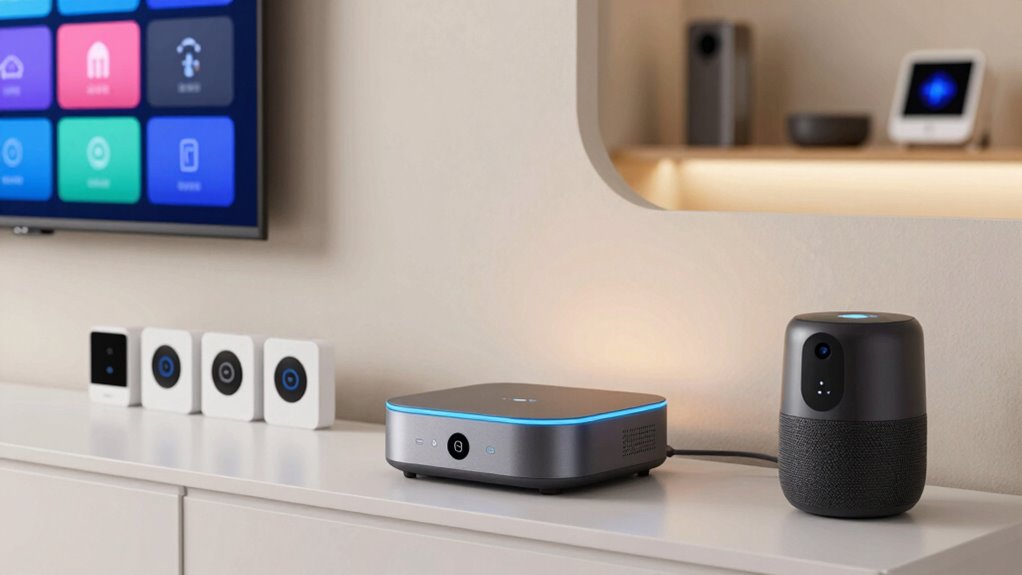
A home automation hub is the central device that connects and manages all your smart home gadgets. It acts as the brain, coordinating devices like lights, thermostats, and security systems. With voice control integration, you can easily command your smart home using simple voice commands, making daily routines more convenient. The hub also enhances energy efficiency by automating settings based on your habits and preferences, like adjusting the thermostat when you’re away or turning off unused lights. It communicates with devices through protocols such as Wi-Fi, Zigbee, or Z-Wave, ensuring seamless operation. By consolidating control into one device, you reduce the need for multiple apps and manual adjustments, streamlining your smart home experience while saving energy and increasing convenience. Smart protocols enable reliable and secure device communication, further optimizing your home’s automation capabilities. Additionally, leveraging European cloud infrastructure can improve data security and support sustainable, energy-efficient cloud management. Properly configured, a home automation hub can also serve as a centralized control point, simplifying management of all connected devices. Using a robust network is essential to maintain consistent communication and avoid disruptions in your smart home system. Incorporating standardized communication protocols can further enhance compatibility across diverse devices, ensuring a smoother automation experience.

Philips Hue Smart Light Starter Kit - Includes (1) Bridge, (1) Smart Button and (3) Smart 75W A19 LED Bulbs - White and Color Ambiance - 1100LM - E26 - Control with Hue App or Voice Assistant
WHAT’S IN THE BOX - Includes one Hue bridge, one smart button, and three White and Color Ambiance...
As an affiliate, we earn on qualifying purchases.
Do You Really Need a Home Automation Hub? Signs to Watch For
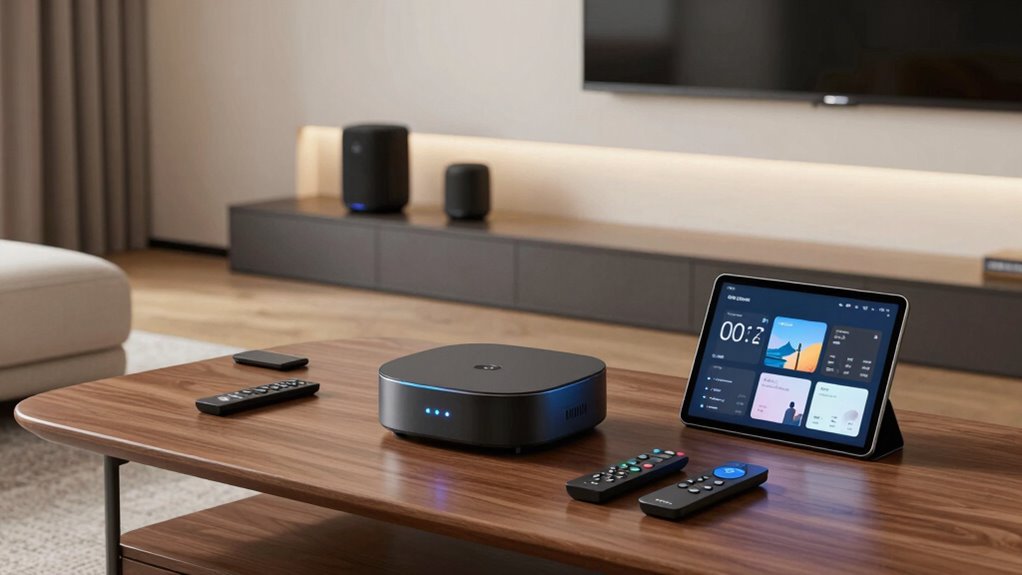
While a home automation hub can simplify managing your smart devices, it’s worth considering whether you truly need one. If you find yourself juggling multiple apps or struggling with device compatibility, a hub might be the solution. Look out for signs like inconsistent device communication or devices that don’t respond reliably, which can indicate that your current setup isn’t optimized. A hub can unify wireless protocols such as Zigbee, Z-Wave, or Wi-Fi, ensuring seamless communication. If your devices support these protocols but still don’t work well together, a hub can improve stability and control. Additionally, smart device integration issues can often be resolved more easily with a hub. However, if your devices operate smoothly without one, and you’re comfortable managing them separately, a hub might be unnecessary. Recognizing these signs helps you decide if a hub will genuinely enhance your smart home experience.

Sengled Smart Light Bulb Starter Kit, Smart Bulbs that Work with Alexa, Google Home, 2700K Soft White Alexa Light Bulbs, A19 E26 Dimmable Bulbs 800LM, 9 (60W Equivalent), 4 Bulbs with Hub, New
【Sengled Smart Hub Supports 2.4G & 5G】Connect smart light bulb to Sengled Smart Hub, which works with both...
As an affiliate, we earn on qualifying purchases.
Key Benefits of Using a Home Automation Hub
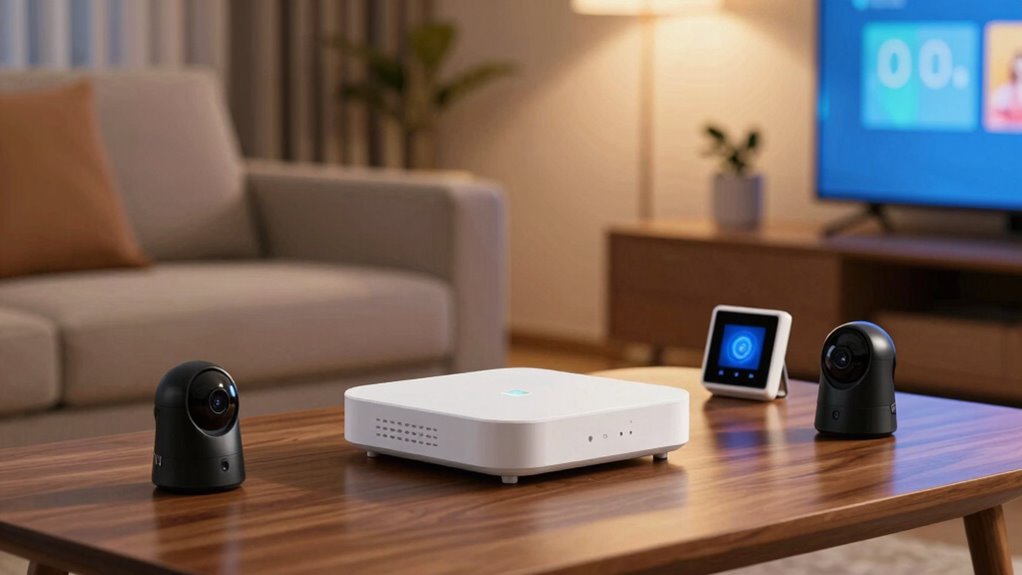
Using a home automation hub can considerably streamline your smart home experience by centralizing device control. It simplifies managing multiple systems, making smart security and energy management more efficient. With a hub, you can automate lighting, thermostats, and security cameras seamlessly, ensuring your home is safer and more energy-efficient. This integration reduces manual adjustments and enhances remote control, saving you time and effort. Additionally, understanding modern kitchen technology can help you optimize your entire smart home setup for better results. Recognizing how thermal behavior impacts high-heat outdoor cooking can further improve your culinary craft and safety when integrating smart appliances into your outdoor kitchen setup. Being aware of smart device compatibility also ensures smooth operation across all your connected gadgets. Paying attention to system interoperability is crucial for ensuring all your devices work together without issues.

Kasa Smart Plug Mini 15A, Apple HomeKit Supported, Smart Outlet Works with Siri, Alexa & Google Home, UL Certified, App Control, Scheduling, Timer, 2.4G WiFi Only, 4 Count (Pack of 1) (EP25P4), White
【Apple Homekit Support】This Apple HomeKit compatible smart plug fully integrates into your Apple ecosystem, just ask Siri to...
As an affiliate, we earn on qualifying purchases.
When Does a Hub Make Your Smart Home Simpler? Real-Life Scenarios
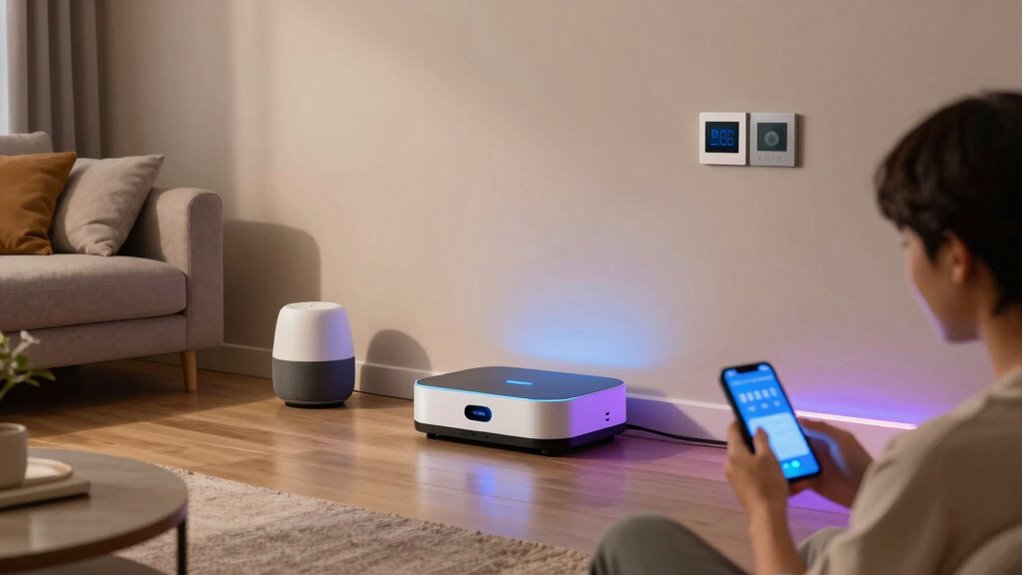
Smart homes become noticeably simpler when you have a hub that seamlessly connects and manages multiple devices. If you frequently use voice control to operate your smart devices, a hub can centralize commands, making your experience smoother. For example, when you want to turn off all lights or adjust the thermostat with a single voice command, a hub ensures compatibility across different brands and protocols. This setup reduces the need to juggle multiple apps or devices, streamlining your daily routines. If your devices support common standards and you desire effortless control, a hub can facilitate your smart home by unifying device management. Additionally, for setups like Free Floating environments, a hub can help organize and optimize device interactions, making the overall experience more intuitive. In these scenarios, a hub helps you enjoy a more intuitive, integrated experience.
How to Tell If Your Devices Can Work Without a Hub
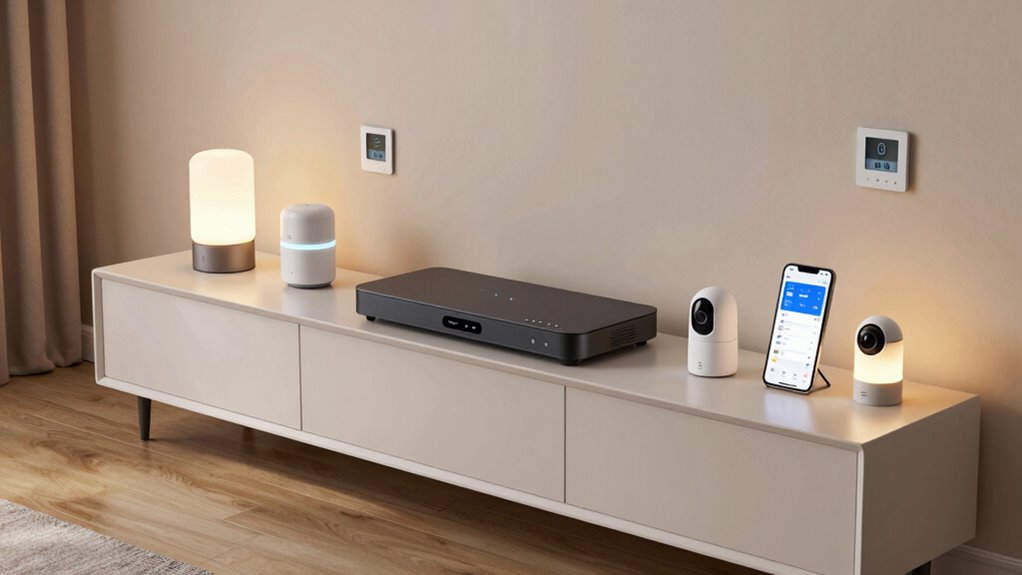
Determining if your devices can work without a hub starts with checking their compatibility standards. Look at the device specifications or manufacturer details to see which wireless protocols they support, such as Wi-Fi, Zigbee, or Z-Wave. Devices that use Wi-Fi typically connect directly to your home network, meaning they often don’t need a hub. In contrast, Zigbee and Z-Wave devices usually require a hub or bridge to communicate with your other smart devices. Confirm your existing setup supports these protocols or check if your devices are designed for direct connection. By understanding your device compatibility and the wireless protocols they use, you can determine whether a hub is necessary or if your devices will operate independently, simplifying your smart home setup.
How to Choose the Right Home Automation Hub for Your Setup
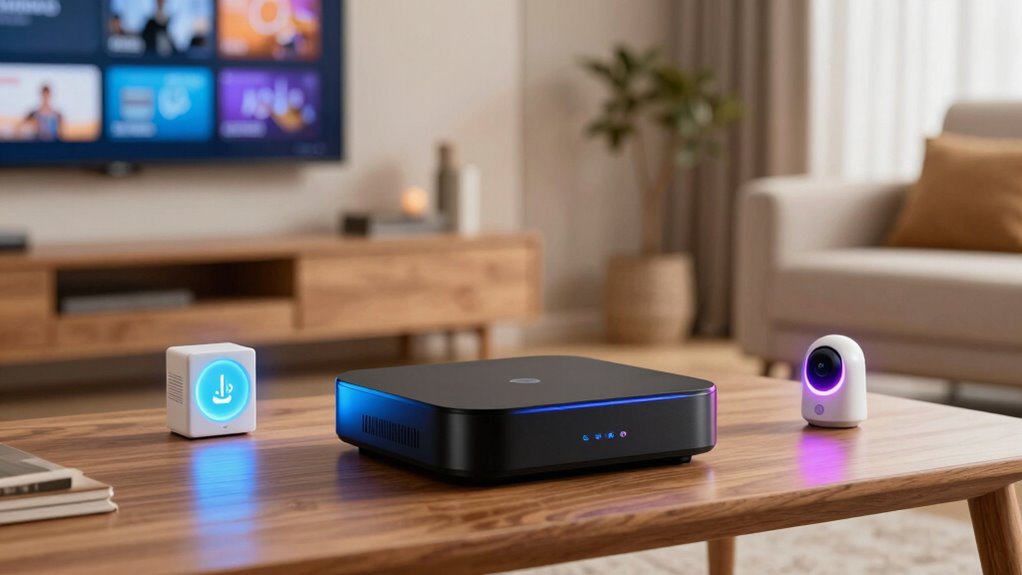
Choosing the right home automation hub depends on your specific needs and the devices you plan to connect. Consider which voice assistants you prefer, such as Alexa, Google Assistant, or Siri, since compatibility varies. Also, check the wireless protocols your devices use, like Zigbee, Z-Wave, or Wi-Fi, to ensure seamless communication. Some hubs support multiple protocols and voice assistants, offering flexibility. Here’s a quick comparison:
| Hub Model | Voice Assistants Supported | Wireless Protocols |
|---|---|---|
| Hub A | Alexa, Google Assistant | Zigbee, Z-Wave |
| Hub B | Alexa, Siri | Wi-Fi, Zigbee |
| Hub C | Google Assistant, Siri | Z-Wave, Zigbee |
| Hub D | Alexa only | Wi-Fi, Z-Wave |
Pick a hub that matches your device ecosystem and voice control preferences.
Additionally, consider the compatibility of protocols to ensure your chosen hub can integrate all your existing smart devices smoothly.
When Skipping a Hub Can Save You Money and Hassle
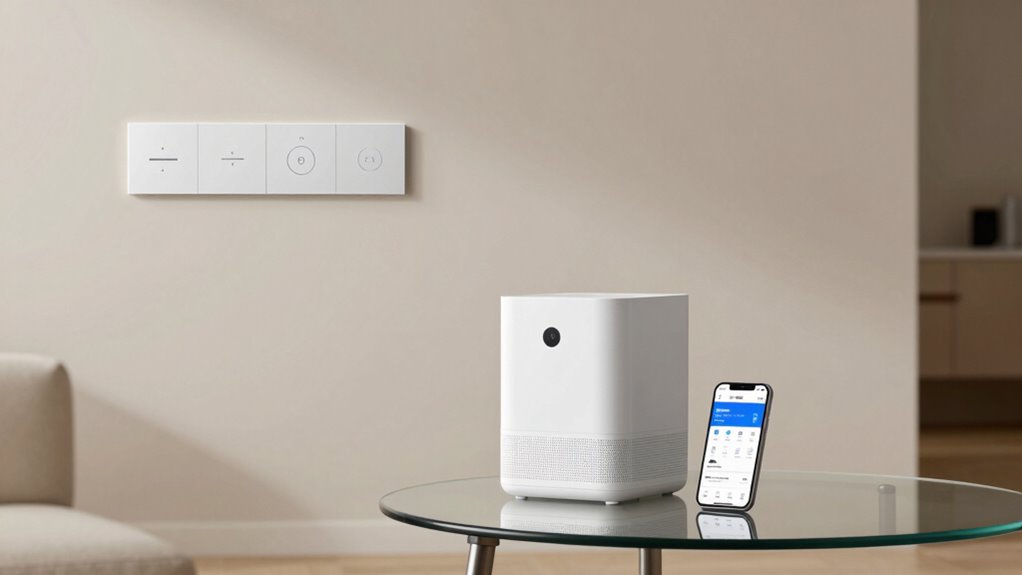
Skipping a dedicated home automation hub can save you both money and the hassle of setup, especially if your smart devices are compatible with your existing Wi-Fi network and voice assistants. When your smart home security devices support direct Wi-Fi connectivity or Zigbee/Z-Wave integration without a hub, you avoid extra costs and complexity. This setup simplifies voice assistant integration, allowing you to control devices through Alexa, Google Assistant, or Siri without additional hardware. Plus, it reduces potential points of failure, making troubleshooting easier. If you don’t need centralized control or advanced automation features, skipping the hub can streamline your smart home and save you money while still maintaining effective security and voice control.
Troubleshooting Smart Device Integration Problems
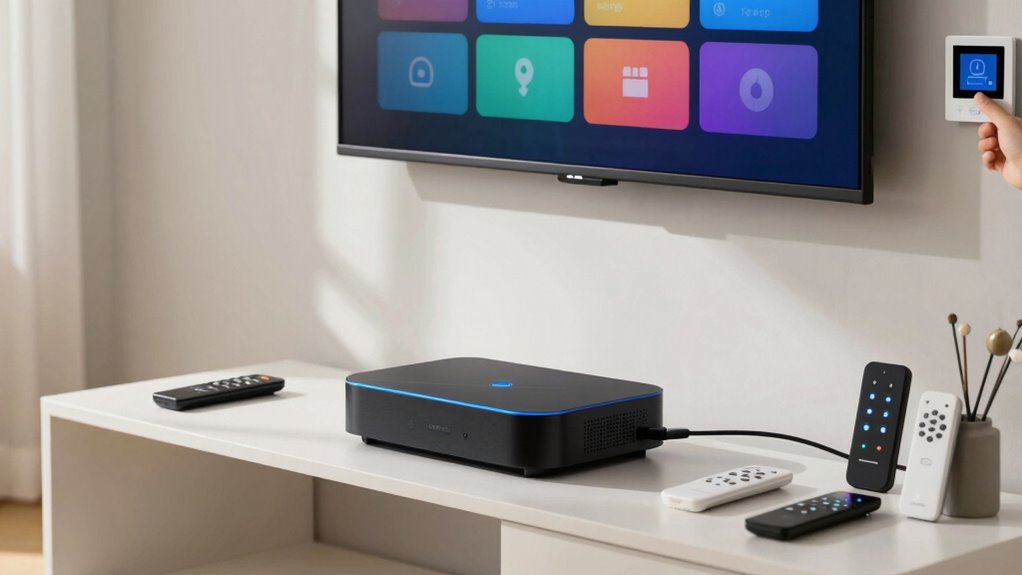
When your smart devices fail to connect or respond as expected, troubleshooting integration issues quickly becomes essential. Often, problems stem from device compatibility or voice control setup. To fix these issues:
- Check if your device is compatible with your hub and voice control system.
- Ensure your devices are on the same Wi-Fi network and updated with the latest firmware.
- Restart your hub and smart devices to reset connections.
- Reconfigure voice commands and unlink/relink devices in your automation app.
- Verify proper air purifier maintenance to prevent potential interference with device operation. Additionally, ensuring your smart home devices are not affected by common interference sources can help improve connectivity and performance. Being aware of electrical loads and how they impact device operation can also aid in troubleshooting connectivity problems. Regularly monitoring your network’s bandwidth usage can help identify issues caused by network congestion. Incorporating connected home technology best practices can further optimize device performance and stability.
Final Tips: Is a Home Automation Hub Worth It for You?
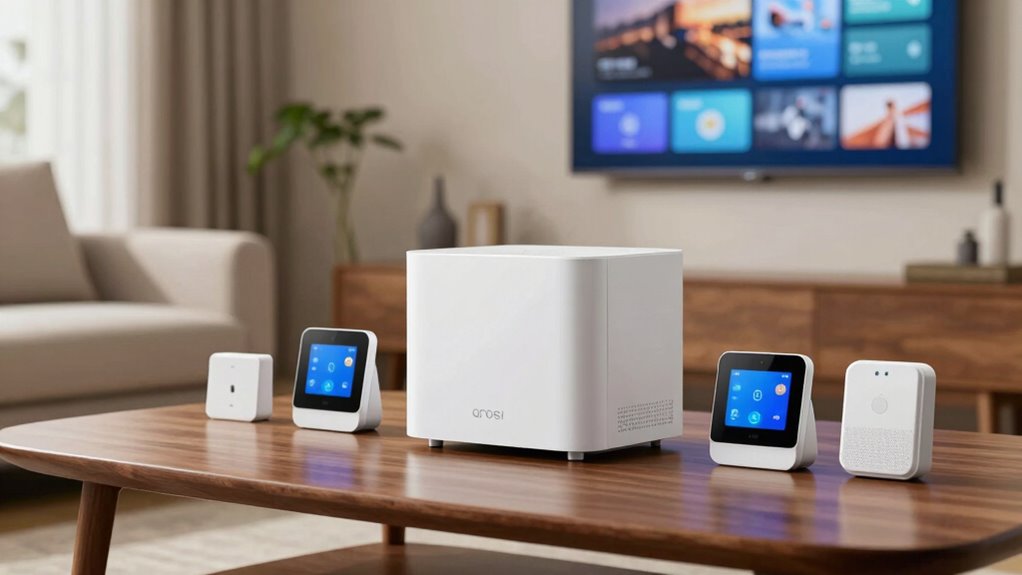
Deciding whether a home automation hub is worth it depends on your lifestyle and tech needs. If you value seamless control and plan to expand your smart home, a hub can simplify management. However, be aware of common smart home myths—like believing a hub is essential for all devices—that might lead you astray. Sometimes, hub alternatives, like direct app control or voice assistants, suit smaller setups better and save money. Consider the table below to weigh your options:
| Hub Benefits | Hub Alternatives |
|---|---|
| Centralized device management | Individual app control |
| Better automation capabilities | Voice assistant integration |
| Future-proofing your setup | No extra hardware needed |
Choose wisely based on your goals and avoid unnecessary tech clutter.
Frequently Asked Questions
Can I Use Multiple Hubs in One Smart Home?
Yes, you can use a multi hub setup in your smart home, but it depends on device compatibility. Some hubs work well together, while others may cause conflicts or require bridges. To avoid issues, check if your devices are compatible with multiple hubs and choose hubs that support standard protocols like Zigbee or Z-Wave. This way, you can expand your smart home without sacrificing seamless control.
What Are the Security Risks of Using a Hub?
Like trusting a knight in shining armor, using a hub can expose you to wireless vulnerabilities and data privacy risks. Hackers might exploit weak security to access your network or personal info. To protect yourself, make certain your hub has strong encryption, update firmware regularly, and use secure passwords. Being vigilant helps prevent unauthorized access and keeps your smart home safe from potential cyber threats.
How Often Should I Update My Home Automation Hub?
You should update your home automation hub as soon as firmware updates are available, ideally once a month. Regular updates improve security, fix bugs, and guarantee device compatibility with new gadgets. Delaying updates can expose your system to vulnerabilities or cause compatibility issues. Keep an eye on notifications from your hub’s manufacturer and install updates promptly to keep your system secure, stable, and compatible with all your smart devices.
Is a Hub Necessary for Voice Control Compatibility?
A hub isn’t always necessary for voice control compatibility, especially if your devices support voice assistants directly, like Alexa or Google Assistant. However, if you want seamless integration across multiple devices and brands, a hub can enhance compatibility and reduce concerns about compatibility issues. Consider your setup and preferences; if you’re using many smart devices, a hub might simplify voice control and ensure smoother operation.
Can I Integrate Third-Party Devices Without a Hub?
Think of your smart home as a bustling city; without a central hub, it’s like trying to coordinate traffic without traffic lights. You can integrate third-party devices directly, but compatibility challenges often arise. Some devices play nicely with voice assistants and smart platforms, while others don’t. To keep everything running smoothly, a hub often acts as the traffic controller, simplifying third-party integration and reducing compatibility issues.
Conclusion
Deciding whether to get a home automation hub is like choosing the right tool for a job—you want it to make your life easier, not more complicated. If your devices work smoothly together and simplify your routines, then a hub’s worth considering. But if your setup runs fine without one, skipping it can save you money and hassle. Ultimately, it’s about finding the right balance for your smart home needs.