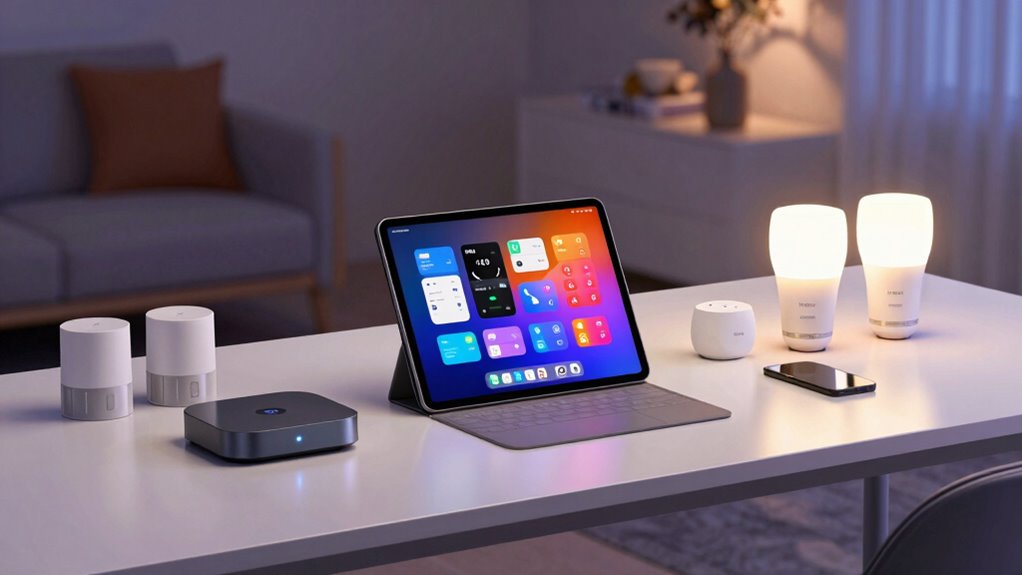

To construct a compatible Amazon smart home kit, start by choosing devices labeled as “Works with Alexa” and supporting standards like Zigbee or Z-Wave. Use the Alexa app to verify device recognition, compatibility, and proper setup before committing. Make sure firmware is updated, and double-check that all devices work seamlessly together within the ecosystem. If you want to guarantee your setup stays hassle-free, exploring further will reveal smarter tips and troubleshooting strategies.
Key Takeaways
- Choose devices labeled as “Works with Alexa” to ensure seamless compatibility within the Amazon ecosystem.
- Verify device standards like Zigbee or Z-Wave support via the Alexa app before purchasing.
- Regularly update device firmware and software for reliable integration and improved security.
- Use the Alexa app to confirm devices are recognized, paired correctly, and support needed automation features.
- Prioritize Amazon-Certified devices for consistent performance, security, and easier troubleshooting.

Amazon Echo Show 5 (newest model), Smart display, Designed for Alexa+, 2x the bass and clearer sound, Charcoal
Alexa can show you more – Echo Show 5 includes a 5.5” display so you can see news…
As an affiliate, we earn on qualifying purchases.
As an affiliate, we earn on qualifying purchases.
Understanding How Amazon Ensures Device Compatibility
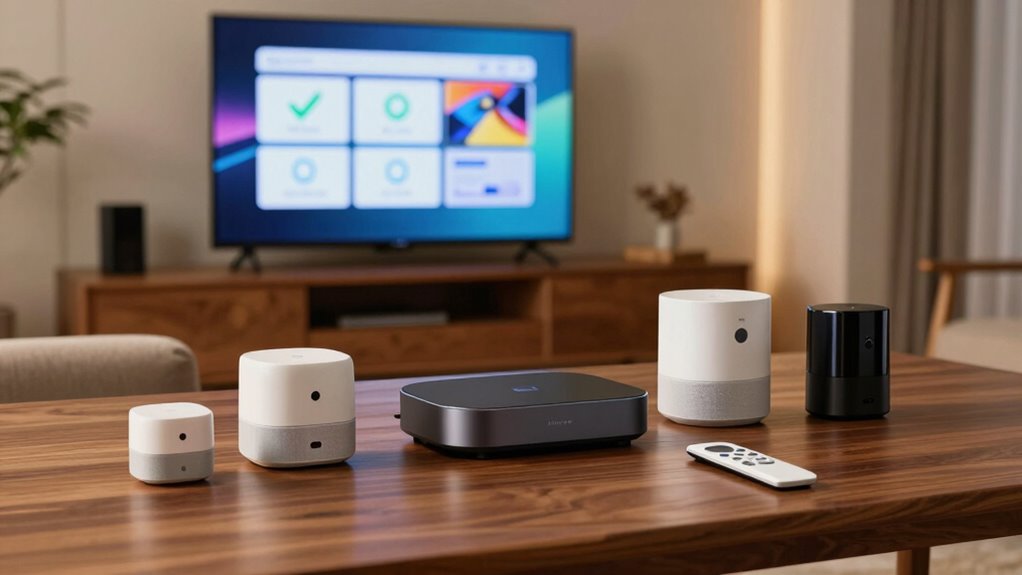
To guarantee that your smart home devices work seamlessly together, Amazon employs a strict certification process called the Works with Alexa program. This program ensures compatibility by verifying devices meet specific standards, including voice recognition capabilities. When a device is certified, it can understand and respond accurately to voice commands, making your interactions smoother. Amazon also prioritizes privacy settings, allowing you to customize how your devices handle data. You can control who has access to your voice recordings and adjust privacy options to keep your information secure. This rigorous process helps you avoid compatibility issues and guarantees that your devices will work harmoniously within your smart home ecosystem. With these measures, you enjoy reliable performance alongside enhanced privacy protection. Additionally, Amazon’s commitment to device interoperability ensures that your various smart devices can communicate effectively, creating a more integrated smart home experience. The certification process also involves ongoing updates and support to adapt to new devices and technologies, further strengthening your smart home setup. Furthermore, Amazon emphasizes compatibility standards to ensure that new devices remain compatible over time and with evolving technologies.

Aeotec Smart Home Hub2 – V4, Works as a SmartThings Hub, Zigbee, Matter Gateway, Compatible with Alexa, Google Assistant, WiFi (No Z-Wave)
Powered by SmartThings – Connect, monitor, and automate your home through the SmartThings app. Build a reliable, unified…
As an affiliate, we earn on qualifying purchases.
As an affiliate, we earn on qualifying purchases.
Which Devices Are Compatible With Your Amazon Smart Home?
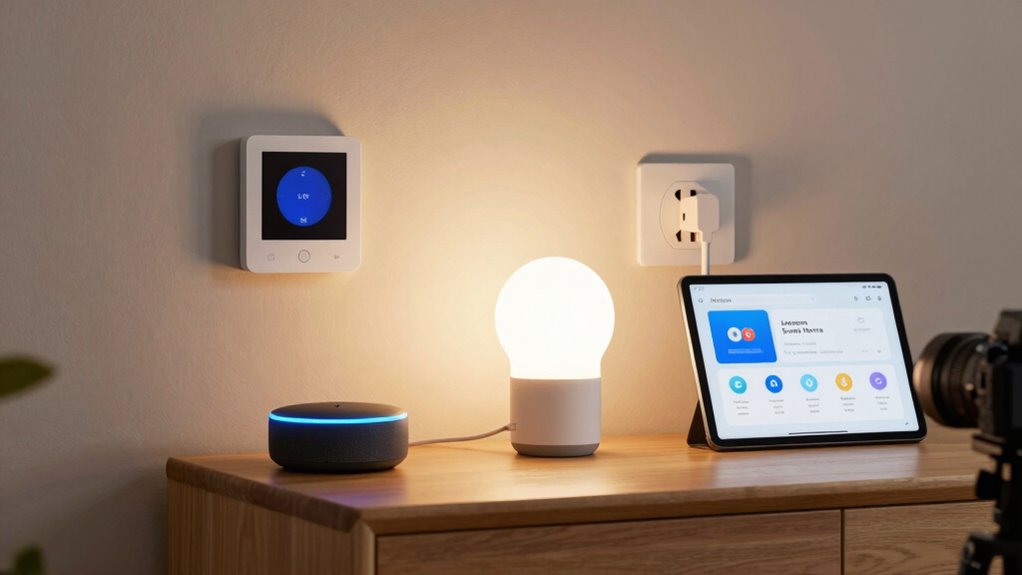
Knowing which devices work with your Amazon smart home helps you build a seamless system. Device compatibility depends on the ecosystem you choose, whether it’s Alexa, Zigbee, or Z-Wave. By understanding your options, you can select the right devices to create a cohesive smart home experience. Additionally, consulting a trusted business directory can help you find reliable products and services to enhance your setup. To ensure smooth integration, consider local automation options that can increase privacy and control within your home. Recognizing the ecosystem compatibility of devices can also prevent frustration and ensure your system functions as intended. Being aware of device standards can further simplify choosing compatible products for your setup. Knowing about filtration and connectivity standards is essential for integrating smart home devices effectively.
Device Compatibility Explained
Understanding which devices work with your Amazon Smart Home is essential for creating a seamless and functional setup. Most compatible devices adhere to common device standards, ensuring they communicate effectively with Alexa and the Alexa app. When choosing devices, look for labels like “Works with Alexa” or compatibility with your specific Echo model. App integration plays a key role; devices that easily connect through the Alexa app streamline setup and control. Many smart devices, such as lights, plugs, and thermostats, meet these standards, making them compatible right out of the box. Keep in mind, newer devices tend to have better integration and updated standards, so always check product descriptions for compatibility details before purchasing. Additionally, understanding device compatibility standards helps ensure your chosen devices work smoothly together, creating a cohesive and efficient smart home. Being aware of industry standards can also help you future-proof your setup as technology evolves. Recognizing interoperability protocols can further enhance your ability to expand and customize your smart home system over time.
Smart Home Ecosystem Options
With dozens of smart devices available, choosing compatible options for your Amazon Smart Home can seem overwhelming. Luckily, Amazon works seamlessly with various voice assistants like Alexa, Google Assistant, and Apple’s Siri, giving you flexibility. When it comes to smart lighting, many brands like Philips Hue, LIFX, and Sengled integrate easily with Amazon’s ecosystem, allowing you to control lights through voice commands or the Alexa app. These devices often support routines, so you can automate your lighting and other smart home functions effortlessly. Compatibility isn’t limited to lighting; smart thermostats, security cameras, and plugs are also widely compatible, provided they support Alexa or are listed as compatible. This broad ecosystem ensures you can customize your smart home setup to fit your preferences.

Amazon Basics Smart A19 LED Light Bulb, Color Changing, 9W (60W Equivalent), 800LM, Works with Alexa Only, WiFi 2.4 GHz, No Hub Required, Mood Lighting, Energy Efficient, 1-Pack
SMART UPGRADE FOR CONVENIENCE AND ENERGY EFFICIENCY : Control your Amazon Basics smart light bulbs using your voice…
As an affiliate, we earn on qualifying purchases.
As an affiliate, we earn on qualifying purchases.
How to Use Alexa and the App to Confirm Compatibility?
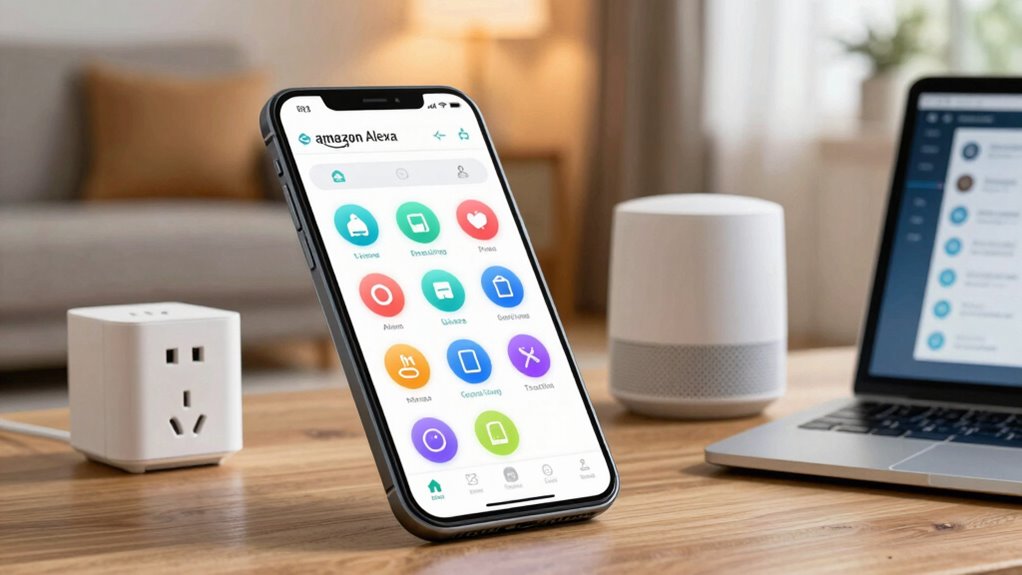
To guarantee your devices work seamlessly with Alexa, start by checking their compatibility in the Alexa app. Use the app’s features to discover and link new devices easily. Additionally, explore design styles to personalize your smart home with aesthetic touches that suit your taste. You can also verify the device compatibility before purchasing to ensure smooth integration. Make sure to update your software regularly for optimal performance and security. Regular device updates help maintain security and add new features, enhancing your smart home experience. Ensuring the privacy policies are understood will help protect your data while enjoying your smart home setup. Finally, confirm your voice control setup so you can control everything hands-free without issues.
Check Device Compatibility
Before purchasing a device, it’s important to verify whether it works with your existing smart home setup. Check the device’s compatibility by reviewing its supported interoperability standards and device pairing protocols. Most devices list compatible standards like Zigbee, Z-Wave, or Wi-Fi, which ensure they can communicate seamlessly with your hub or Alexa. Use the Alexa app to confirm compatibility—look for the device’s listing or search for it within the app’s device catalog. When pairing, follow prompts to see if your device is recognized and can connect without issues. If a device supports common standards, it’s more likely to work smoothly with your existing setup, reducing setup frustration and ensuring reliable performance.
Use Alexa App Features
The Alexa app offers built-in features that make verifying device compatibility straightforward. You can use voice commands to ask Alexa whether a device works with your setup, providing quick confirmation. Additionally, the app customization options allow you to explore device details, guaranteeing they support your desired functions. When you add a new device, the app automatically checks compatibility and displays relevant information, so you know if it’ll work seamlessly. Use the app to view device descriptions, supported features, and any setup instructions, helping you confirm compatibility before committing. This proactive approach saves time and avoids frustration, ensuring your smart home remains cohesive. Relying on these built-in features ensures you select devices that integrate smoothly with your existing Alexa ecosystem. Compatibility verification is further streamlined by these features, helping you make informed decisions efficiently. Incorporating device compatibility checks into your setup process helps prevent compatibility issues down the line. Additionally, understanding smart home ecosystems can assist in selecting the most compatible devices from the start.
Confirm Voice Control Setup
Once you’ve verified device compatibility using the Alexa app, the next step is to confirm that voice control works smoothly. To do this, perform a voice confirmation by speaking a simple command, like “Alexa, turn on the lights.” If your device responds correctly, voice control is functioning properly. If not, double-check the device pairing process in the app to make sure everything is connected correctly. Make sure the device is listed under your smart home devices and that your voice profile recognizes you. This step helps confirm that your setup is complete and that Alexa can communicate effectively with your devices. Additionally, device integration ensures your smart home system works cohesively. Successfully completing this check ensures your smart home responds seamlessly to voice commands.

Blink Mini 2K+ (newest model) – Plug-in Home & Pet Indoor Security Camera with 2K video resolution, night vision, enhanced audio, motion detection – 2 cameras (Black)
Mini camera, max performance — Mini 2K+ is our third-generation compact plug-in camera, delivering sharper 2K video resolution…
As an affiliate, we earn on qualifying purchases.
As an affiliate, we earn on qualifying purchases.
Building Your Amazon Smart Home With Compatible Devices
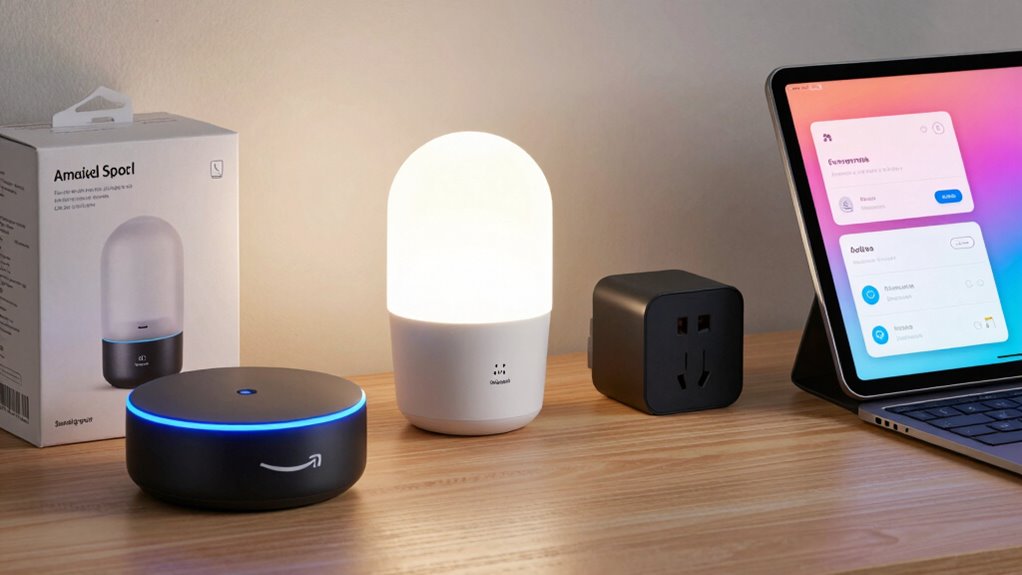
To build a seamless Amazon smart home, you need to choose compatible devices that work effortlessly together. Start by selecting a reliable voice assistant like Alexa, which acts as the central hub for your smart home. Look for devices labeled as compatible with Alexa to ensure smooth integration. Smart sensors are essential for automating routines, such as adjusting lights or thermostats based on motion or temperature changes. When choosing devices, verify they support the Alexa ecosystem and are compatible with each other. This guarantees that commands you give through your voice assistant are executed correctly and that your smart sensors communicate seamlessly. Additionally, understanding cultural customs and etiquette can help you better navigate smart home technology in different regions, ensuring respectful and confident use. Being aware of device interoperability is crucial for creating a cohesive smart home where devices respond quickly and work harmoniously, enhancing your everyday convenience. Recognizing user privacy and consent is also important to protect your data while enjoying the benefits of an integrated smart home system. To optimize your setup, consider smart home protocols that facilitate reliable communication among your devices and improve overall performance.
Common Compatibility Issues When Setting Up and How to Fix Them
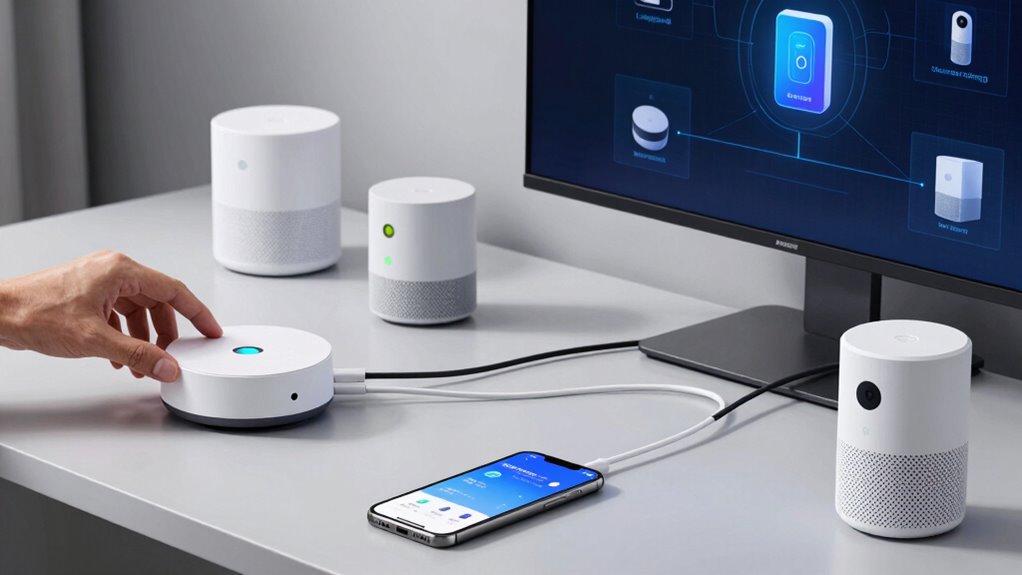
Have you ever set up a smart device only to find it doesn’t respond or work as expected? Voice command challenges are common, especially if your device isn’t fully integrated or if there’s a mismatch in settings. Make sure your voice assistant recognizes your commands by checking language and voice profile settings. Device pairing issues also frequently occur; if a device won’t connect, restart your hub and ensure your Wi-Fi is stable. Confirm that your device is compatible with your smart home ecosystem and within range. Sometimes, removing the device and re-adding it can resolve pairing hiccups. Keep firmware updated, and double-check your app settings. Additionally, proper device calibration can help improve responsiveness and compatibility. Addressing these typical compatibility issues helps ensure your smart home functions smoothly and responds reliably.
How Amazon-Certified Devices Make Compatibility Easier
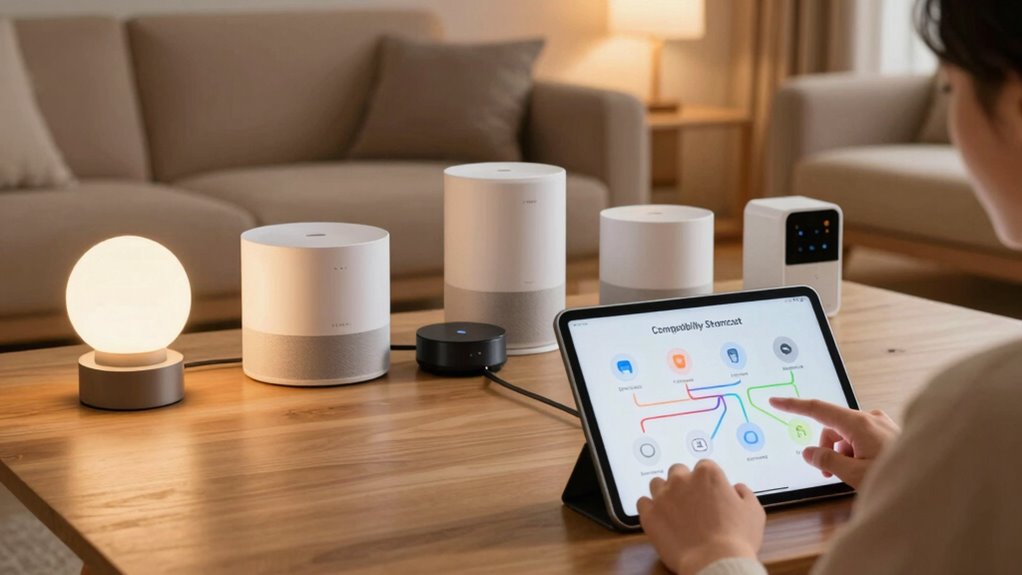
Amazon-Certified Devices simplify compatibility by guaranteeing they meet strict standards for integration with Alexa and other smart home systems. When a device is certified, it’s tested for reliable voice recognition, so you can control it effortlessly with your voice. These devices also adhere to robust security protocols, safeguarding your data and home network from vulnerabilities. Certification guarantees that the device will work seamlessly within the Amazon ecosystem, reducing setup headaches and the need for troubleshooting. This standardization means you don’t have to worry about compatibility issues or firmware conflicts, making your smart home setup smoother and more reliable. By choosing Amazon-Certified devices, you ensure a cohesive experience, where voice commands are recognized accurately and security is prioritized.
Tips for Expanding Your Smart Home Without Compatibility Headaches
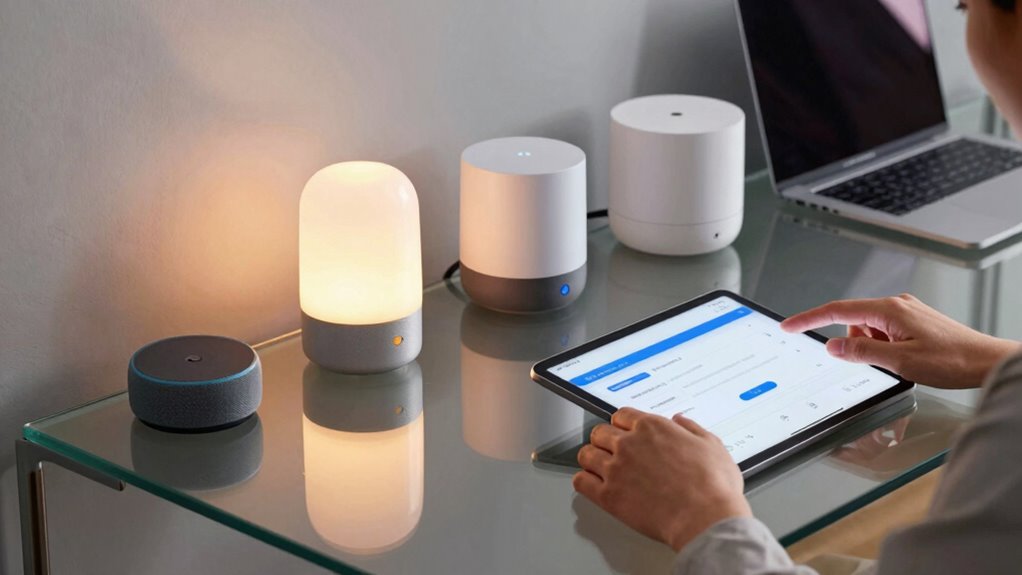
Expanding your smart home can be exciting, but it often comes with compatibility challenges that cause frustration. To avoid headaches, stick to devices that support common standards like Zigbee or Z-Wave, and look for those compatible with your existing hub or voice recognition system. Using devices within the same ecosystem simplifies setup and ensures seamless integration. Consider prioritizing energy efficiency when choosing new devices, which can save you money and reduce your environmental impact. Before purchasing, verify that the devices are certified and compatible with your voice assistant, such as Alexa or Google Assistant. This proactive approach minimizes compatibility issues, making expansion smoother and more reliable. By planning ahead and choosing compatible, energy-efficient devices, you’ll enjoy a smarter, more cohesive home.
Troubleshooting Compatibility Problems When Adding New Devices
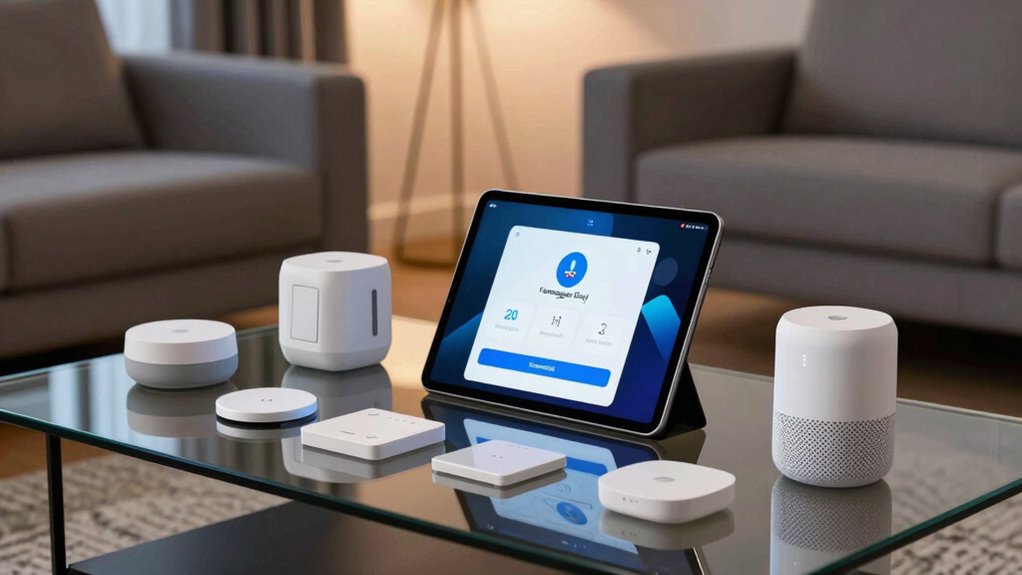
When adding new devices, start by checking their compatibility with your existing smart home system to avoid surprises. Make sure both the device and your hub have the latest firmware and software updates, as these often fix connectivity issues. If problems persist, verify that your devices support the same protocols, like Zigbee or Z-Wave, to guarantee seamless integration.
Device Compatibility Checks
Before adding a new device to your smart home kit, it’s vital to verify that it’s compatible with your existing system. Start by checking the device’s certification, guaranteeing it meets industry standards and is certified for your platform. This helps prevent compatibility issues and guarantees reliable performance. Next, review vendor integration details—confirm that the device integrates seamlessly with your existing ecosystem, such as Alexa or other smart home hubs. Look for official support and compatibility lists provided by manufacturers or Amazon. Avoid devices lacking proper certification or vendor support, as they may cause connectivity problems or malfunction. Taking these steps guarantees smooth integration and a more stable, reliable smart home setup from the start.
Firmware and Software Updates
Ensuring your devices function properly often depends on keeping their firmware and software up to date. Firmware updates and software patches fix bugs, improve security, and enhance compatibility with new devices. When adding a new device, check for the latest updates to avoid conflicts. Sometimes, outdated firmware or software can cause compatibility issues, preventing devices from syncing smoothly. To troubleshoot, regularly visit device manufacturer websites or app stores for updates.
| Firmware Updates | Software Patches |
|---|---|
| Fix bugs | Improve security |
| Add features | Resolve glitches |
| Enhance compatibility | Optimize performance |
| Required for new devices | Maintain system stability |
Best Amazon-Compatible Accessories to Enhance Your Setup
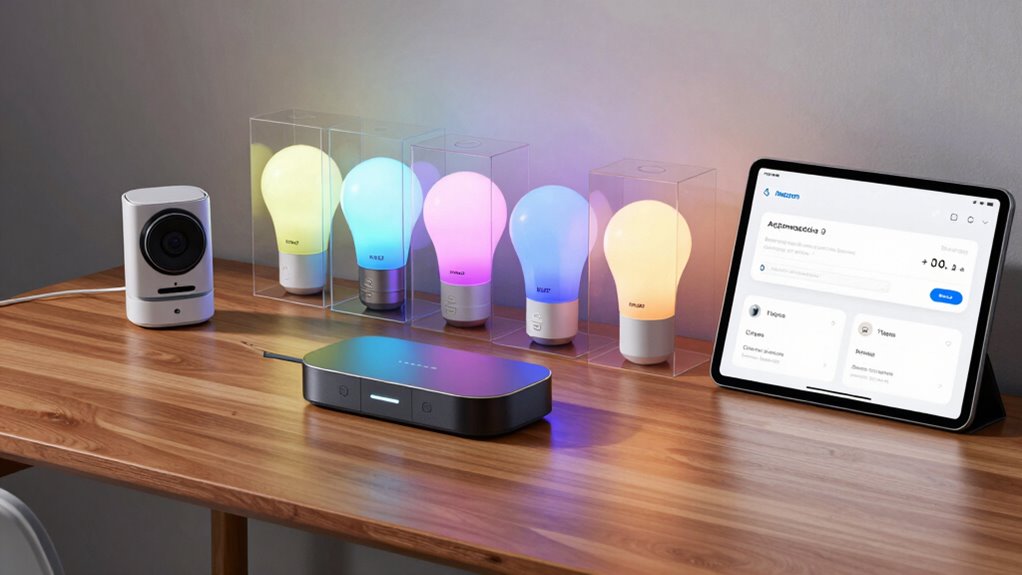
Looking to get the most out of your smart home setup? Adding Amazon-compatible accessories can boost convenience and security. A voice assistant, like Alexa-enabled devices, allows you to control lights, locks, and appliances effortlessly with voice commands. Pairing a compatible security camera enhances your home’s safety by providing real-time monitoring and alerts. Opt for cameras that seamlessly integrate with your existing setup for easy management through your voice assistant or app. These accessories are designed to work smoothly within the Amazon ecosystem, ensuring reliable performance. Investing in these devices not only simplifies daily routines but also strengthens your home’s security. With the right accessories, you’ll enjoy a more connected, efficient, and secure smart home experience.
Final Checklist for a Seamless, Compatible Amazon Smart Home
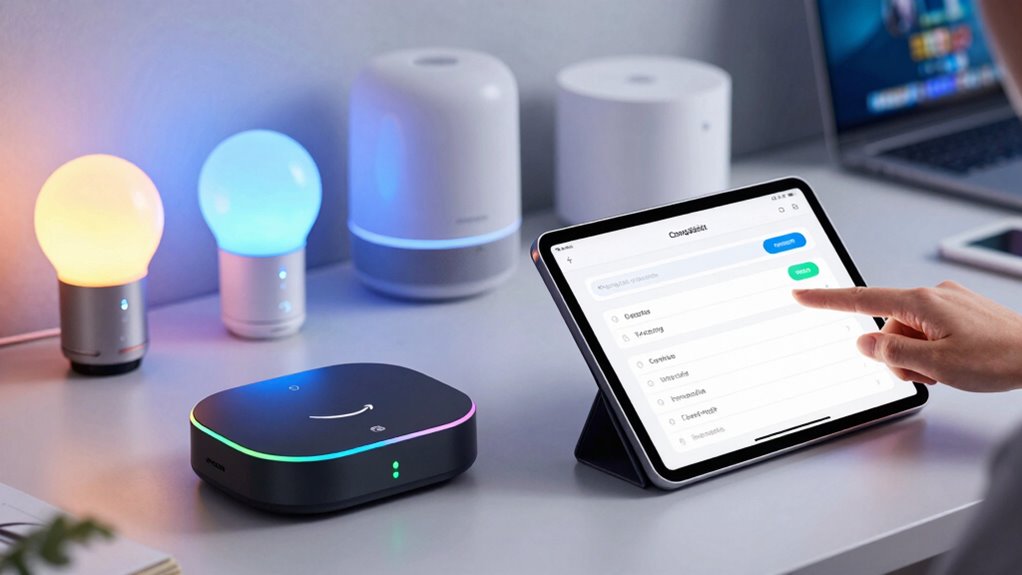
To create a truly seamless Amazon-compatible smart home, it’s important to verify that all your devices work well together. Start by checking that your voice assistant can control every device effortlessly, ensuring smooth voice commands for lights, locks, and thermostats. Confirm your smart security cameras and sensors are compatible with your chosen hub or app, providing reliable monitoring and alerts. Make sure your smart security system integrates with your voice assistant for quick, hands-free access. Also, verify that your Wi-Fi network can support multiple devices without lag or disconnection. Finally, double-check app compatibility and firmware updates to prevent glitches. This final checklist guarantees your setup runs smoothly, making your smart home intuitive, secure, and fully compatible with Amazon’s ecosystem.
Frequently Asked Questions
Can I Mix Different Brands in My Amazon Smart Home Setup?
Yes, you can mix different brands in your Amazon smart home setup. Just guarantee they support common standards like Zigbee or Z-Wave for better brand interoperability. This allows your devices to communicate smoothly and stay synchronized, regardless of brand. Check each device’s compatibility with your hub or Alexa app, and you’ll enjoy seamless device synchronization across various brands, making your smart home more versatile and personalized.
How Often Are Device Compatibility Updates Released by Amazon?
Amazon releases software updates and compatibility patches regularly, typically every few months, to improve device integration and security. You won’t need to verify manually; these updates are pushed automatically to compatible devices. Staying up-to-date ensures your smart home system runs smoothly and stays compatible with new devices. Make sure your devices are connected to Wi-Fi and have automatic updates enabled to get the latest compatibility patches as soon as they’re available.
Do All Alexa-Enabled Devices Support All Smart Home Features?
Not all Alexa-enabled devices support all smart home features due to device limitations and feature restrictions. You might assume compatibility is universal, but some devices lack certain functions like voice control for specific appliances or advanced routines. Always check each device’s specifications to guarantee it meets your needs. Testing and reading reviews help confirm if your chosen Alexa device can handle the smart home features you want, avoiding surprises later.
Is There a Way to Test Device Compatibility Before Purchasing?
Yes, you can perform compatibility testing and device verification before buying a smart home device. Check product descriptions and reviews on Amazon to see if the device supports your hub or voice assistant. Look for compatibility labels or ask the seller directly. Many manufacturers offer compatibility charts online. This way, you guarantee the device works with your existing setup, saving you time and avoiding returns.
Are There Any Restrictions on Adding Third-Party Accessories to Amazon Devices?
Are you worried about integrating third-party accessories with your Amazon devices? You should know that there are some third-party restrictions and compatibility limitations. While many accessories work seamlessly, not all are compatible or supported fully. Always check device specifications and compatibility lists before buying. This way, you can guarantee your smart home setup runs smoothly without surprises or limitations. Isn’t peace of mind worth a little research?
Conclusion
Did you know over 75% of smart home device owners face compatibility issues? By understanding Amazon’s compatibility system and following these tips, you can build a seamless smart home experience. Ensuring your devices work together saves you time and frustration, letting you enjoy the convenience of a fully integrated setup. Stay informed, troubleshoot proactively, and expand wisely—your perfect smart home is within reach!